network. You can access it through your web browser from any
PC connected to the device viathe LAN ports.
Accessing the Web pages
To access the Web pages, you need the following:
A PC or laptop connected to the LAN port on the device.
A web browser installed on the PC. The minimum browser
version requirement is Internet Explorer v4 or Netscape v4.
For the best display quality, use latest version of Internet
Explorer, Netscape or Mozilla Firefox.From any of the LAN
computers, launch your web browser, type the following
URL in the web address (or location) box, and press [Enter]
on your keyboard:
http://192.168.1.1
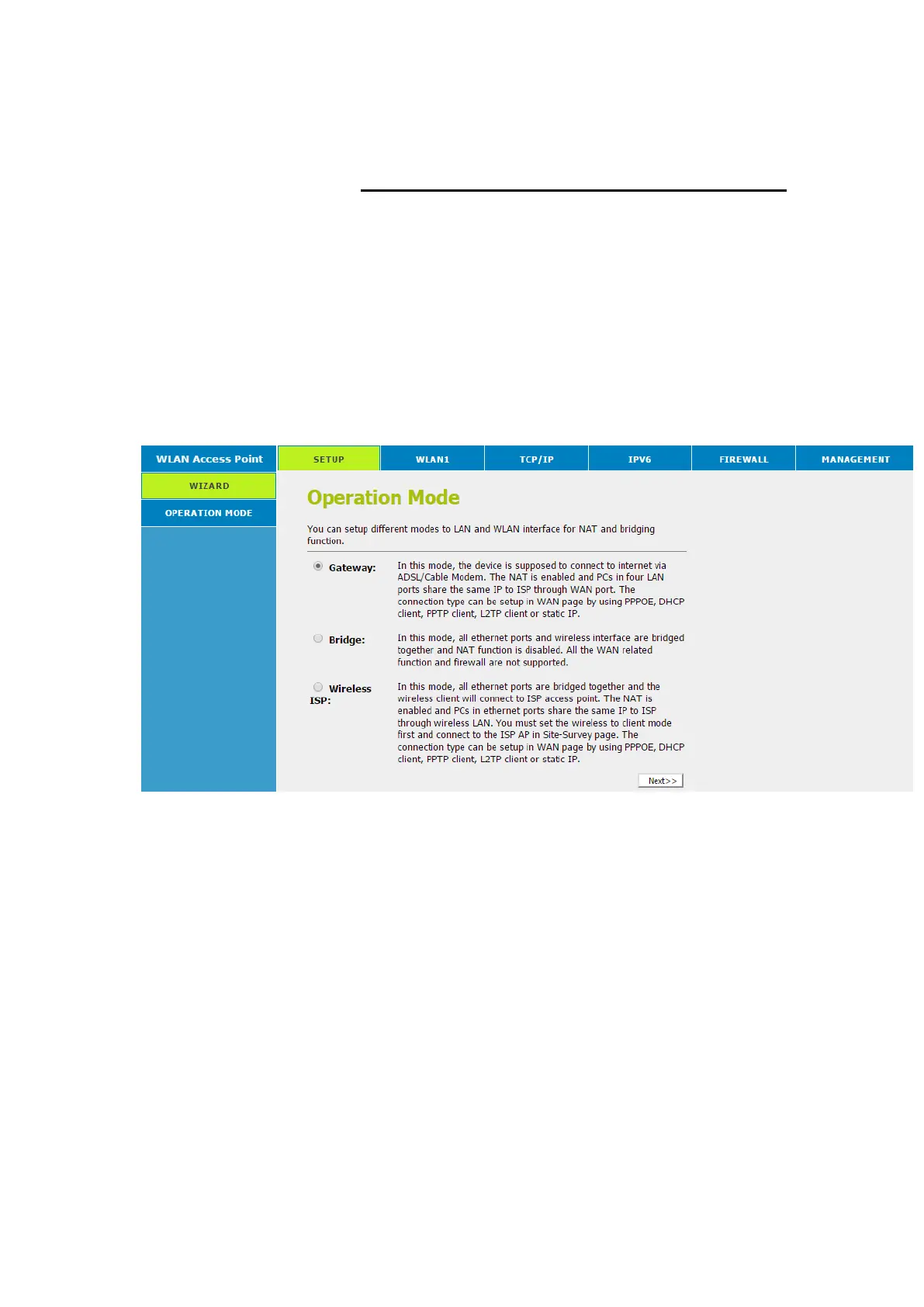
The homepage for the web pages is displayed:
Figure 5: Homepage
The first time that you click on an entry from the left-
hand menu, a login box is displayed. You mustenter
your username and password to access the pages.
A login screen is displayed:



 To Next Page