5 Advanced Configuration
Advanced Configuration
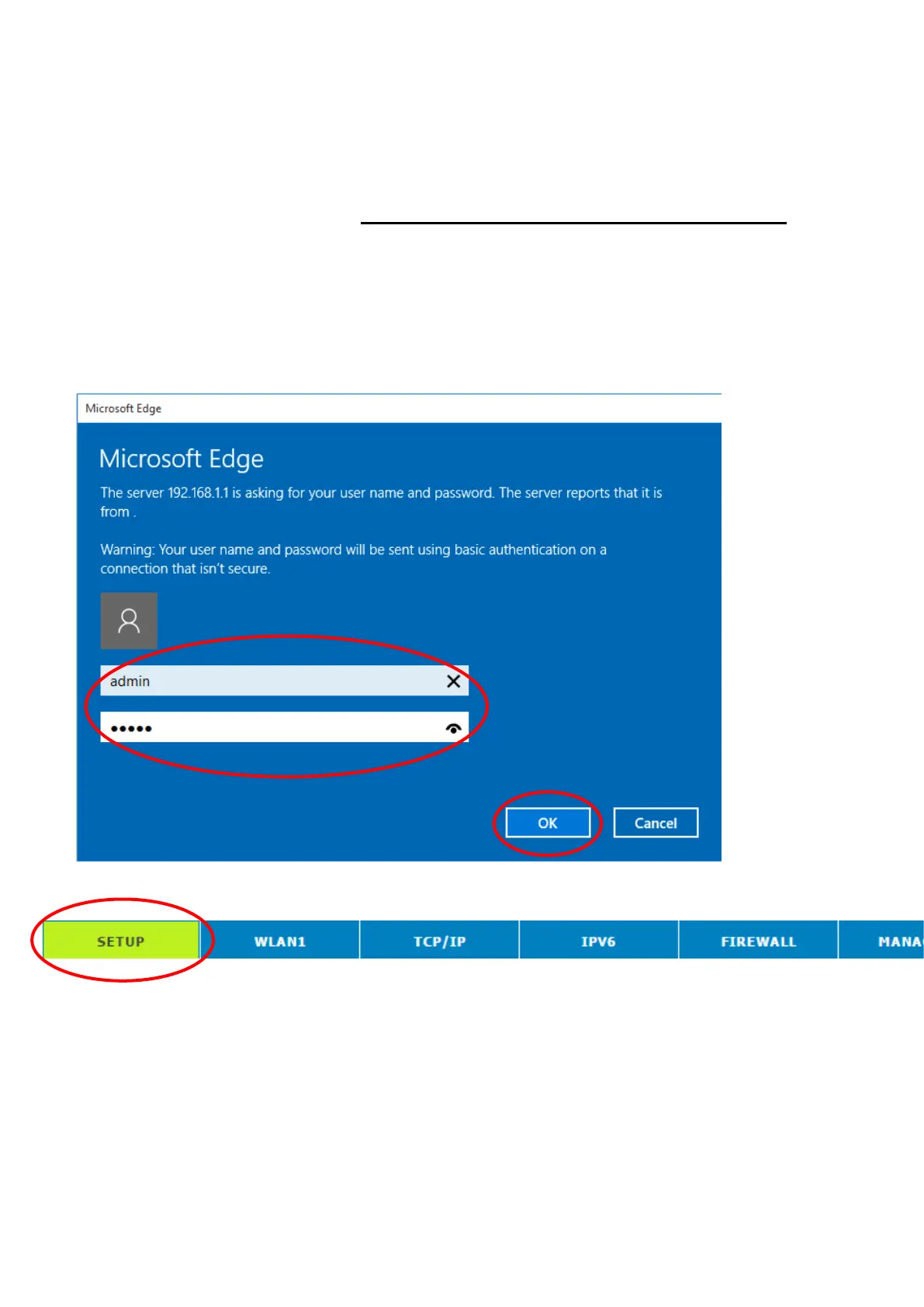
1. From any of the LAN computers, launch your web browser,
type the following URL in the web address (or location) box,
and press [Enter] on your keyboard:
http://192.168.1.1
2. Please enter the User Name: admin and Password: admin
and then click on OK button.
3. From the head menu, click on SETUP.
4. Check on Gateway ratio and then click on Next.



 To Next Page