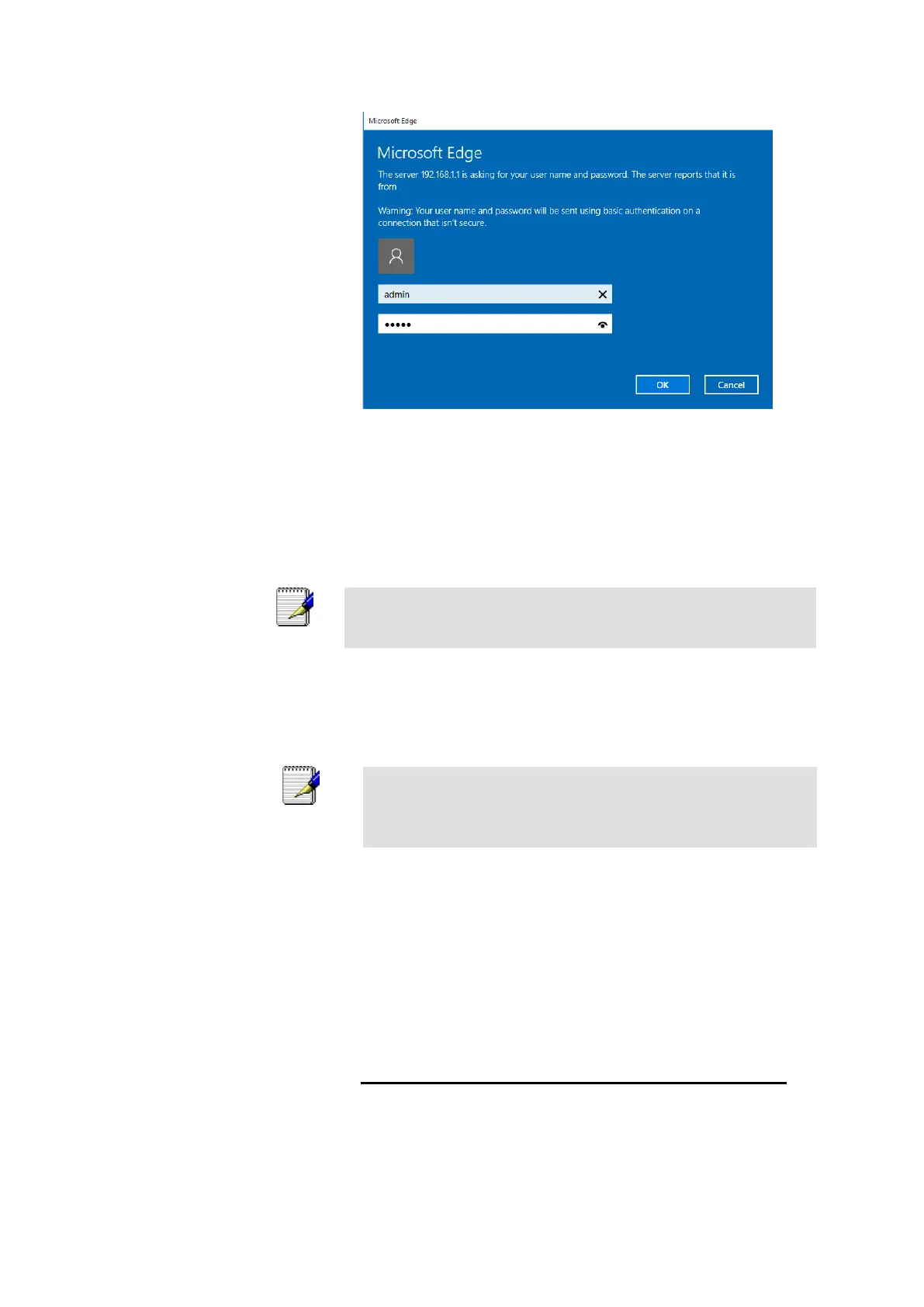
Figure 6: Login screen
1. Enter your user name and password. The first time you log
into the program, use these defaults:
You can change the password at any time or you can configure your
device so that you do not need to enter a password. See Password.
2. Click on OK. You are now ready to configure your device.
This is the first page displayed each time you log in to the Web
pages.
If you receive an error message or the Welcome page is not
displayed, see Troubleshooting Suggestions.
Testing your Setup
Once you have connected your hardware and configured your
PCs, any computer on your LAN should be able to use the DSL
/Cable connection to access the Internet.



 To Next Page