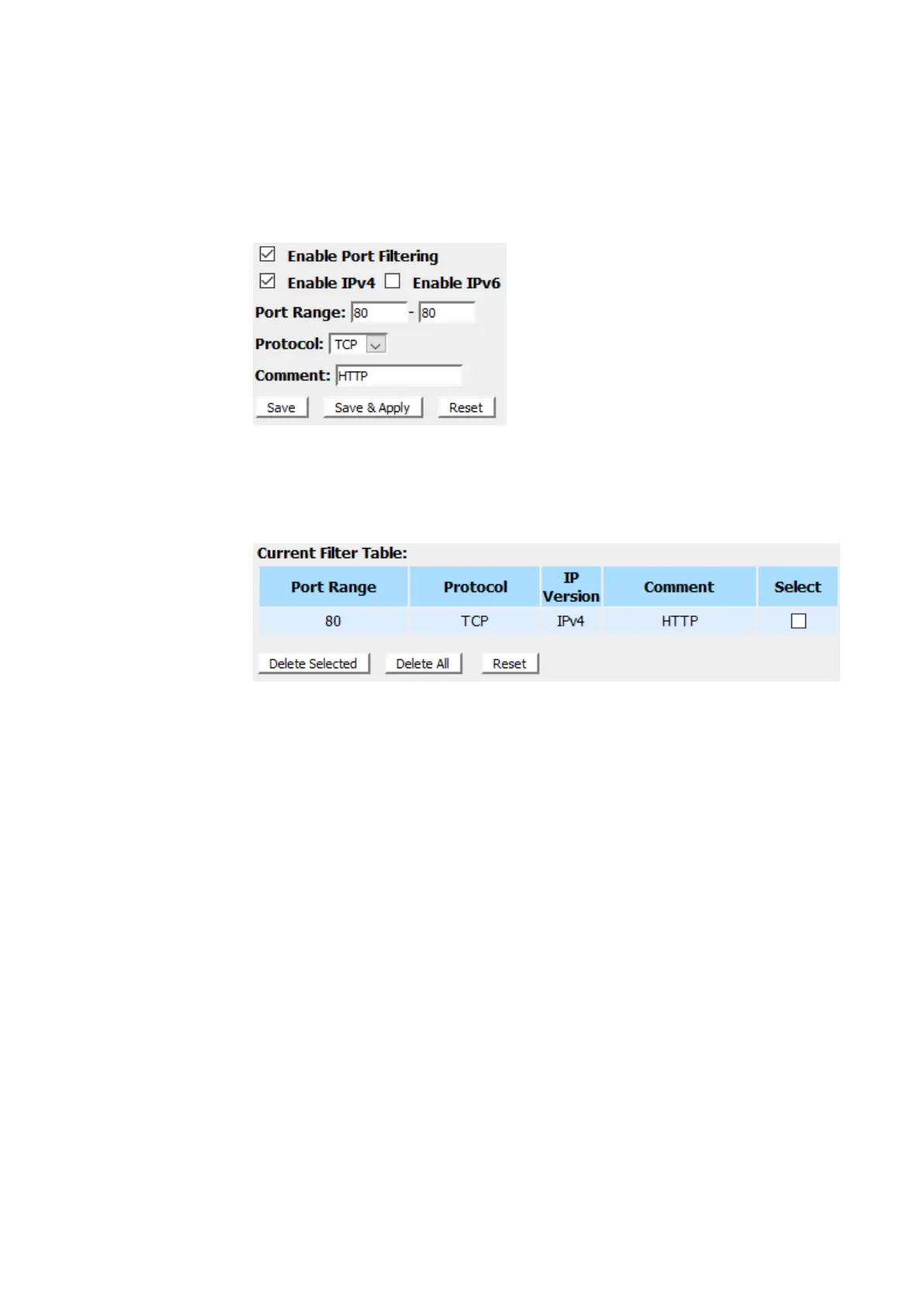
3. Check the option Enable Port Filtering to enable the port
filtering.
4. Enter80 and 80in PortRange field.
5. From the Protocol drop-down list, select TCPsetting.
6. EnterHTTP in Comment field.
7. Click Save & Apply.
8. Now the port filter that you created has been added and
listed in the Current Filter Table.
9. Now the TCP port for both Outbound and Inbound packet
has been denied.
Now you cannot visit any web site due to the TCP port 80 has
been blocked by the Port Filtering rule that created.



 To Next Page