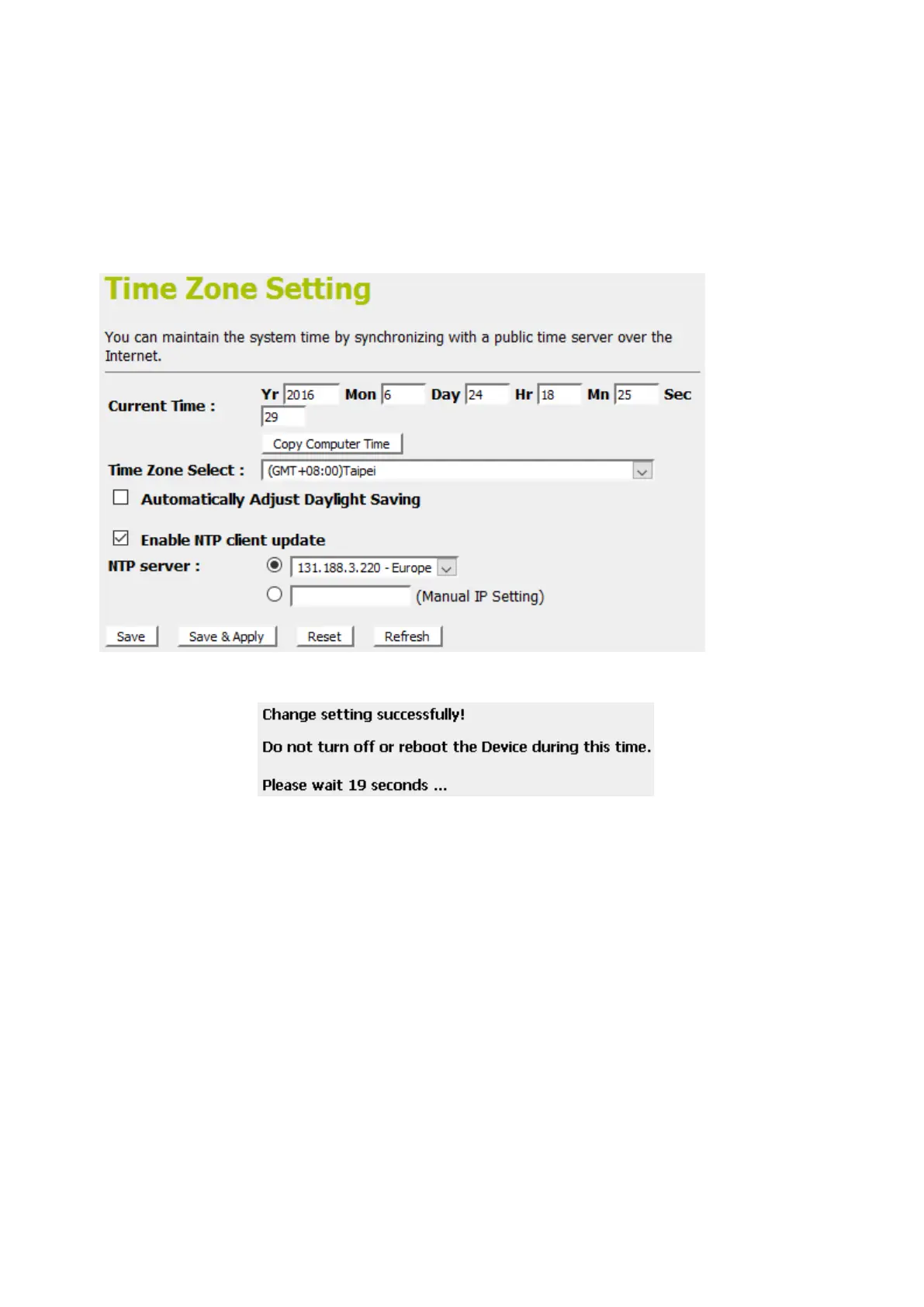
3. From the Time Zone Selectdrop-down list, select Your Own
Time Zone.
4. Check the optionEnable NTP client update.
5. From the NTP serverdrop-down list, select aNTP Server. Or
you can add server to the SNTP association list using IP
address. Adding a server to the association list
automatically starts the synchronization process.
6. Click Save & Apply.
7. Change setting successfully! Please wait 20 seconds….



 To Next Page