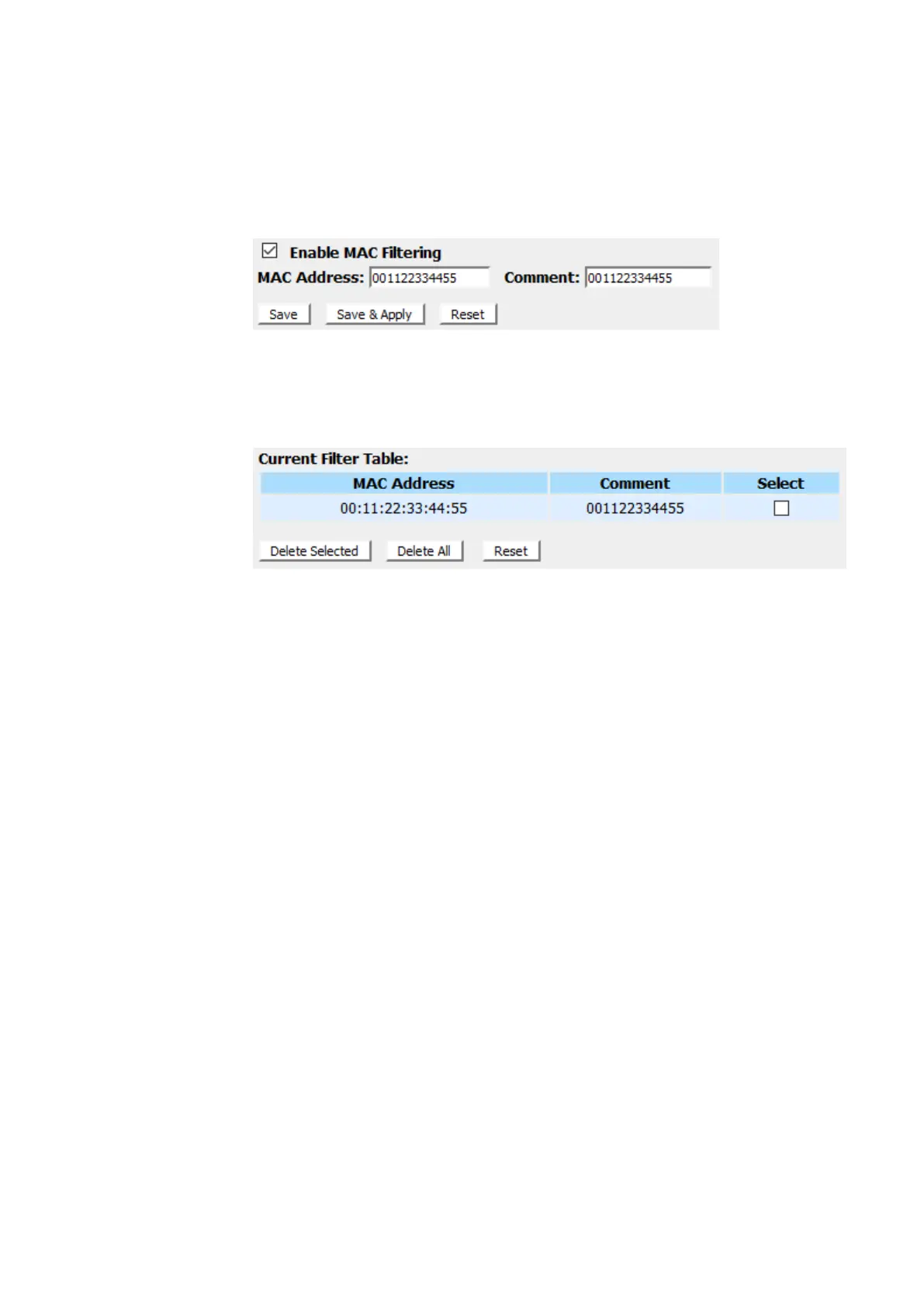
3. Check the option Enable MAC Filtering to enable the MAC
Filtering.
4. Enterthe MAC Address that you want to be deniedin MAC
Addressfield.
5. Enterany comment in Comment field.
6. Click Save & Apply.
7. Now the MAC Filter that you created has been added and
listed in the Current Filter Table.
8. Now the MAC Address in theCurrent Filter Table cannot
have the Internet Access.



 To Next Page