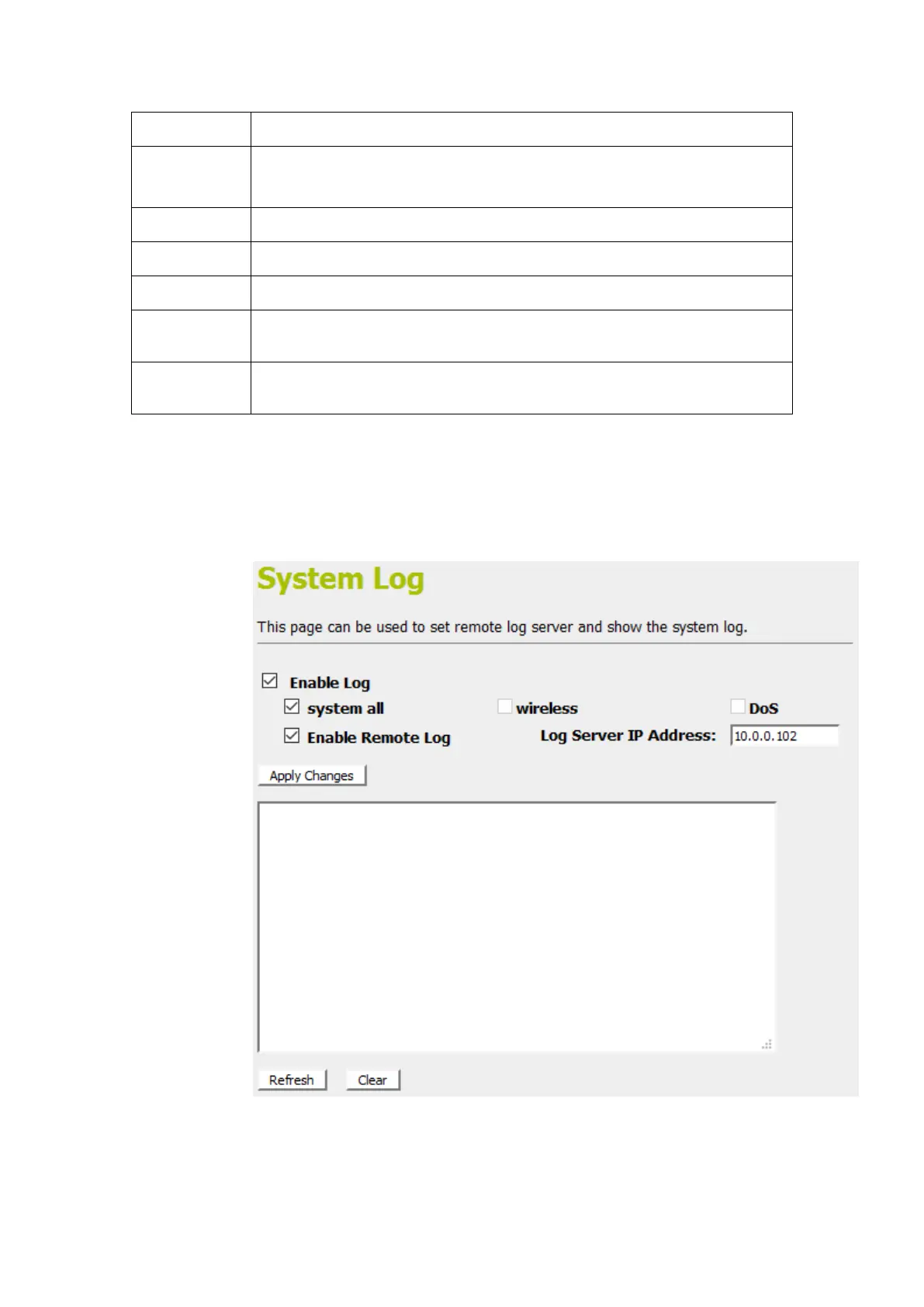
Enable/Disable the feature.
Default: Disable
All system logs will be recorded in the system log
The wireless logs will be recorded in the system log
The DoS logs will be recorded in the system log
Enable: Send the system log to remote log server. To do this, make sure a
secure syslog server is available. Default: Disable
Enter the IP Address of remote log server.
3. Check the optionEnable Log.
4. Check the option system all,wireless or DoS.
5. Check the optionEnable Remote Log if you
6. Enter the IP Address in the Log Server IP Address field.
7. Click Save & Apply.



 To Next Page