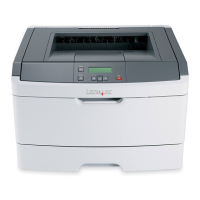
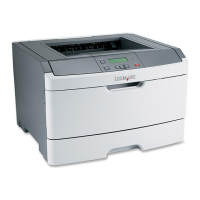
3-10 Lexmark™ E350d, E352dn
4512-420, -430
9. Press Go to print Step 3 test page.
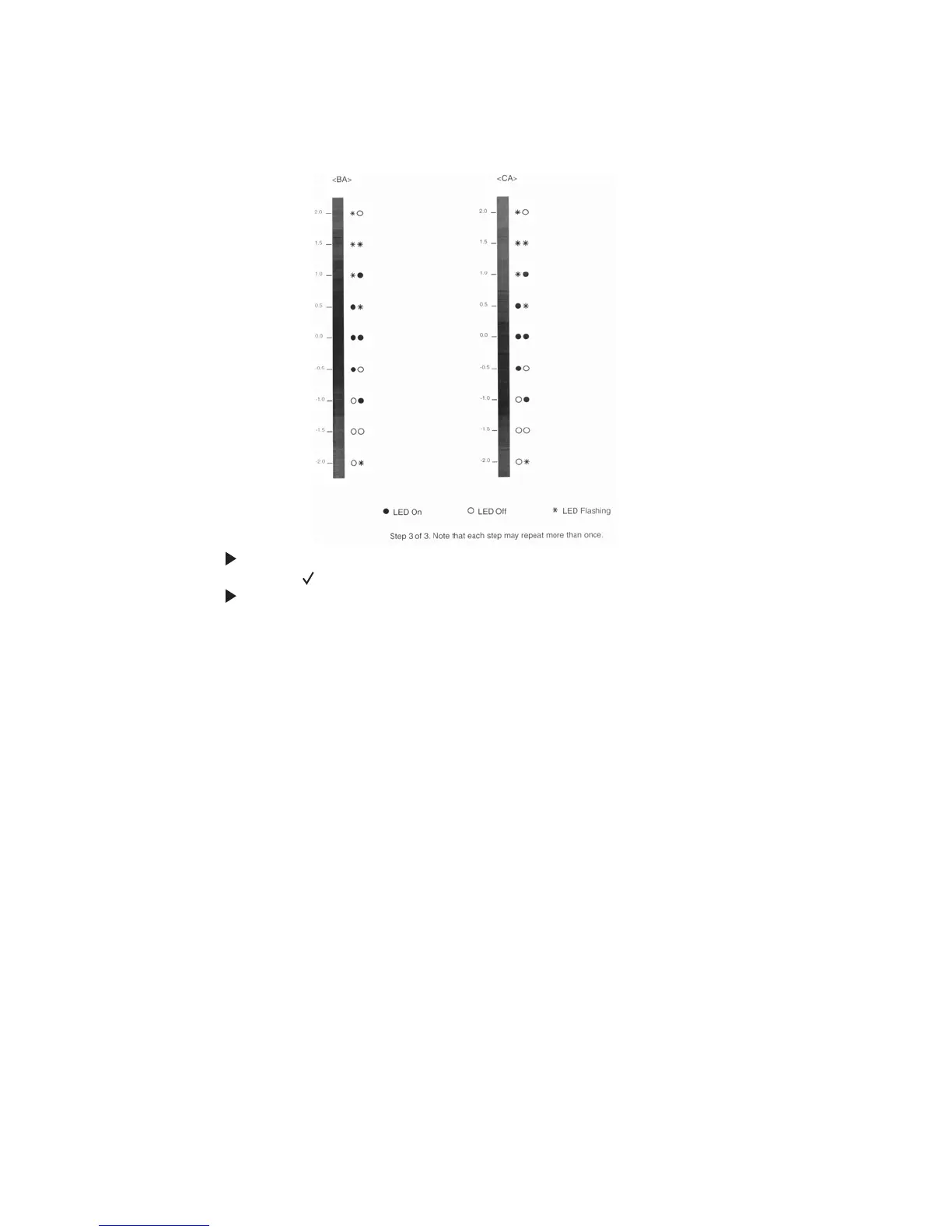
10. Press to change the <BA> setting to the number beside the darkest portion of the vertical bar.
11. Press and release to move to the <CA> settings on the right side of Step 3 test page.
12. Press to change the <CA> settings to the number beside the darkest portion of the vertical bar.
Step 3 printout
(sample only; use actual sheet)


 To Next Page