Repair information 4-43
4513-420, -430
Installation notes:
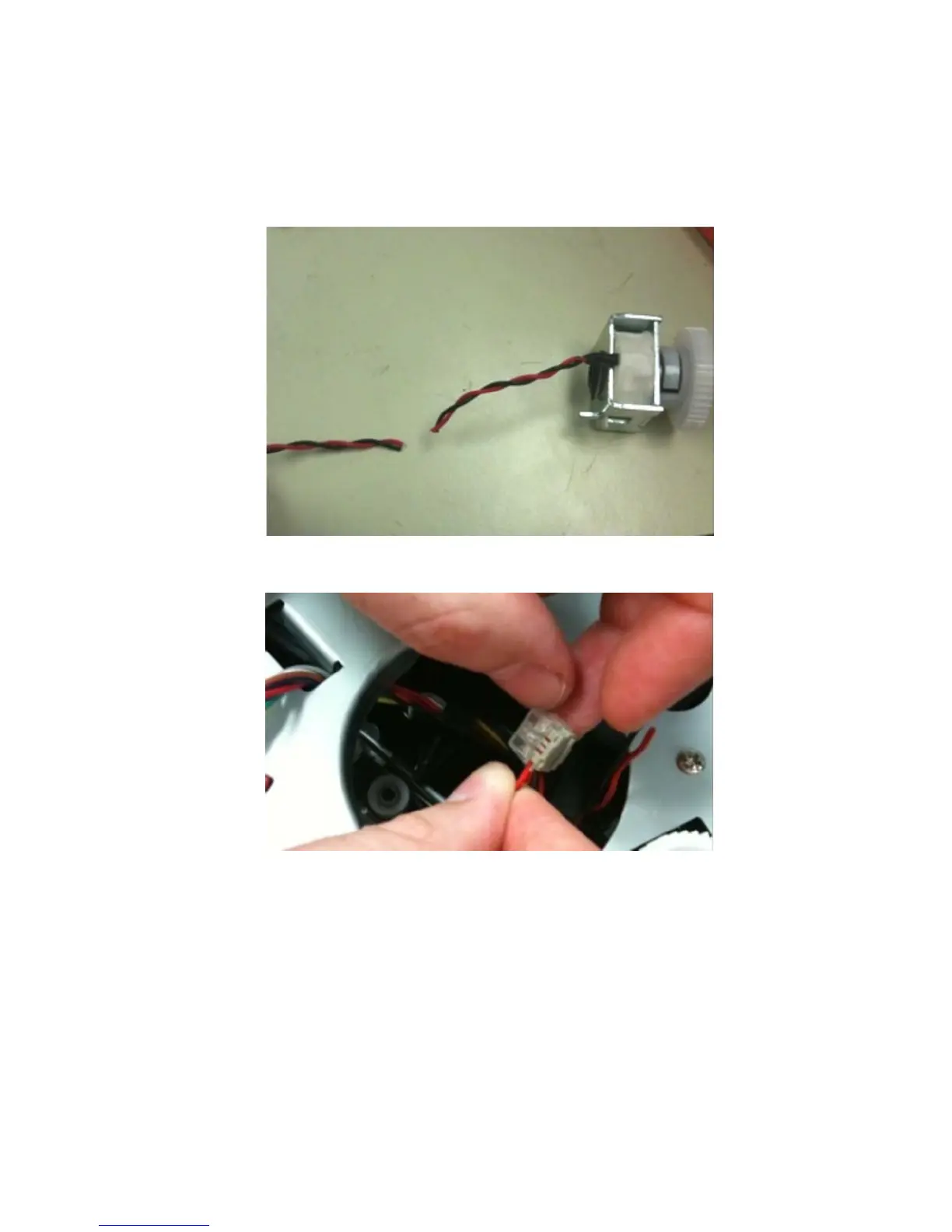
1. Remove the new clutch from its packaging.
2. Measure 4 inches (100 mm) from the clutch, and cut the clutch cable.
3. Install the new media clutch on the ACM drive shaft.
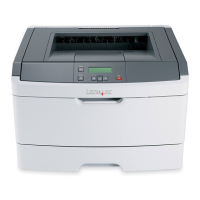
4. Insert the red wire from the printer into the wire splice connector.
5. Insert the red wire from the clutch into the wire splice connector.


 To Next Page