144
44
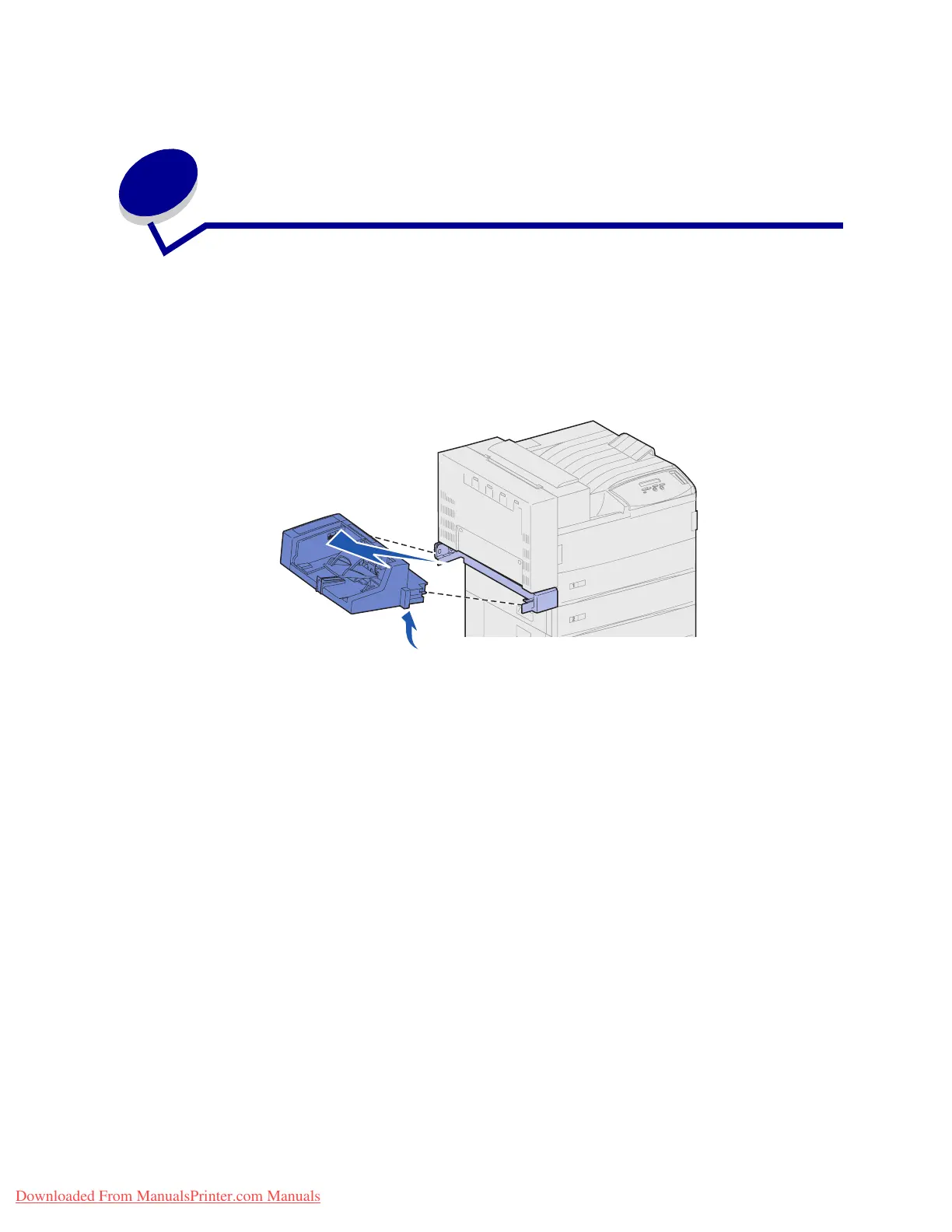
Removing the optional envelope
feeder
You must remove the envelope feeder to access jams from the duplex unit or from tray 1. You would
also remove the envelope feeder when you want to reinstall the multipurpose feeder.
1 Remove any print media in the envelope feeder.
2 Hold the envelope feeder on both sides, tilt it up slightly, and then pull it straight out.
Note: Do not pull on one side and then the other. If you pull firmly, the envelope feeder
comes out easily.
Downloaded From ManualsPrinter.com Manuals












 To Next Page