172
50
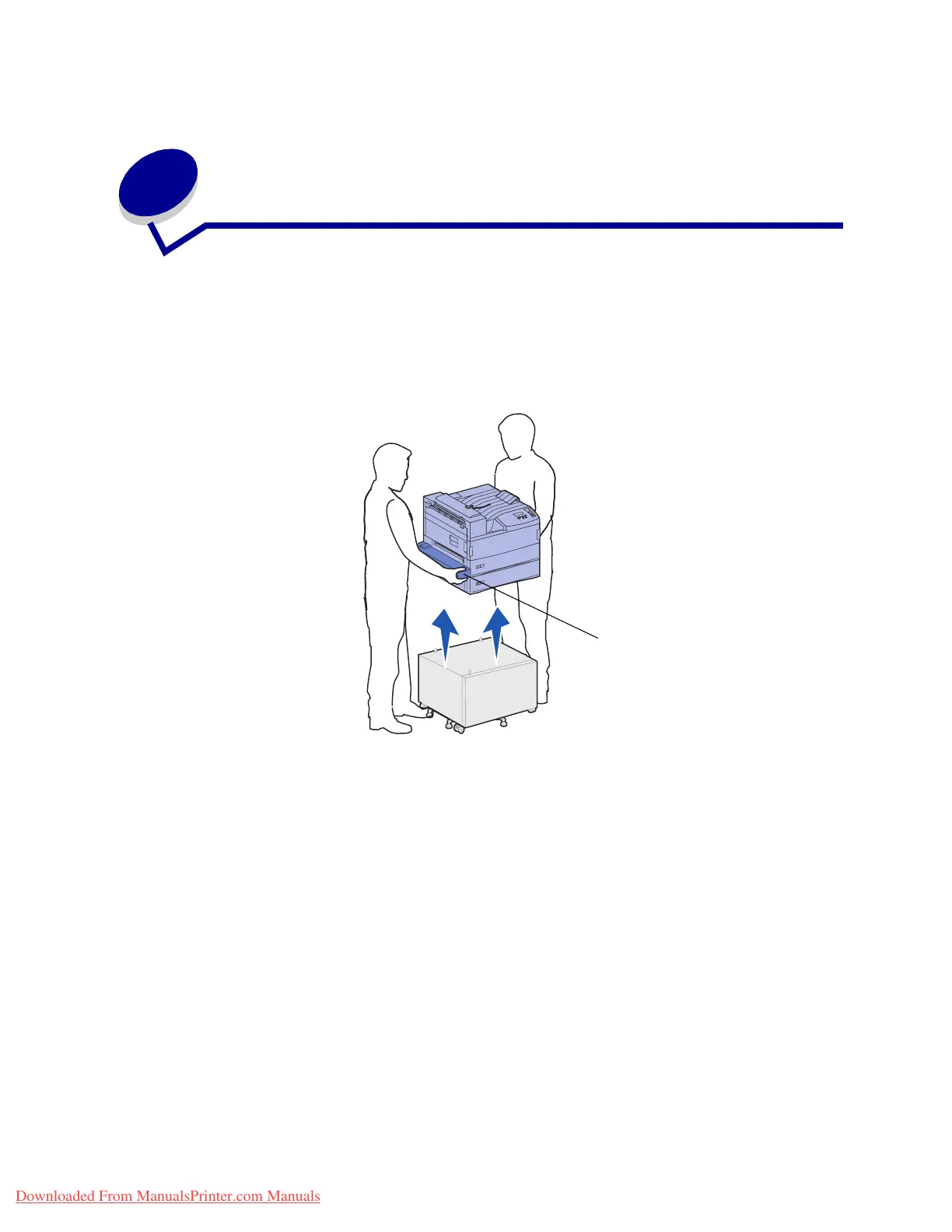
Removing the printer from the base
cabinet
To remove the optional mailbox or finisher from the optional base cabinet, follow the instructions for
removing these options from the high capacity feeder. See Removing the optional mailbox and
Removing the optional finisher. To remove the printer from the base cabinet, have someone help
you lift the printer off of the base cabinet and set the printer aside. Hold the printer on the multipurpose
feeder mounting brackets and use the handholds on the right side of the printer.
Mounting
bracket
Downloaded From ManualsPrinter.com Manuals












 To Next Page