170
49
Removing the optional high capacity
feeder
1 Turn the printer off.
2 Unplug the printer power cord.
Note: If a mailbox or finisher is installed, remove it. See Removing the optional mailbox
or Removing the optional finisher.
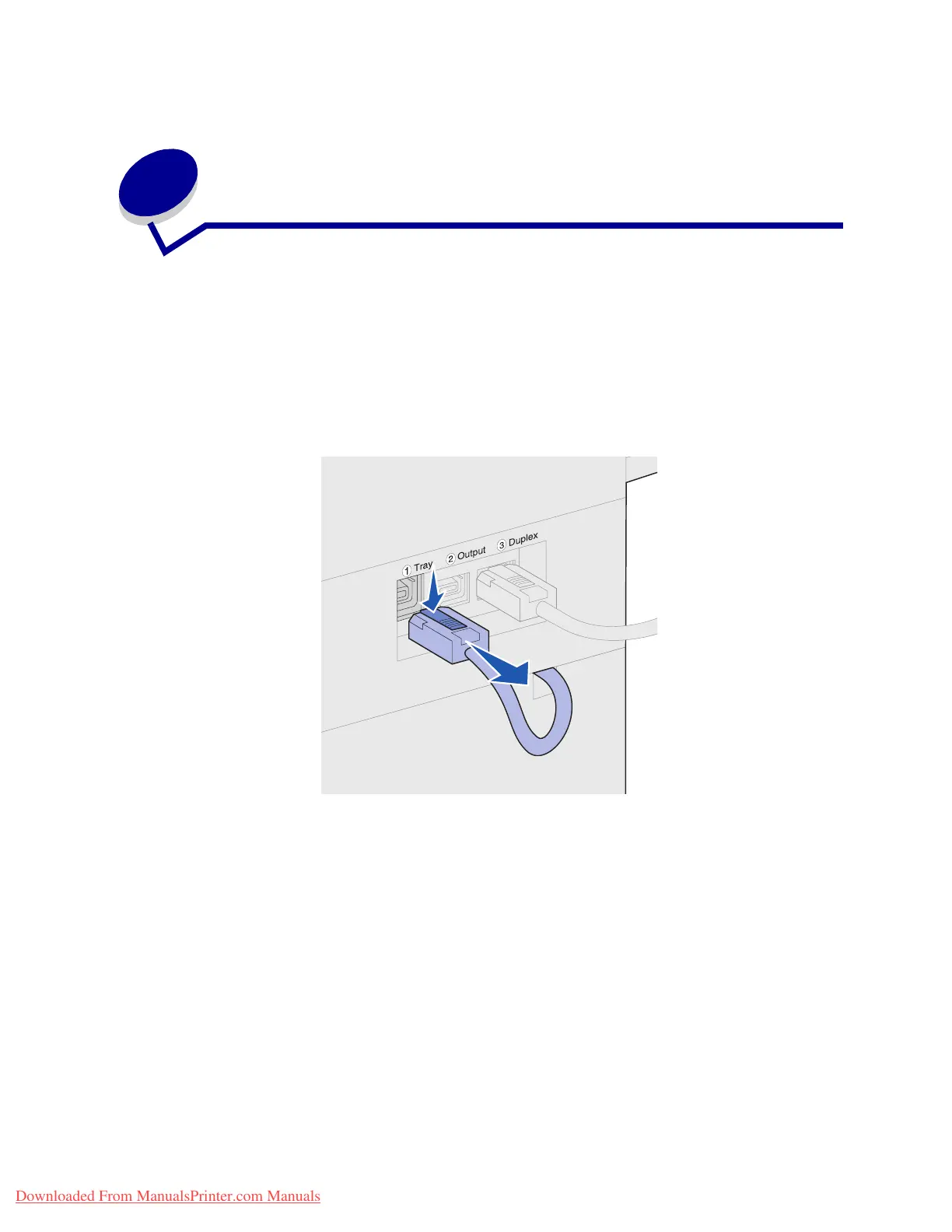
3 Disconnect the high capacity feeder cable from the back of the printer.
4 Remove tray 2. See Behind trays 1, 2, and 3 for instructions.
5 Open tray 3.
6 Locate the locking clips on each side of the tray opening.
Downloaded From ManualsPrinter.com Manuals












 To Next Page