160
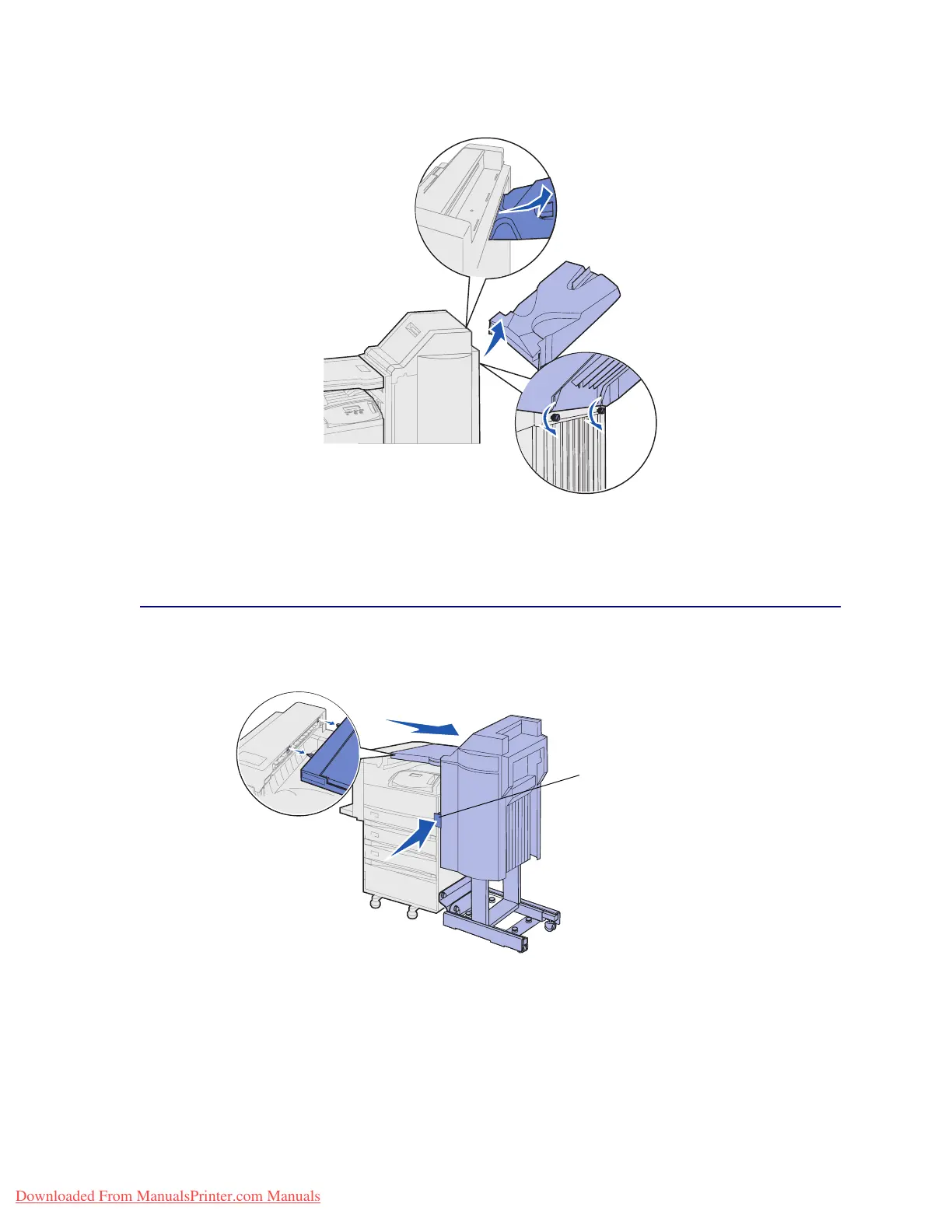
3 Loosen the two screws under the bottom bin (bin 2).
4 Lift the bin and pull it straight out.
5 Set the bins aside.
Disconnecting the finisher from the printer
1 Push the finisher release latch.
2 Push the finisher away from the printer.
Note: The finisher slides to the right while still on its stand.
Finisher release latch
Downloaded From ManualsPrinter.com Manuals












 To Next Page