150
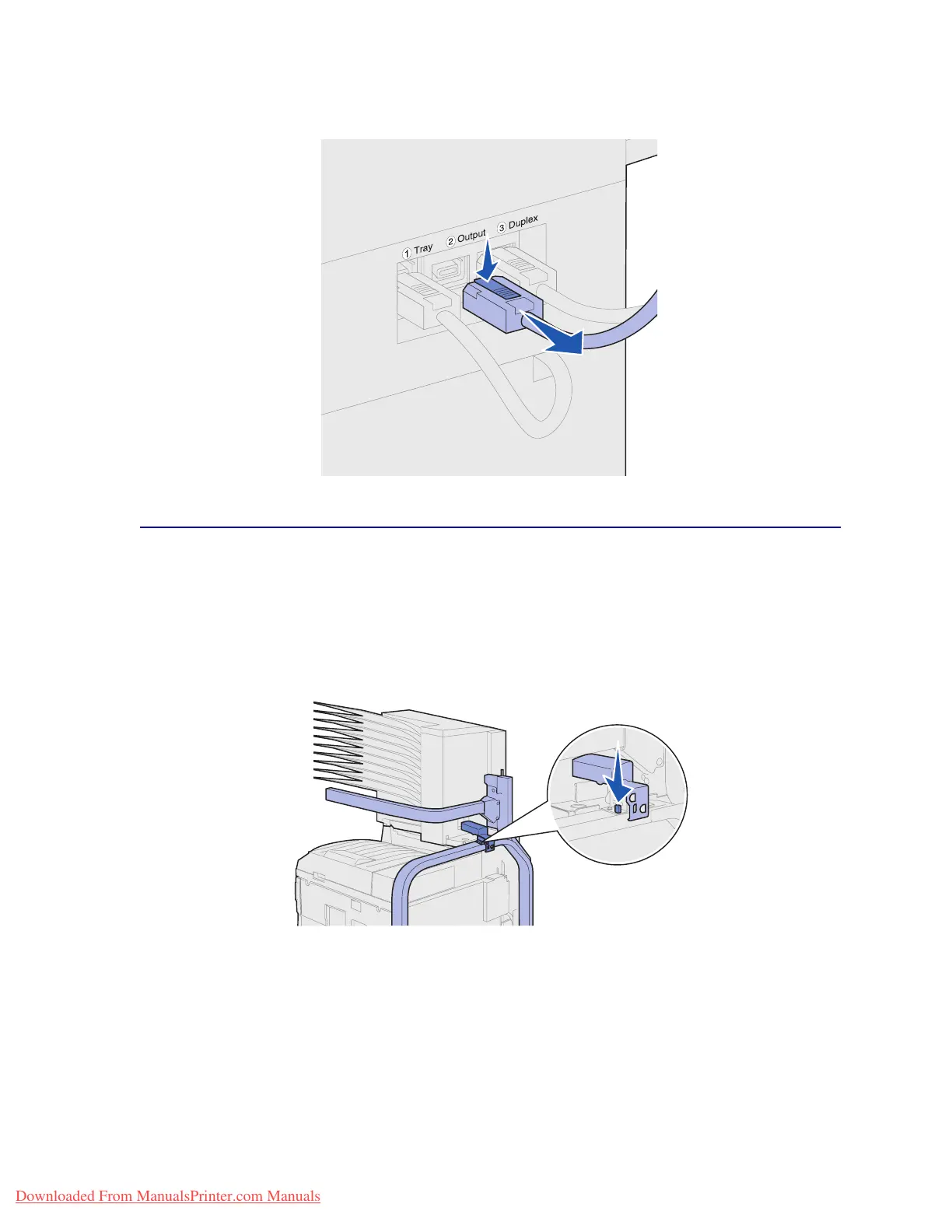
3 Disconnect the mailbox cable from the back of the printer.
Using the handling tool
The handling tool is located at the back of the printer and mailbox. It rests in a cutout area tooled into
the mailbox cover and attaches to the stand for the mailbox for safekeeping while not in use. The tool
is used for lifting the mailbox off the printer.
1 Locate the handling tool at the back of the mailbox. Press the button to the left of the tool to
release it from the stand.
Downloaded From ManualsPrinter.com Manuals












 To Next Page