23
8
Loading the trays
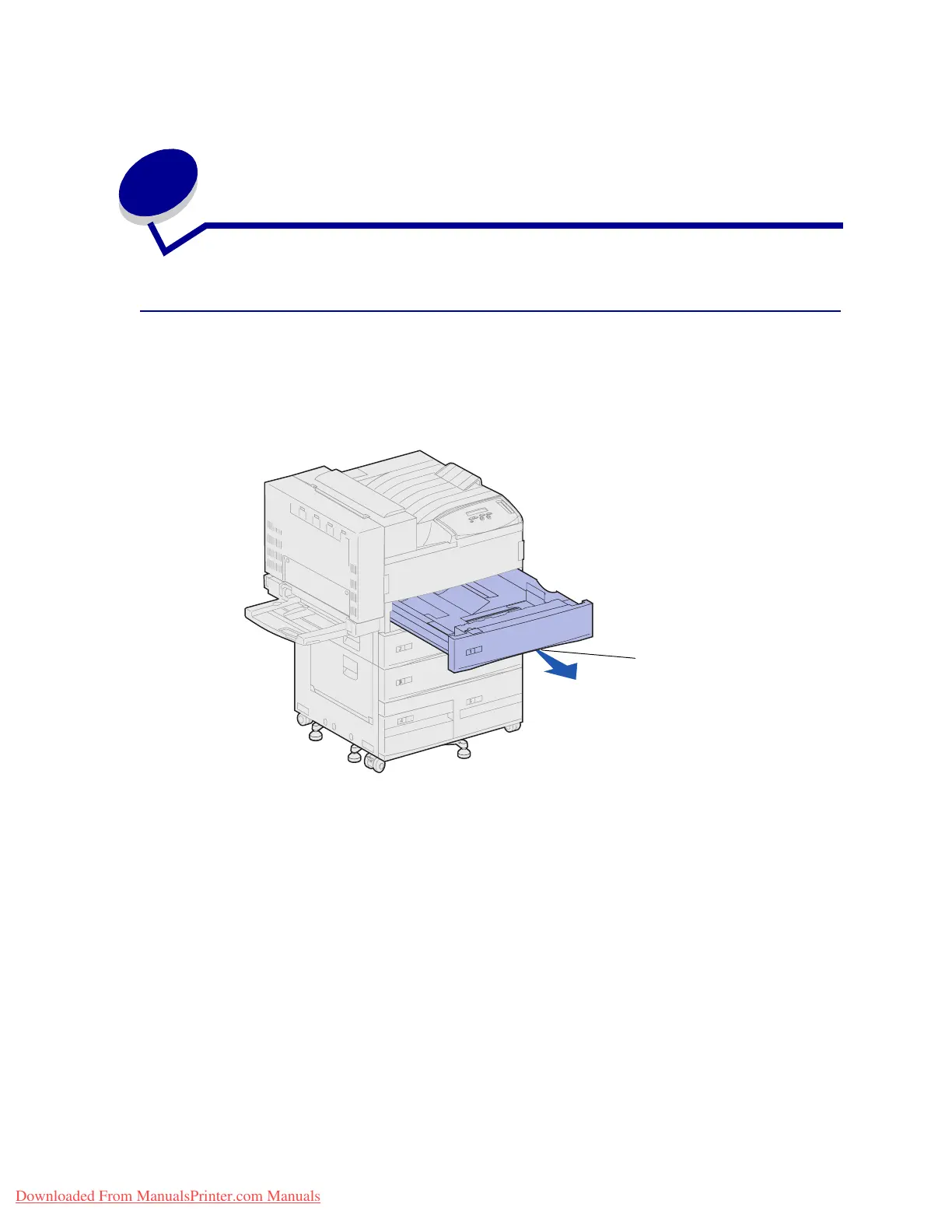
Loading trays 1, 2, and 3
For suggestions on avoiding jams, see Avoiding jams.SeePrint media source, size, and capacity
specifications for tray capacities.
1 Pull the tray open until it stops.
2 Press down on the lever on the back guide and slide the back guide toward the back of the
printer.
Handhold
Downloaded From ManualsPrinter.com Manuals












 To Next Page