108
2. Instrument cluster
RX350_U_OM48E90U
Vehicle speed display area
Displays the following items:
• Vehicle speed
• Speed limit (vehicles with a navigation system)
Eco Driving Indicator/Tachometer (P. 110)
Shift position display (P. 225, 229)
HUD (Head-up display) switch (P. 108)
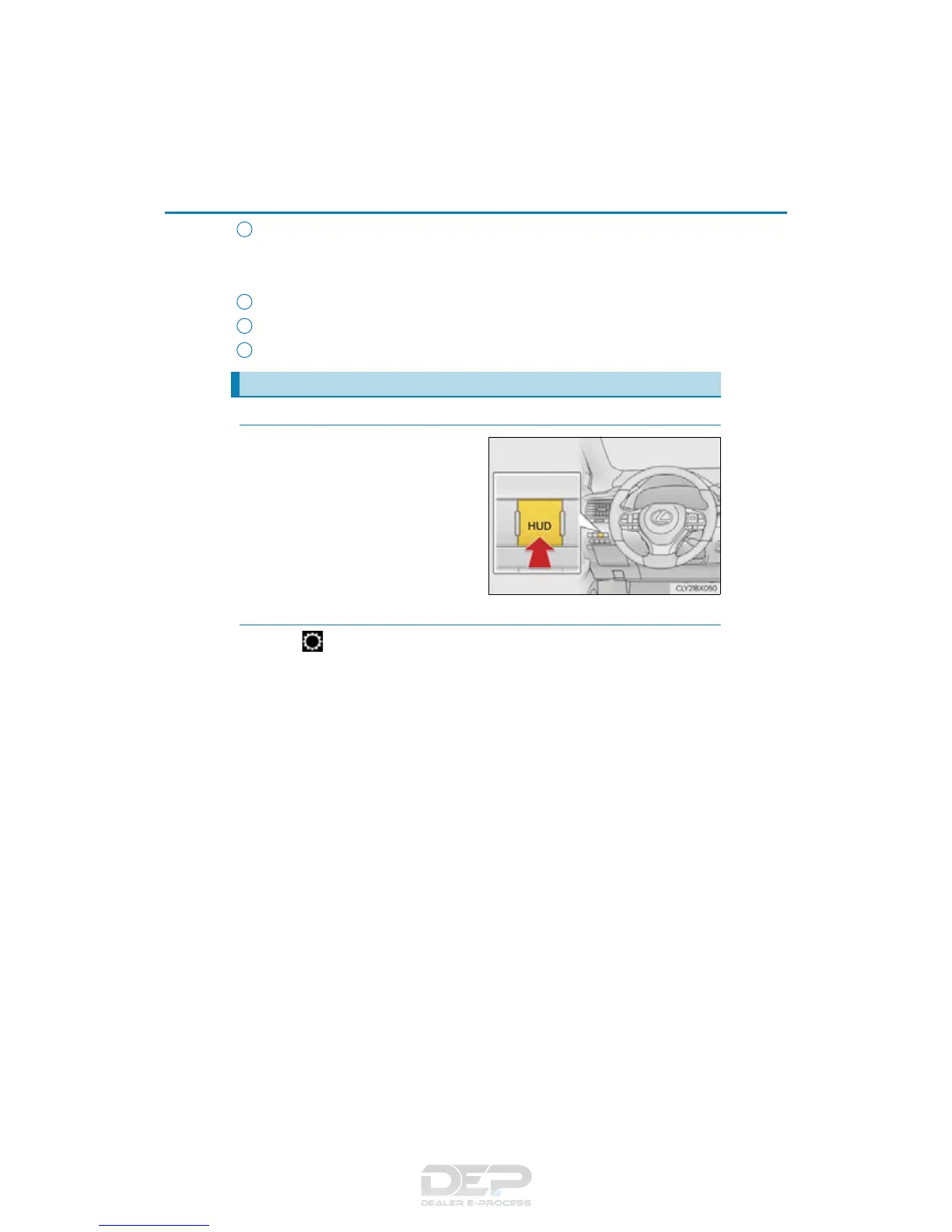
◆ Enabling/Disabling the head-up display
Press the HUD (Head-up display)
switch.
◆ Changing settings of the head-up display
Select on the multi-information display (P. 96) to change the following
settings:
■ Display brightness/position
Select to adjust the brightness and position of the head-up display.
■ Display content
Select to enable/disable the following items:
• Route guidance to destination (if equipped)
• Driving assist system status (if equipped)
• Compass (if equipped)
• Audio system operation status
■ Eco Driving Indicator/Tachometer
Select to display Eco Driving Indicator/tachometer/no content.
Using the head-up display
5
6
7
8



 To Next Page