130
3-2. Opening, closing and locking the doors
RX350_U_OM48E90U
◆ Smart access system with push-button start
Carry the electronic key to enable
this function.
Locks all the doors
Check that the door is securely
locked.
Unlocks all the doors
The doors cannot be unlocked for 3
seconds after the doors are locked.
◆ Wireless remote control
P. 124
◆ Door lock switch
P. 126
Press and hold the switch for approxi-
mately 1 second.
The power back door can be operated
whether it is locked
* or unlocked.
Pressing the switch while the power
back door is opening/closing will stop
the operation.
Pressing and holding the switch again
for approximately 1 second will operate
the power back door in the opposite
direction.
*: Opening of the power back door when it is locked can be disabled by a customized
setting. (P. 704)
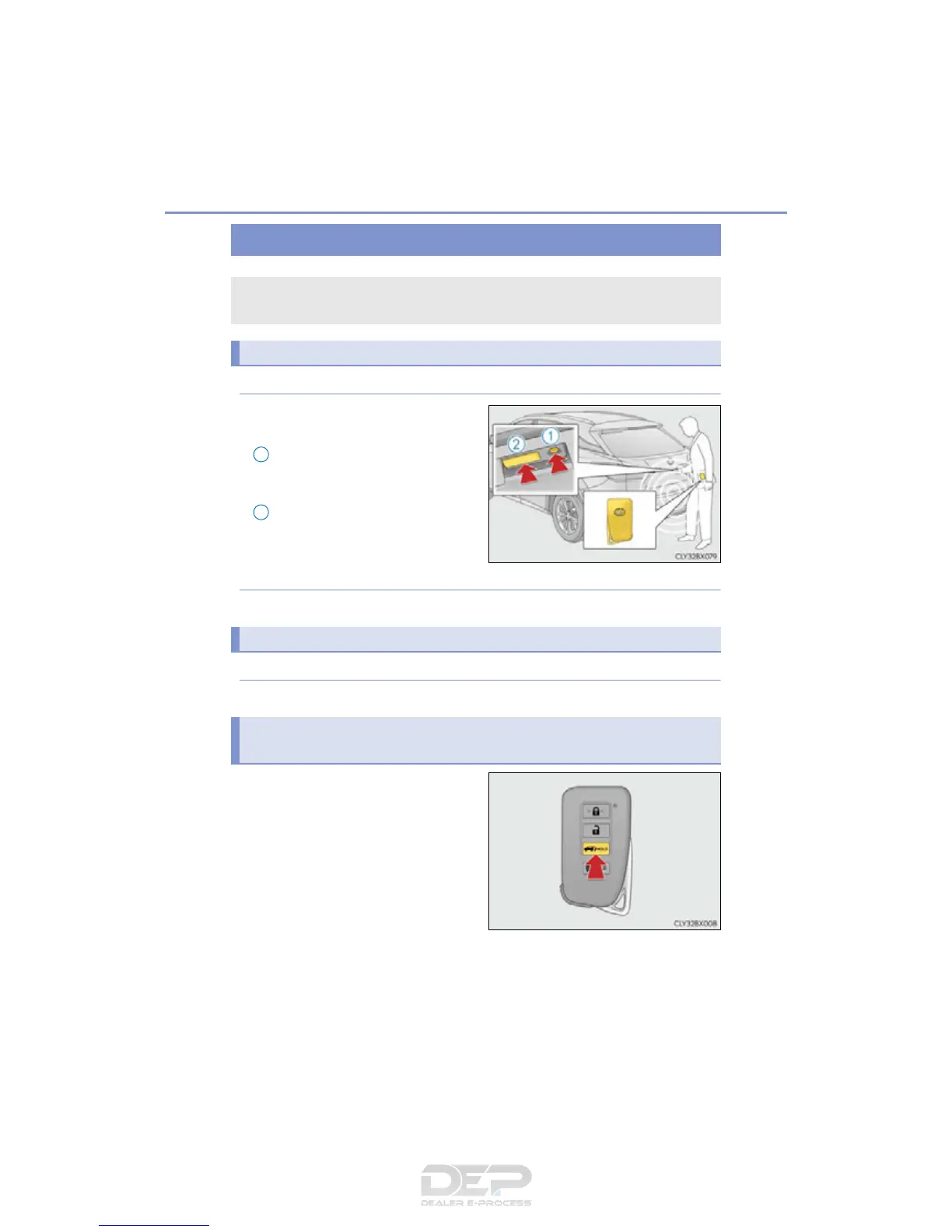
Power back door
The power back door can be locked/unlocked and opened/closed by the fol-
lowing procedures.
Locking and unlocking the power back door from the outside
1
Locking and unlocking the power back door from the inside
Opening/closing the power back door using the wireless remote con-
trol



 To Next Page