96
2. Instrument cluster
RX350_U_OM48E90U
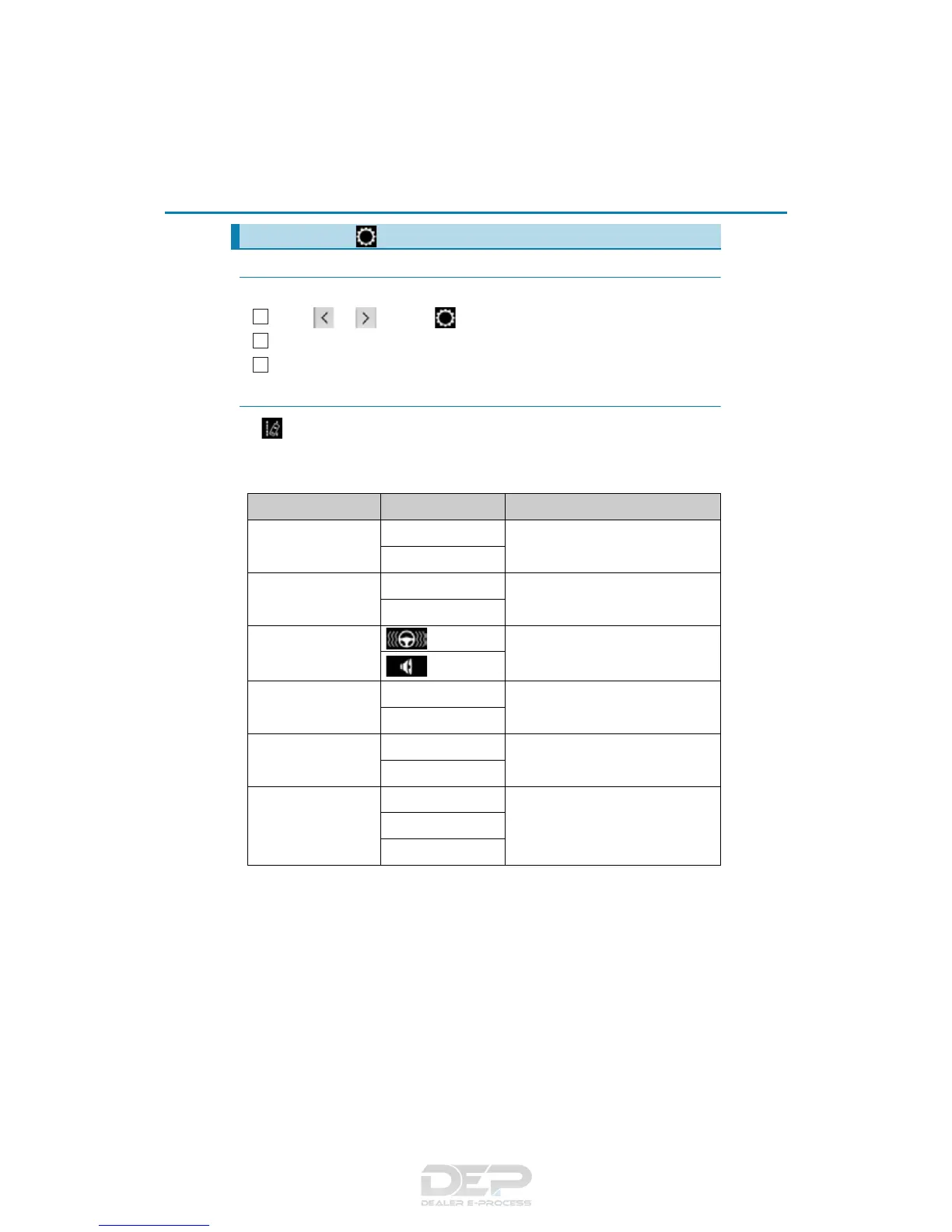
◆ Changing settings
Use the meter control switches on the steering wheel to change settings.
Press or to select .
Operate the switches to select a desired item.
Change the setting by referring to the message displayed on the screen.
◆ Setting items
■ LDA (Lane Departure Alert with steering control)/LKA (Lane-Keep-
ing Assist) (if equipped) (P. 2 83 , 293 )
The following LDA system/LKA system settings can be changed:
*
1
: If the lane centering function is enabled/disabled, steering wheel assistance will also
be enabled/disabled accordingly.
*
2
: If the steering wheel assistance is disabled, lane centering function will also be dis-
abled automatically.
Settings display ( )
1
2
3
Item Settings Details
Lane center tracing
(LKA only)
On
Select to enable/disable the lane cen-
tering function.
*
1
Off
Steering assist
On
Select to enable/disable steering
wheel assistance.
*
2
Off
Alert
Select to set a vibrator or buzzer as
the notification method used to warn
the driver.
Alert sensitivity
High
Select to set the warning sensitivity.
Normal
Sway warning
On
Select to enable/disable the vehicle
sway warning.
Off
Sway sensitivity
High
Select to set the vehicle sway warning
sensitivity.
Medium
Low



 To Next Page