92
2. Instrument cluster
RX350_U_OM48E90U
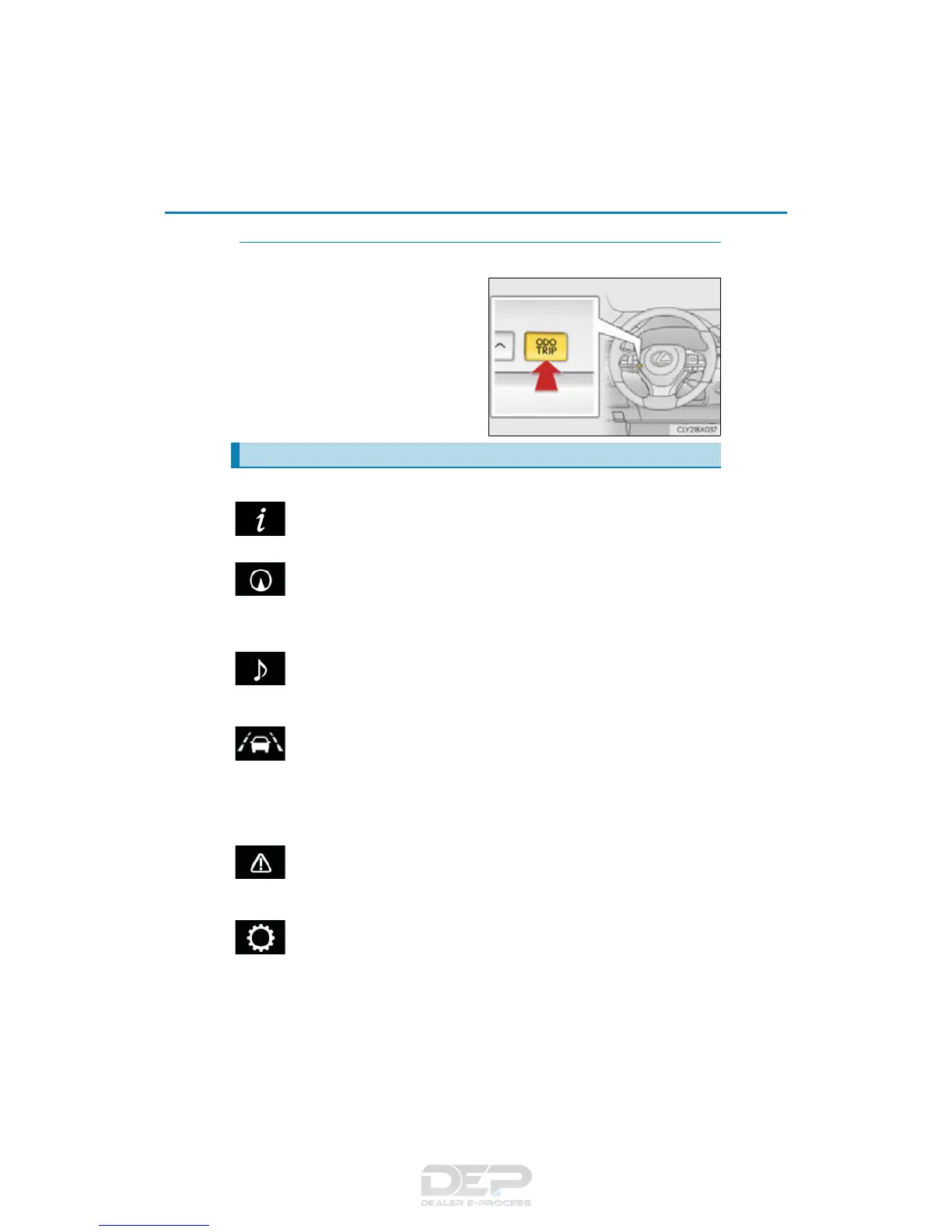
◆ Using the odometer/trip meter display area
Items in this area are operated using the “ODO/TRIP” switch.
Press: Change displayed item
Each time the switch is pressed, the
displayed item will be changed.
Press and hold: Reset
Display the desired trip meter and
press and hold the switch to reset the
trip meter.
Select a menu icon to display its content.
Drive information (P. 93)
Select to display various drive data.
Navigation system-linked display (if equipped)
Select to display the following navigation system-linked information.
• Route guidance
• Compass display (heading-up display)
Audio system-linked display
Select to enable selection of an audio source or track on the meter using the meter
control switches.
Driving assist system information (if equipped)
Select to display the operational status of the following systems:
• Dynamic radar cruise control (P. 314)
• Dynamic radar cruise control with full-speed range (P. 302)
• LDA (Lane Departure Alert with steering control) (P. 293)
• LKA (Lane-Keeping Assist) (P. 283)
Warning message display (P. 641)
Select to display warning messages and measures to be taken if a malfunction is
detected.
Settings display (P. 96)
Select to change the meter display settings and other settings.
Menu icons



 To Next Page