586
7-3. Do-it-yourself maintenance
RX350_U_OM48E90U
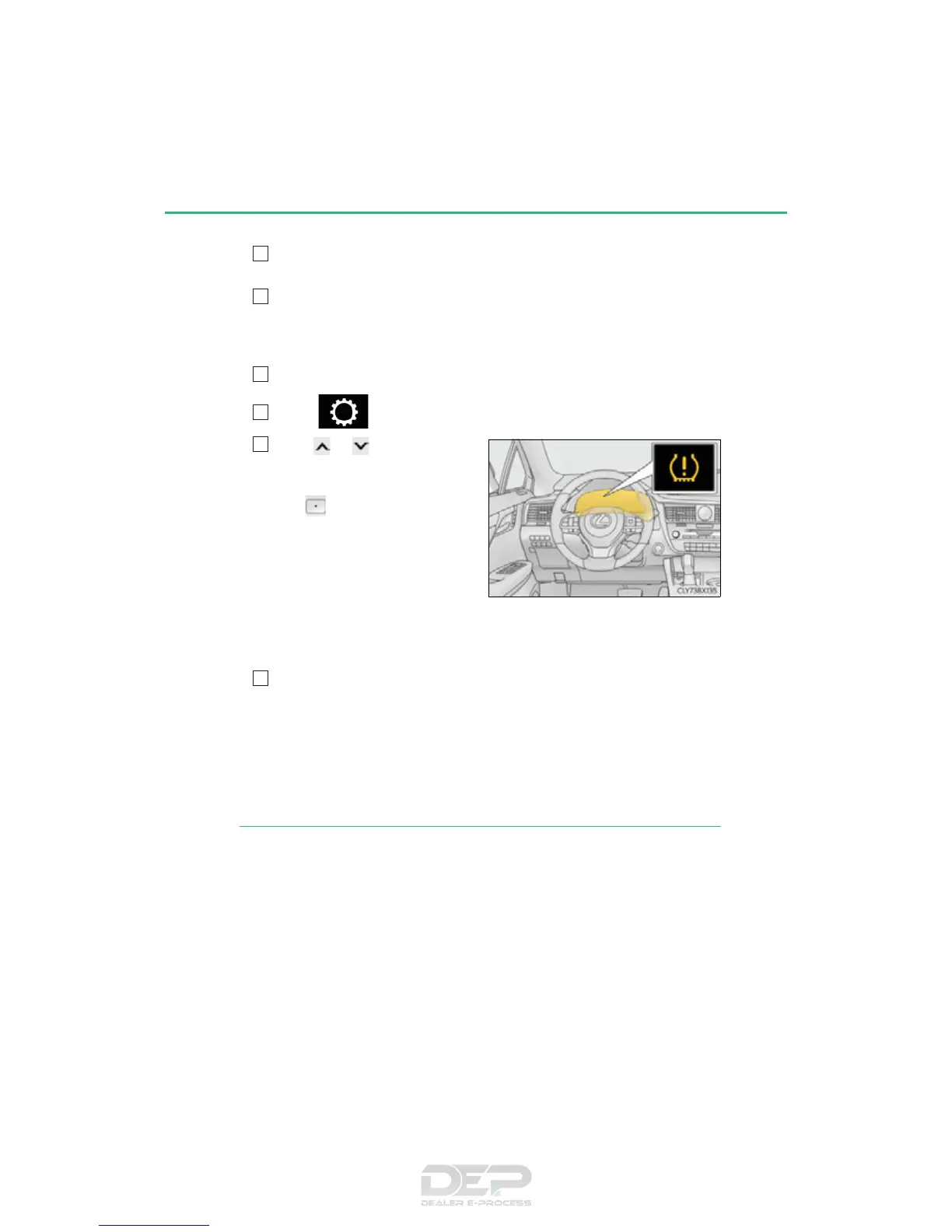
■ How to initialize the tire pressure warning system
Park the vehicle in a safe place and turn the engine switch off.
Initialization cannot be performed while the vehicle is moving.
Adjust the tire inflation pressure to the specified cold tire inflation pressure
level. (P. 680)
Make sure to adjust the tire pressure to the specified cold tire inflation pressure
level. The tire pressure warning system will operate based on this pressure level.
Turn the engine switch to IGNITION ON mode.
Select on the multi-information display. (P. 96)
Press or of the meter con-
trol switch, select the “TPMS”
screen and then press and hold
the
until the tire pressure
warning light blinks slowly 3
times.
“- -” will be displayed for inflation
pressure of each tire on the multi-
information display while the tire
pressure warning system determines
the position of each tire.
When position of each tire is determined, the inflation pressure of each tire will be
displayed on the multi-information display.
Drive the vehicle at approximately 25 mph (40 km/h) or more for approx-
imately 10 to 30 minutes until the inflation pressure of each tire is displayed
on the multi-information display.
If tire inflation pressure becomes low before the inflation pressure is displayed, the
tire pressure warning light will come on.
Depending on the vehicle and driving conditions, initialization may take up to
approximately 1 hour to complete.
◆ Registering ID codes
The tire pressure warning valve and transmitter is equipped with a unique ID
code. When replacing a tire pressure warning valve and transmitter, it is nec-
essary to register the ID code. Have the ID code registered by your Lexus
dealer.
1



 To Next Page