98
2. Instrument cluster
RX350_U_OM48E90U
■ HUD (Head-up display) (if equipped) (P. 107 )
The following head-up display settings can be changed:
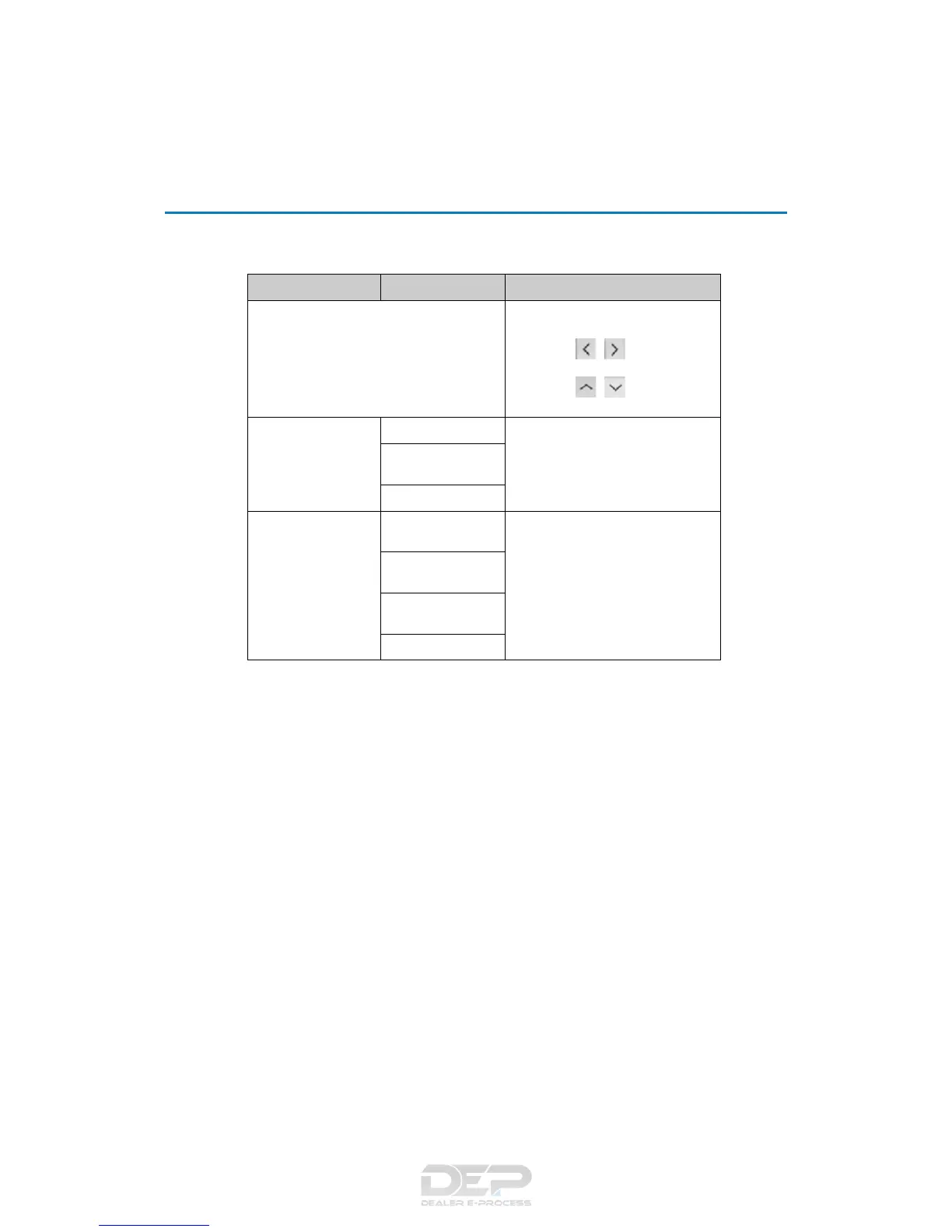
Item Settings Details
Brightness/Position
Select to adjust the brightness/posi-
tion of the head-up display.
• Press the / switch to adjust
the display brightness.
• Press the / switch to adjust
the display position.
Gauge information
No display
Select to set the content displayed on
the head-up display.
Eco Driving Indica-
tor
Tachometer
Driving support
Navigation system
(if equipped)
Select to enable/disable head-up dis-
play content.
Driving Assist (if
equipped)
Compass (if
equipped)
Audio system



 To Next Page