403
5-2. Setup
5
Lexus Display Audio system
RX350_U_OM48E90U
Go to “General Settings”: “MENU” button “Setup” “General”
General settings
Settings are available for adjusting the operation sounds, screen animation,
etc.
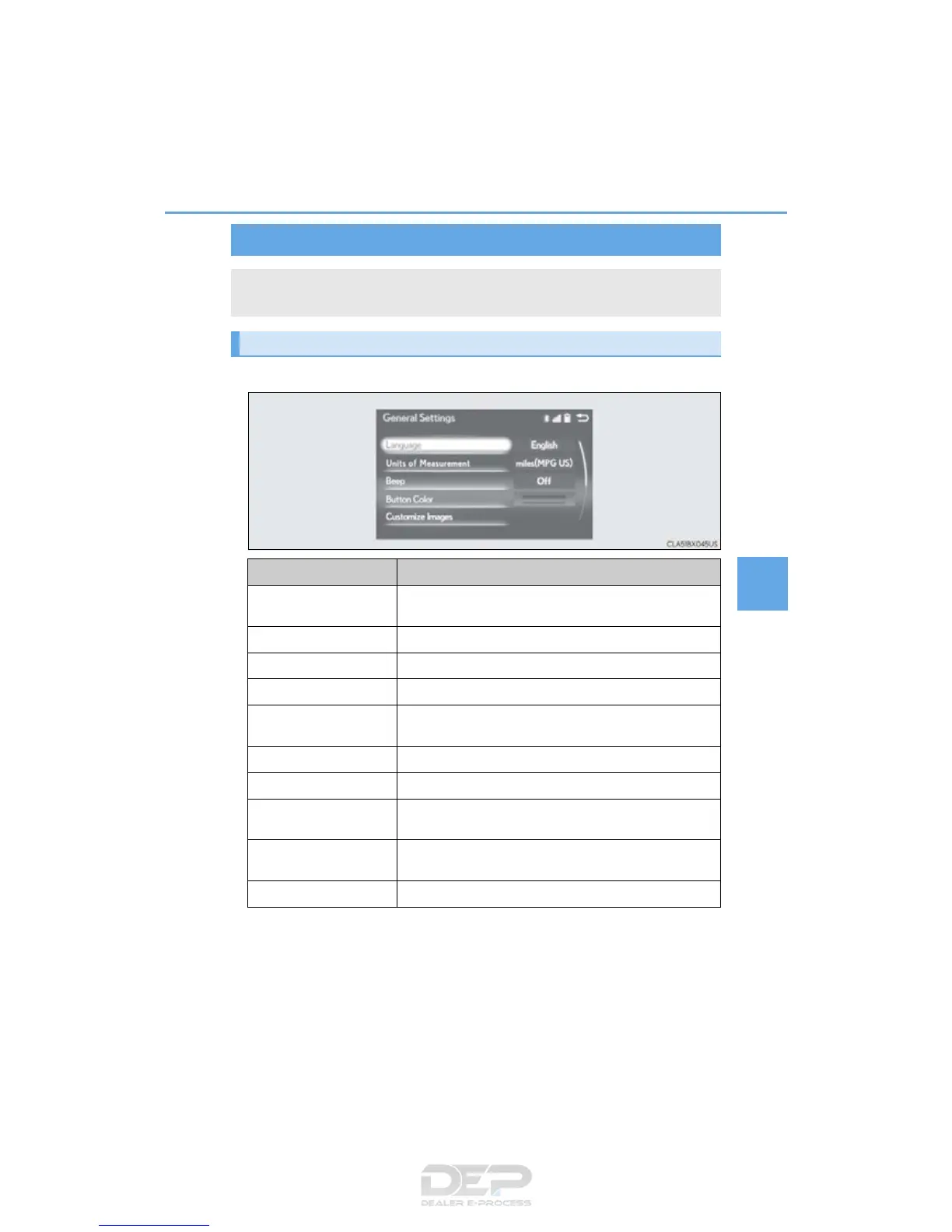
Screen for general settings
Button Function
“Language”
Change language. The selectable languages may differ
depending on the model or region.
“Units of Measurement” Change the distance unit.
“Beep” Set the beep sound on/off.
“Button Color” Change the button color.
“Customize Images”
Change the startup image and screen off image.
(P. 404)
“A n i m a t i o n ” Set the animation effect on/off.
“Delete Personal Data” Delete personal data (P. 405)
“Software Update”
Update program versions. For details, contact your Lexus
dealer.
“Gracenote
®
Database
Update”
Update gracenote database versions. For details, contact
your Lexus dealer
“Software Information” Display the open source license.



 To Next Page