402
RX350_U_OM48E90U
5-2. Setup
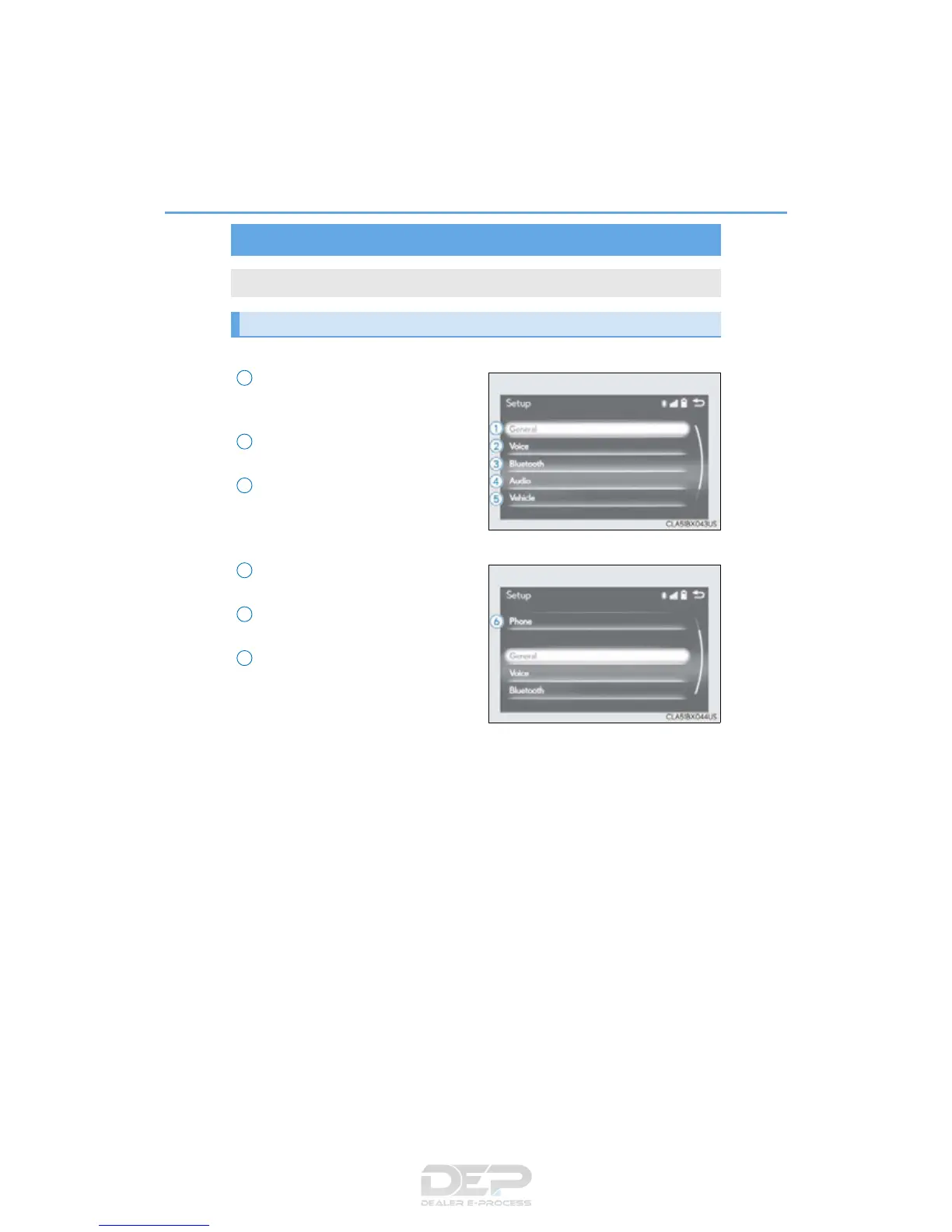
Go to “Setup”: “MENU” button “Setup”
Change the settings for operation
sounds, screen animation, etc.
(P. 403)
Change the settings for voice guid-
ance. (P. 406)
Change the settings for registering,
removing, connecting and discon-
necting Bluetooth
®
devices.
(P. 440, 441, 442, 443)
Change the settings for FM radio,
iPod, etc. (P. 410)
Change the settings for vehicle cus-
tomization. (P. 699)
Change the settings for phone
sound, phonebook, etc. (P. 461)
Setup menu
The Lexus Display Audio system can be adjusted to the desired settings.
Display “Setup” screen
1
2
3
4
5
6



 To Next Page