133
3-2. Opening, closing and locking the doors
3
Operation of each component
RX350_U_OM48E90U
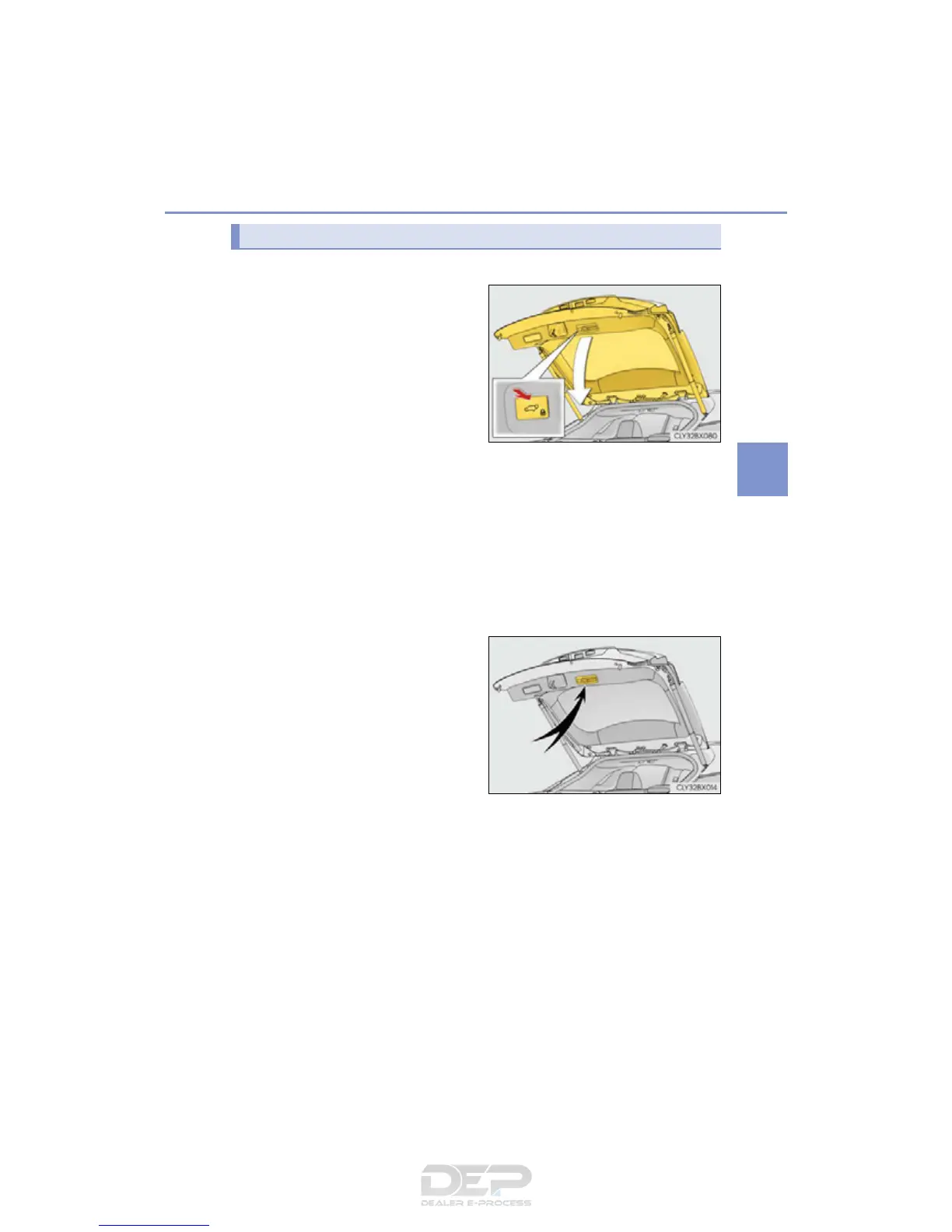
■ Using the power back door switch to close the power back door
Press the switch.
A buzzer will sound and the power
back door will automatically close.
Pressing the switch while the power
back door is closing will stop the
operation. Pressing the switch again
will open the power back door auto-
matically.
Close & lock function
Press the switch twice.
A different buzzer than the normal one will sound and the power back door will
begin closing automatically. When the power back door is closed, all of the doors
will lock simultaneously and operation signals will indicate that all of the doors have
been locked.
If the switch is pressed while the power back door is closing, the operation will
stop.
Pressing the switch again will open the power back door automatically.
■ Using the back door handle to close the power back door
Lower the power back door using
the back door handle.
A buzzer will sound and the power
back door will automatically close.
Closing the power back door from the outside



 To Next Page