492
6-1. Basic operation of the Remote Touch screen
RX350_U_OM48E90U
■ Full screen display
The following functions can be displayed full screen:
• Initial screen
•“Menu” screen (P. 49 1)
• Map screen
*
*: Refer to the “NAVIGATION SYSTEM OWNER’S MANUAL”.
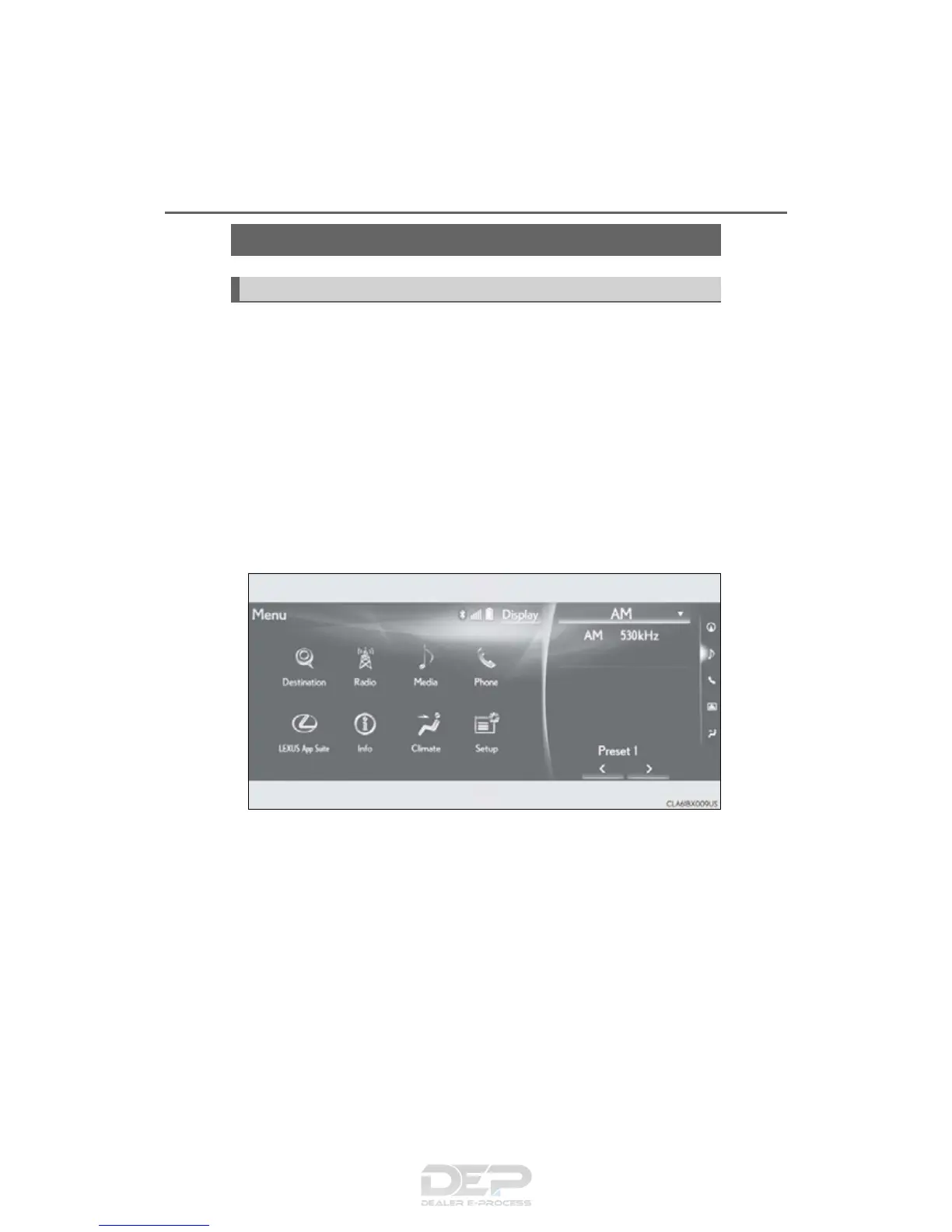
■ Split-screen display
Different information can be displayed on the left and right of the screen. For
example, audio screen can be displayed and operated while the fuel con-
sumption information screen is being displayed. The large screen on the left of
the display is called the main display, and the small screen to the right is called
the side display.
12.3-inch display
: If equipped
12.3-inch display overview


 To Next Page