391
5-1. Basic Operations
5
Lexus Display Audio system
RX350_U_OM48E90U
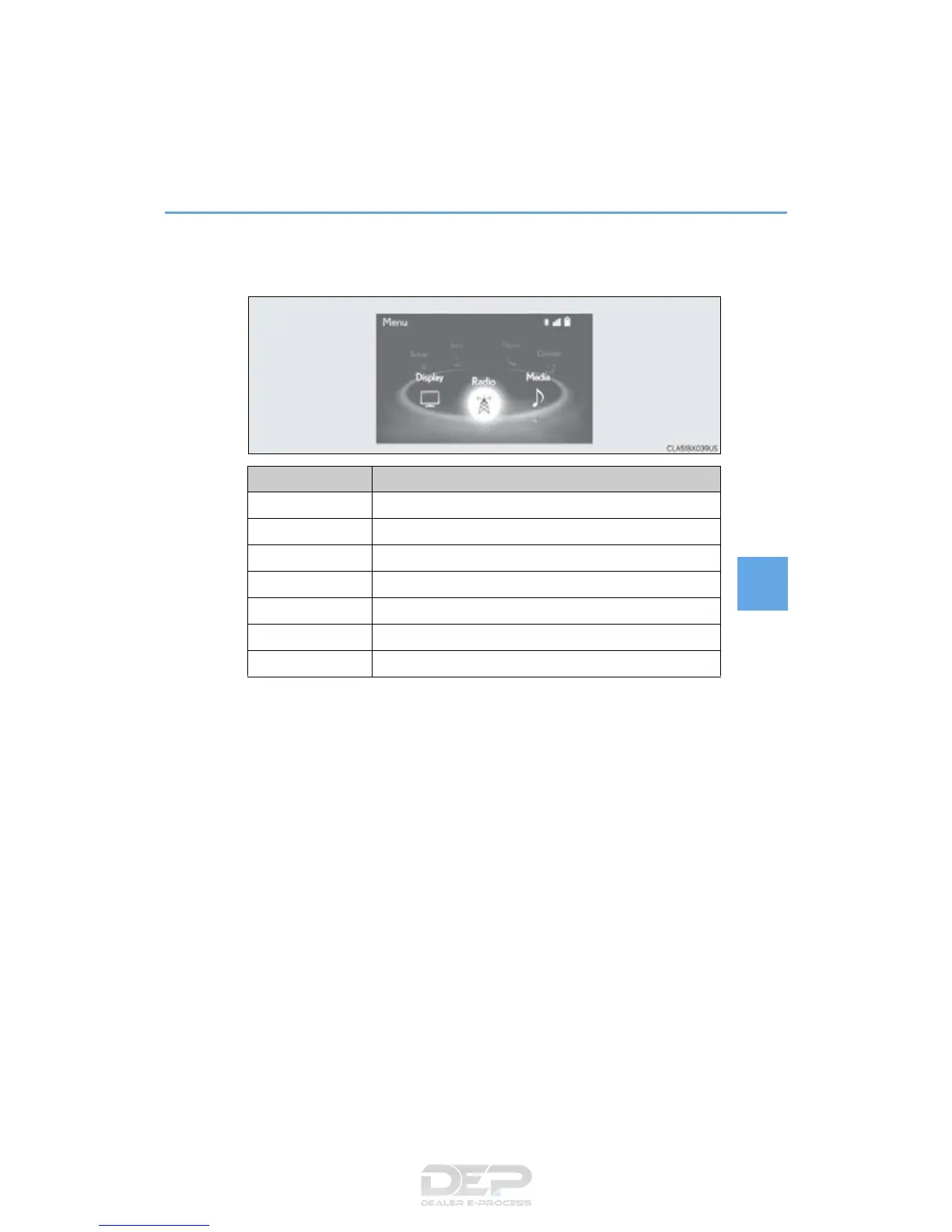
■ “Menu” screen
To display the “Menu” screen, press the “MENU” button on the Lexus Display
Audio controller.
Button Function
“Radio” Display the radio top screen (P. 416)
“Media” Display the media top screen (P. 422, 429, 433, 437, 442)
“Climate” Display the air conditioning control screen (P. 495)
“Phone” Display the phone top screen (P. 450)
“Info” Display the “Information” screen (P. 476)
“Setup” Display the “Setup” screen (P. 402)
“Display” Display the display settings screen (P. 407)



 To Next Page