704
9-2. Customization
RX350_U_OM48E90U
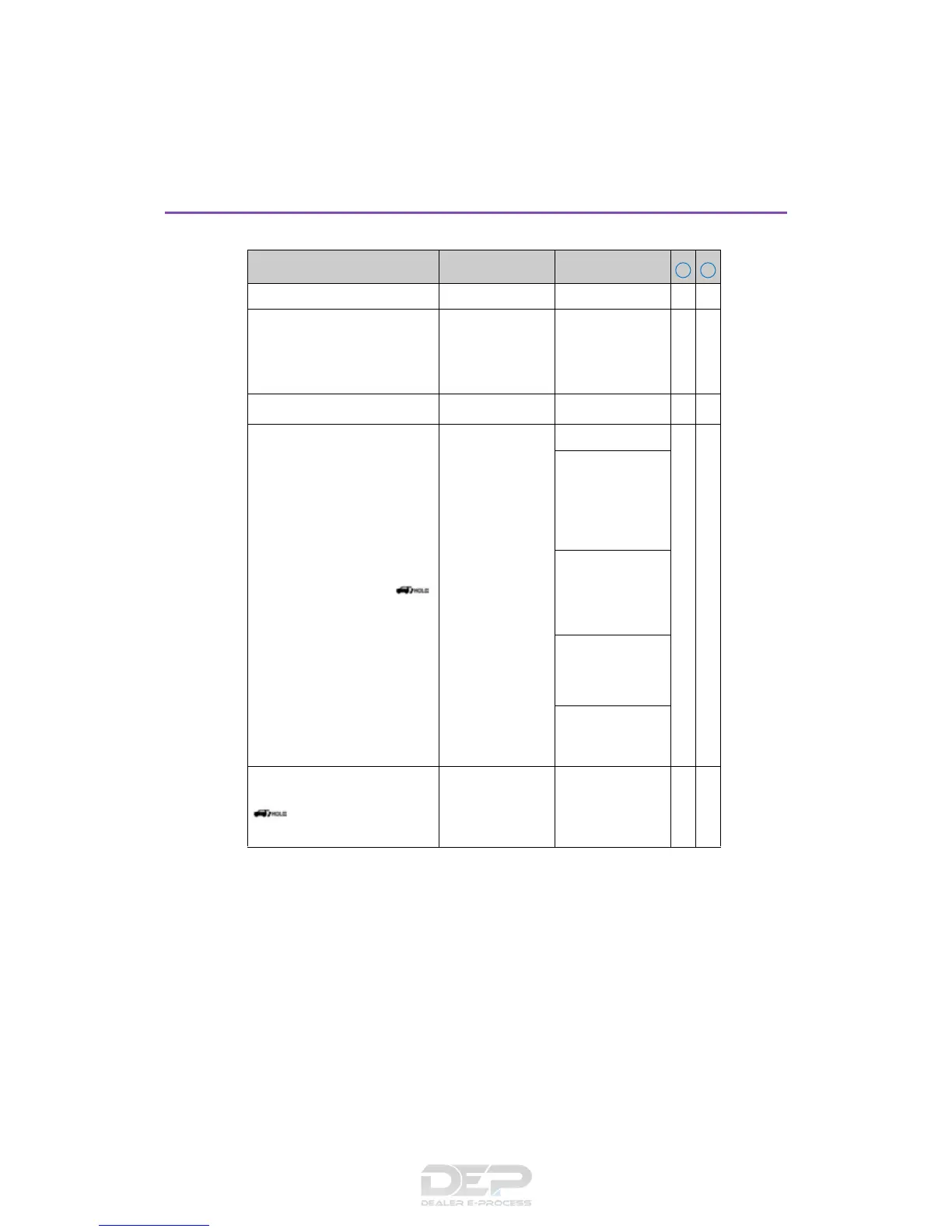
■ Wireless remote control (P. 120, 124, 130)
*
1
: This setting enables opening of the power back door when it is locked or unlocked.
*
2
: This function is available only when a customized setting that enables opening of the
power back door when it is either locked or unlocked is selected. (See
*
1
above.)
Function Default setting Customized setting
Wireless remote control On Off — O
Unlocking operation
Driver’s door
unlocked in one
step, all doors
unlocked in two
step
All doors unlocked
in one step
OO
Panic function
On Off — O
Opening/closing of the power
back door using the
switch of the wireless remote
control
Open: Press for 1
second
*
1
Close: Press for 1
second
Off
—O
Open: Press for 1
second with the
back door
unlocked
Close: Press for 1
second
Open: One short
press with the back
door unlocked
Close: One short
press
Open: Press twice
with the back door
unlocked
Close: Press twice
Open: Press
twice
*
1
Close: Press twice
Door unlocked when the power
back door is opened using the
switch of the wireless
remote control
*
2
All the doors Back door — O



 To Next Page