OWNER’S INSTRUCTION
31
ENGLISH
30
OWNER’S INSTRUCTION
ENGLISH
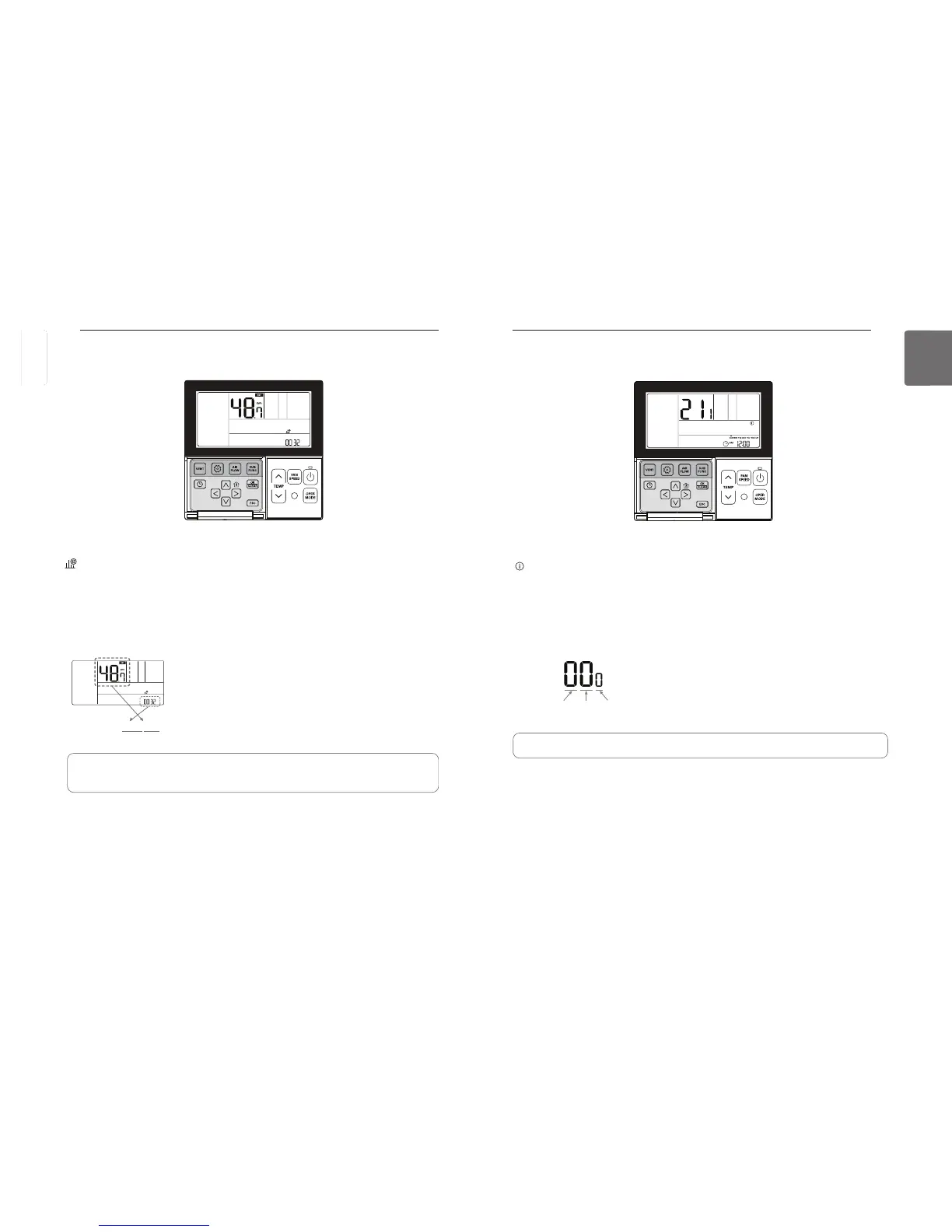
button repeatedly to select the Indoor/outdoor unit model information in the menu.
icon will display and the Indoor/outdoor unit model information will display in the temperature
display section.
Press
to exit.
If no button is selected for about 1 minute after setup, it exits the setup mode automatically.
Ex) Model Information
Outdoor Unit CapacityIndoor
Unit
• Some product may not include the indoor/outdoor unit model information function.
Function setting – Indoor/Outdoor Unit Model Information
button repeatedly to select the power consumption in the menu.
icon will display and the accumulated power consumption will display in the temperature and
the current time display section.
Press
to exit.
If no button is selected for about 1 minute after setup, it exits the setup mode automatically.
• Some product may not include the power consumption display function
• This function is available only when PDI is installed.
Ex) when the accumulated power consumption is 3248.7 kWh
Function setting – Power Consumption
ENGLISH



 To Next Page