80
INSTALLATION INSTRUCTION
ENGLISH
INSTALLATION INSTRUCTION
81
ENGLISH
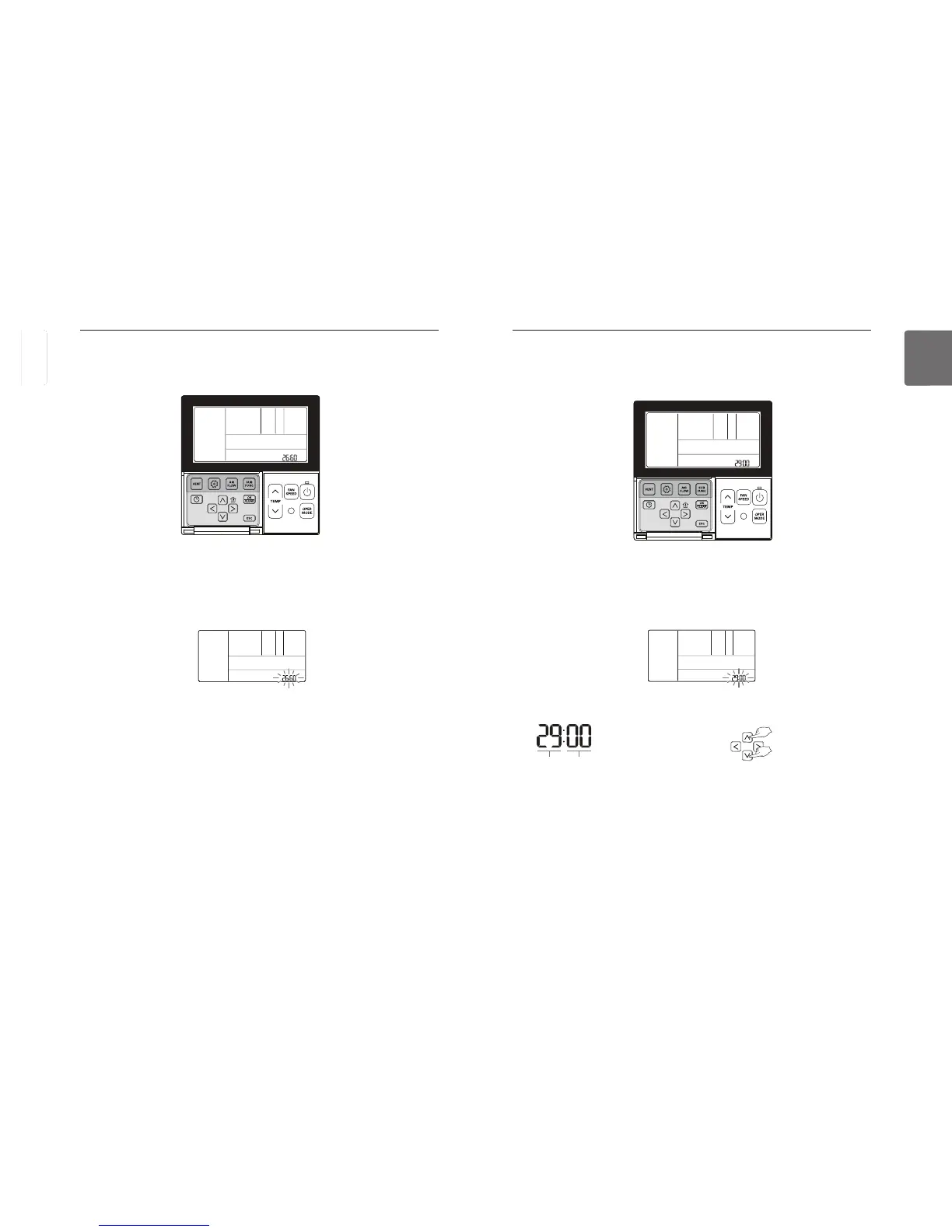
Installer Setting – Setting for Refrigerant Leak Detector
This function is used when a refrigerant leak detector is additionally installed in the indoor unit or
the installed detector is removed.
Select the code value and set value for each function using
button for more than 3 seconds to enter the installer settings mode.
- If pressing only once briefly, it will enter the user settings mode.
Make sure to press and hold for more than 3 seconds.
button repeatedly to move to the Settings for Refrigerant Leak Detector Installation in the
menu as below.
Press
button to save the setting.
Press
If no button is selected for about 25 seconds after setup, it exits the setup mode automatically.
If Set button is not selected before you exit, the changes will not apply.
Code value Set value
❈ Set value for Refrigerant
Leak Detector Installation
00 : Not installed
01 : Installed
Installer Setting – Indoor Unit Address Checking
This function is to identify the indoor unit address assigned by the outdoor unit.
If no button is selected for about 25 seconds after setup, it exits the setup mode automatically.
If Set button is not selected before you exit, the changes will not apply.
button for more than 3 seconds to enter the installer settings mode.
- If pressing only once briefly, it will enter the user settings mode.
Make sure to press and hold for more than 3 seconds.
button repeatedly to move to the Indoor Unit Address Checking in the menu as below.



 To Next Page