OWNER’S INSTRUCTION
11
ENGLISH
10
OWNER’S INSTRUCTION
ENGLISH
P
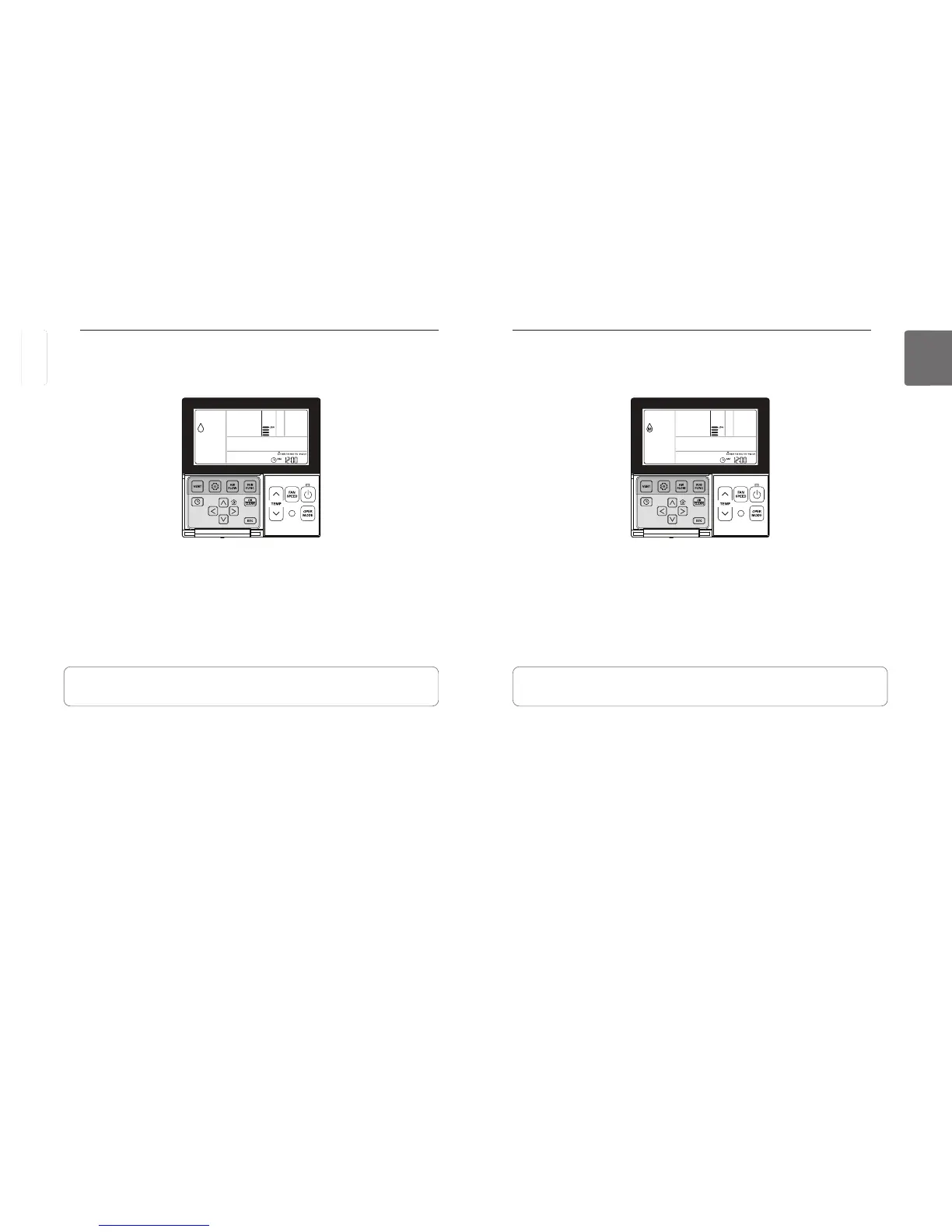
button to select Dehumidify.
- The temperature cannot be changed during dehumidification.
button repeatedly to adjust airflow SLOW
- The initial fan speed in dehumidifying mode is set at ‘Low’.
• Using this function in the rainy season or high humidity, you can operate simultaneously
dehumidifier and cooling mode to remove humidity effectively.
• The menu of fan speeds may vary depending on the product type.
Standard Operation – Dehumidifying Mode
It removes moisture while cooling gently.
P
button to select Dehumidify.
- The temperature cannot be changed during dehumidification.
button repeatedly to adjust airflow SLOW
- The initial fan speed in dehumidifying mode is set at ‘Low’.
• Using this function in the rainy season or high humidity, you can operate simultaneously
dehumidifier and cooling mode to remove humidity effectively.
• The menu of fan speeds may vary depending on the product type.
Standard Operation – Monsoon Dehumidifying Mode
This is monsoon region-specific dehumidification function.
ENGLISH



 To Next Page