74
INSTALLATION INSTRUCTION
ENGLISH
INSTALLATION INSTRUCTION
75
ENGLISH
Installer Setting – Celsius Control Setting
This function is to set the unit for temperature control by 1°C or 0.5°C.
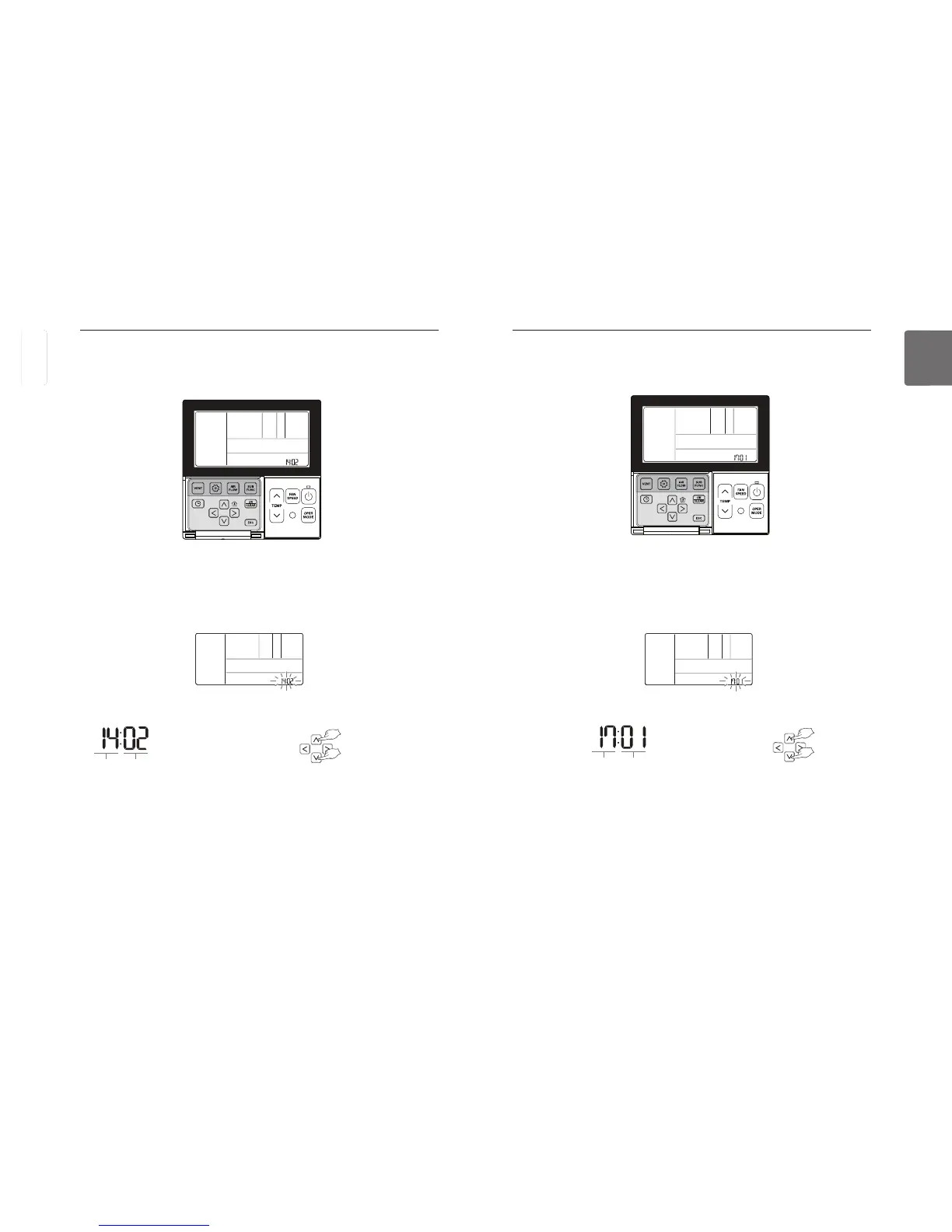
Select the Centigrade Control Settings using
button for more than 3 seconds to enter the installer settings mode.
- If pressing only once briefly, it will enter the user settings mode.
Make sure to press and hold for more than 3 seconds.
Move to the Centigrade Control Settings in the menu using
button and then it displays as below.
Press
button to save the setting.
Press
If no button is selected for about 25 seconds after setup, it exits the setup mode automatically.
If Set button is not selected before you exit, the changes will not apply.
Code value for
Centigrade Control Settings
Set value
❈ Set value for Centigrade
Control Settings
00 : 1 °C Control
01 : 0.5 °C Control
Installer Setting – Zone Number Setting
This function is only available on some products. Zone Number is to set the number of installed
zones. It's possible to control only in zone new type
Select the Zone Number Setting using
button for more than 3 seconds to enter the installer settings mode.
- If pressing only once briefly, it will enter the user settings mode.
Make sure to press and hold for more than 3 seconds.
Move to the Zone Number Setting in the menu using
button and then it displays as below.
Press
button to save the setting.
Press
If no button is selected for about 25 seconds after setup, it exits the setup mode automatically.
Function Code Zone Number installed
❈ Setting the Zone Number
02~04 : number of zone installed



 To Next Page