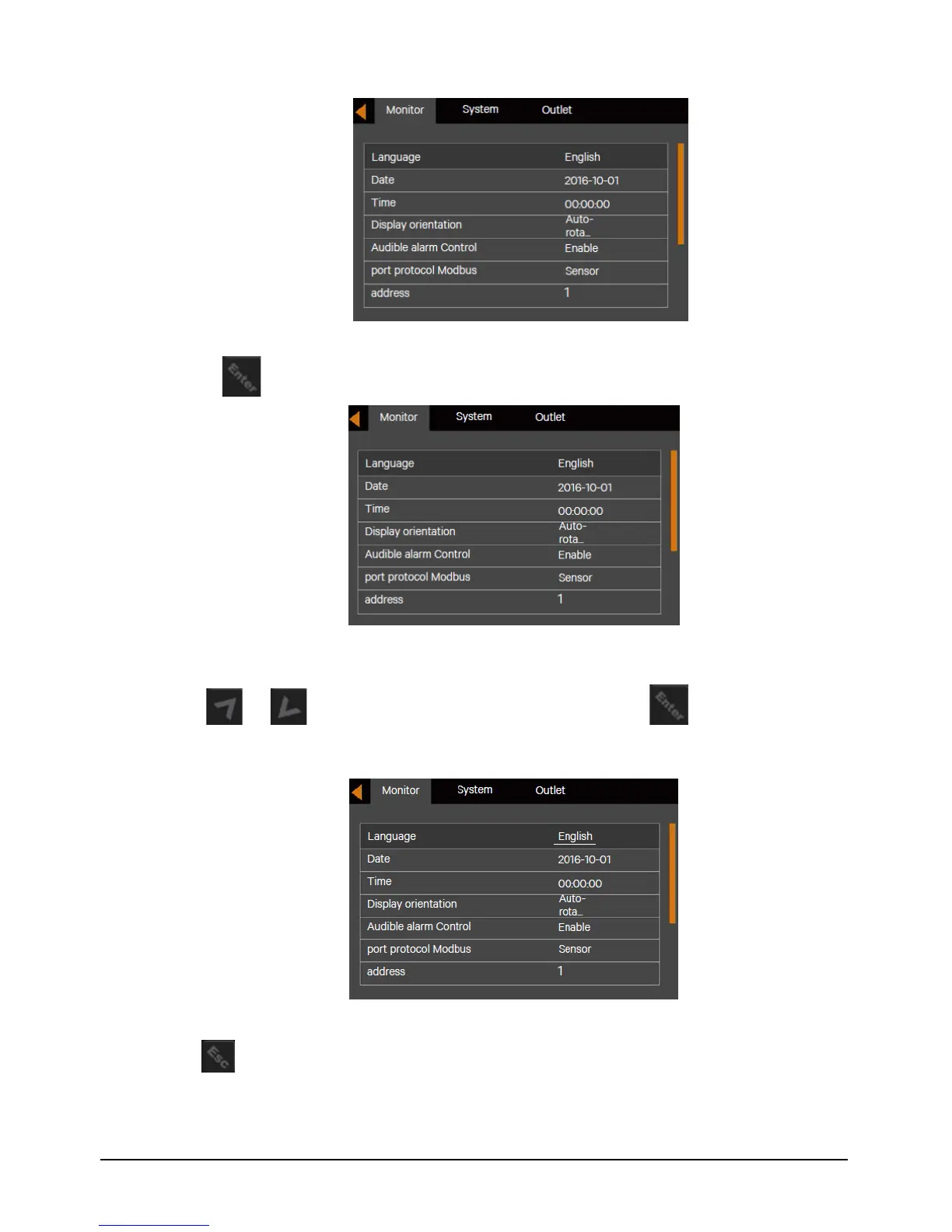
Figure 5-6 Monitor Interface
3. Press the key to highlight the language, see Figure 5-11.
Figure 5-7 Language Selection
4. Press the or key to select the language you need, then press the key to confirm it. At this
time, the LCD contents will be the language selected by you. See Figure 5-12.
Figure 5-8 Changing Language
5. Press the key for several times to back to the main menu screen.


 To Next Page