Webpage monitoring function
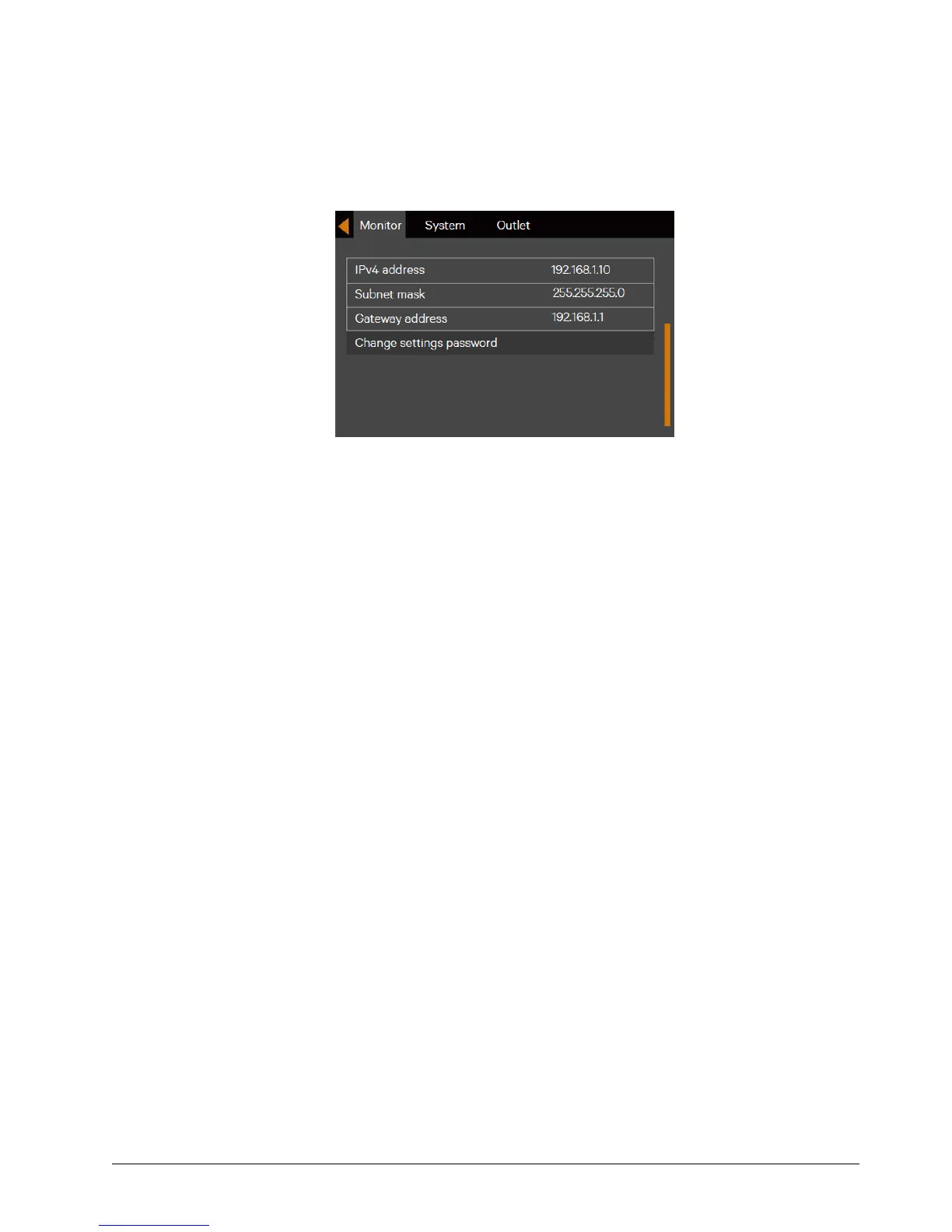
Open the browser (like IE), input the IPv4 address at the address bar to the login interface.
After inputting the correct user name and password (default name: user, password: 111111), you can monitor the UPS
working status.
Figure 6-4 Changing UPS Network Parameters
Browser support
To obtain the best user experience, it is recommended to use the Internet Explorer (IE9 or above), or the Chrome,
FireFox (latest version required)
Screen resolution
The display with resolution of 1024*768 or above is recommended.


 To Next Page