LightLas 532 – Operator's Manual Rev. No 01 Page 68 of 115
5.4.2 Laser Indirect Ophthalmoscope LDU (LIO)
Prior to install the LIO delivery unit, ensure all the corrected setup and equipment
are in placed to proceed the installation steps.
Accessories:
LIO fiber
LIO Delivery System set
Procedures:
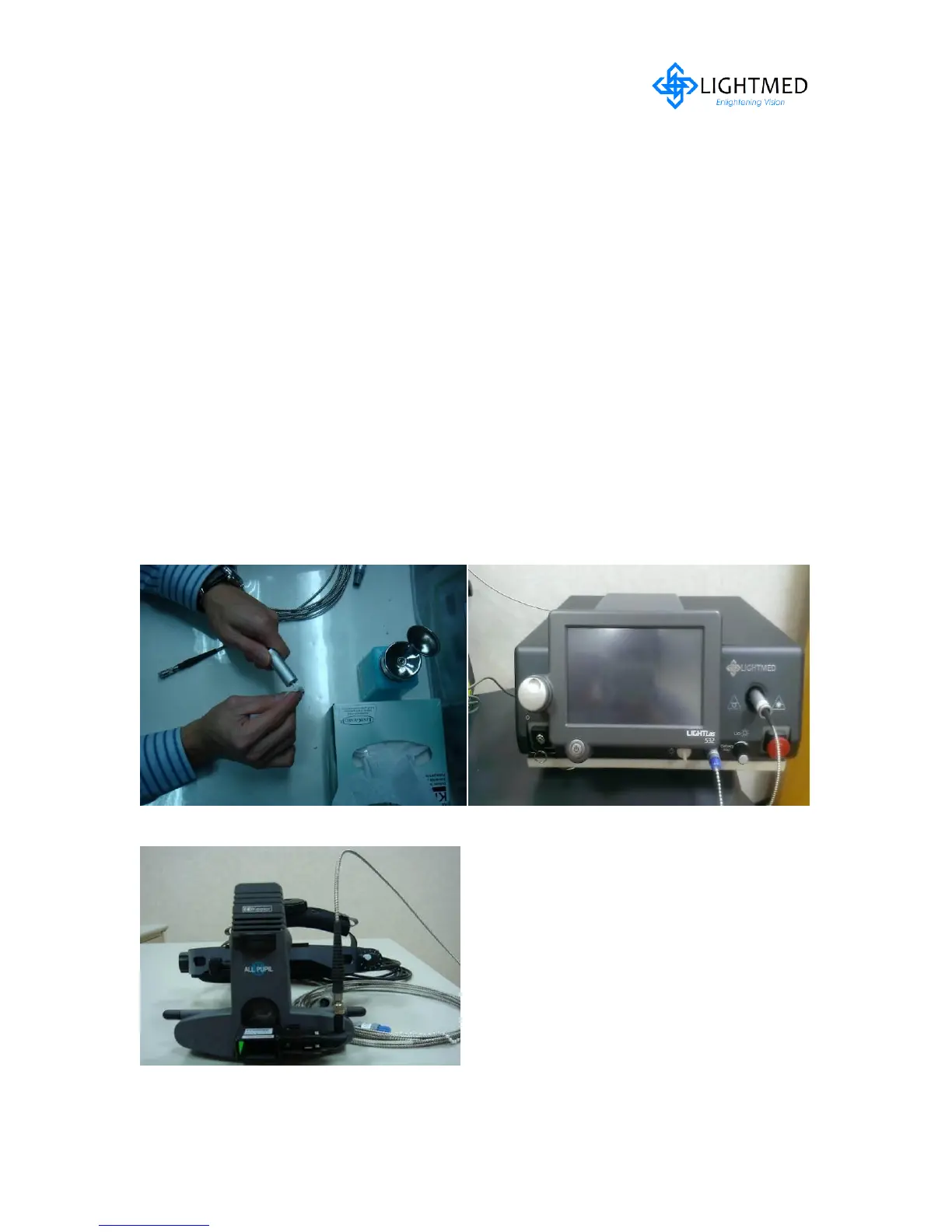
1. Take a LIO delivery fiber and remove the fiber’s protector one end at a time
and clean it with alcohol prior to install to the console aperture and LDU (refer
to fig. 5.17)
2. Plug in its delivery key and light source power connector (refer to fig. 5.18)
3. Make sure the fiber and the cable are fitted to the strain relief fittings on the
LIO headpiece (refer to fig. 5.19)
4. Proceed to pre-check / final alignment section on page 85-86
Figure 5.17 Fiber tips cleaning Figure 5.18 LIO connections in console
Figure 5.19 LIO LDU fiber connection



 To Next Page