LightLas 532 – Operator's Manual Rev. No 01 Page 75 of 115
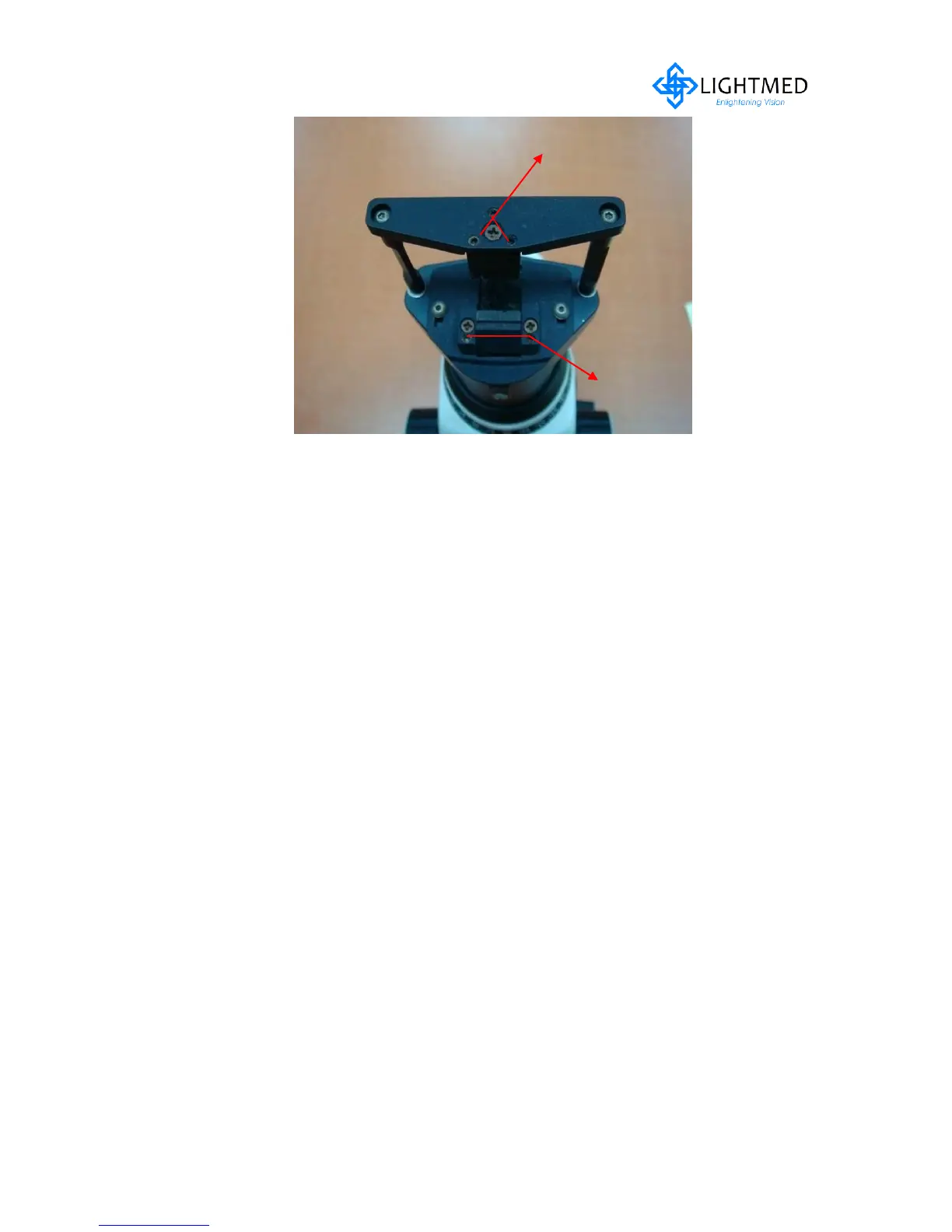
Figure 5.25 Upper / Lower Slit Alignment
Aiming Integrity and Focus Checkout
3. Set spot size to the smallest by adjusting the zoom pc
4. Power on the console and toggle the mode to “Treat” mode
5. Verify if aiming round spot is reflected on the target rod
6. Adjust the spot size from 50 to 1000µ by rotating the zoom pc and verify if the
spot size is consistently enlarged from smallest to largest at same spot or location
approximately
7. Loosen up the delivery housing screw and adjust it back and forth until the focus is
correct and then secure the screw tightly (refer to fig. 5.11)
8. Remove the target rod and place a piece of black tape or thermal paper on the
chinrest
9. Verify the slit and aiming beam focus are in focus together
Micromanipulator Joystick Movement Checkout
10. Place back the target rod and verify the micromanipulator joystick is moving
within the full range of the field view when illumination spot is set at largest
(refer to fig. 5.27a-b) If not, refer to below steps for fine tune-up SD housing:
10a. Loosen the one of set screw (1.5mm allen key) at delivery housing (refer to
fig. 5.26) depending the axis that is not reaching to the most far end
perimeter of view of field
10b. Realign while viewing through the binocular and repeat until aiming spot is
with the full range of the field view (refer to fig. 5.27a-b)
10c. Proceed to next stage once completion of realignment



 To Next Page