LightLas 532 – Operator's Manual Rev. No 01 Page 72 of 115
5.5 Pre-check / Alignment Procedes
5.5.1 Pre-check Laser console operation
Prior to pre-check the laser console device, ensure all the corrected installation or
setup are in placed to proceed the following steps.
Procedures:
1. Reset the emergency pushbutton by unscrewing outward position
2. Power on the console by turning the key switch
3. Verify if the system passes the self-checking mode if not, proceed to
troubleshooting section otherwise proceed to next step
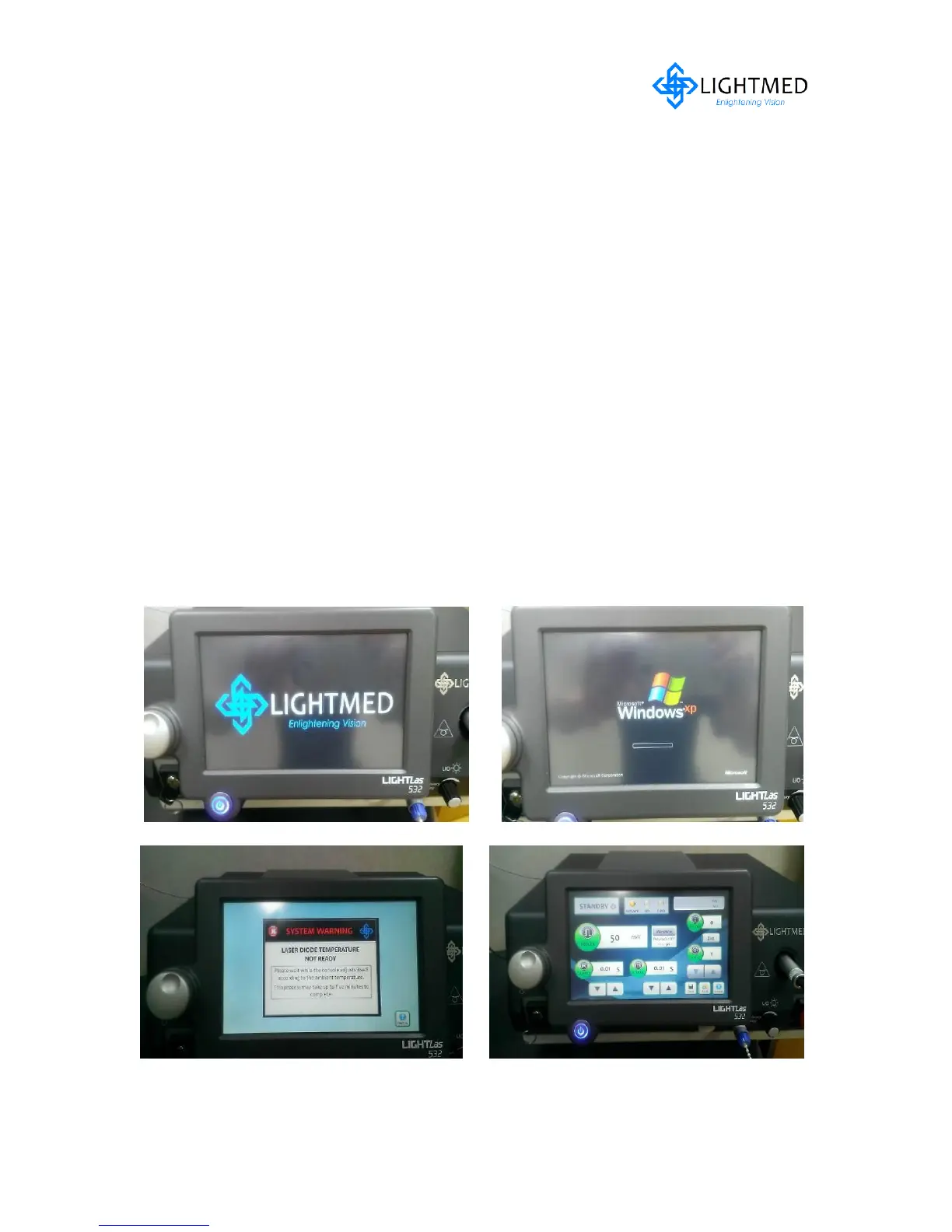
4. Confirm if the remote control will reset to the standard operation mode (refer to
fig. 5.22a-d)
5. Ensure the safety filter is installed prior trigger and fire the laser (refer to fig. 5.23)
6. Ensure the appropriate optical fiber (Endoprobe / standard delivery fiber) is
attached from the console to the LDU system (refer to 5.24)
7. Check the output power of the system and ensure it is met the specification
requirements according to the section 7.3 of this manual
Figure 5.22(a) System boot up sequential display #1 Figure 5.22(b) System boot up sequential display #2
Figure 5.22(c) Power on console & system is initializing Figure 5.22(d) System is ready to go
temperature process



 To Next Page