Operating manual and inspection booklet
Camping
3435216 143
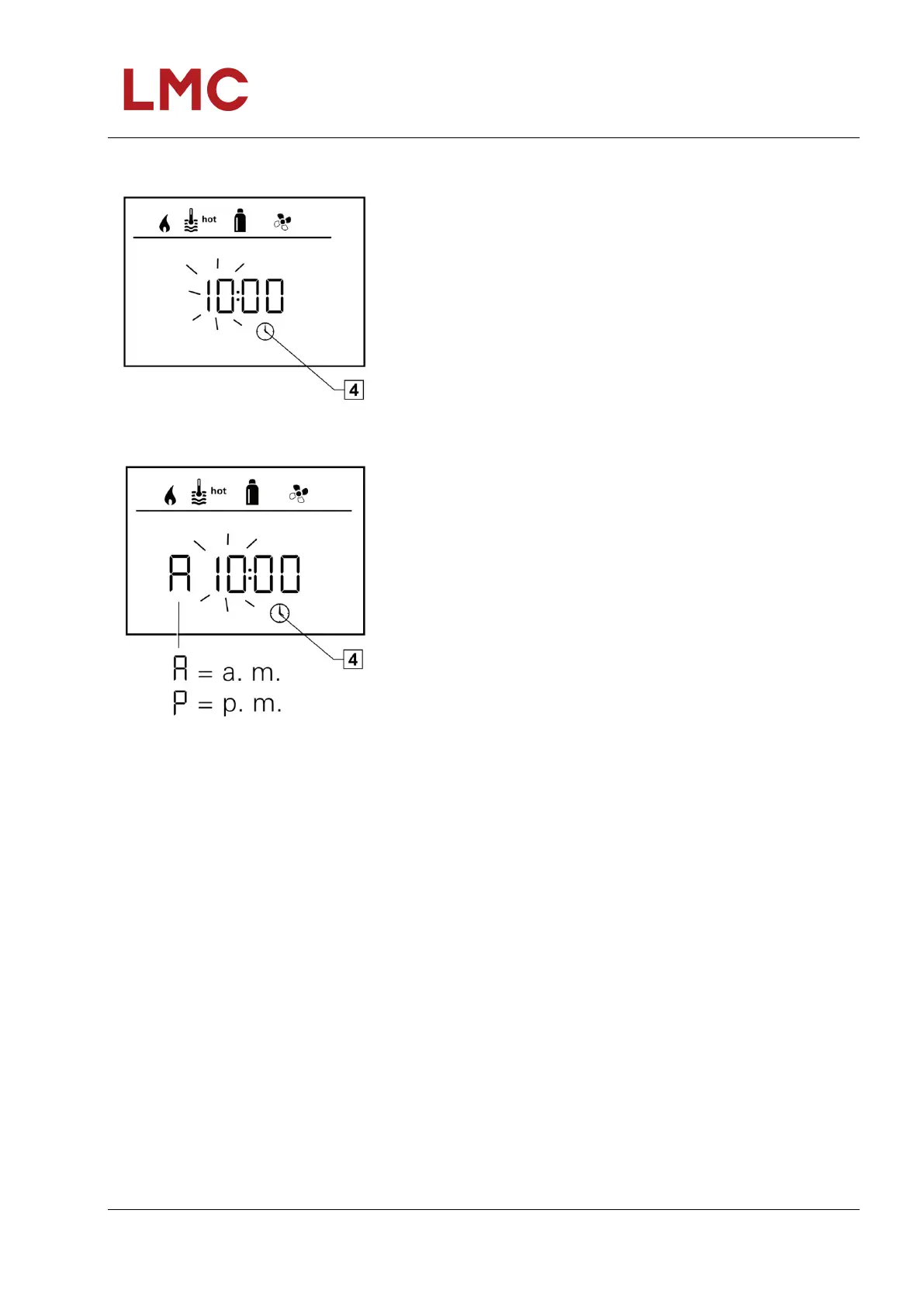
Set time
Fig. 137: 24 h mode display
Select the symbol “Set time” in menu line (4) using the
rotary/push-button (8).
The hour display flashes.
Set the hours using the rotary/push-button (8).
Press the rotary/push-button (8) again so that the minute
display flashes.
Set the minutes using the rotary/push-button (8).
Tap the rotary/push-button (8) to confirm the value.
Fig. 138: 12 h mode display



 To Next Page