WSDA
®
-2000 User Manual
NOTE
The wireless data transmit rate (between the node and the gateway) directly impacts
the data bandwidth on the CAN bus. If the aggregate transmit rate of the wireless
network (combined bandwidth use of active nodes) is high enough and there are other
devices (besides the gateway) on the CANbus, the bus may be overwhelmed,
resulting in lost data. The gateway settings provide no limitations to how much
data is pushed onto the bus. If there are no other devices on the CAN bus, this is
not an issue, however it is up to the user to determine the amount of data the bus can
handle from each device. Increasing the CAN bus bit rateand adjusting sensor
sampling settings, such as reducing sample rates and period, can be used to alleviate
CANbus bandwidth limitations. Using the broadcast message data distribution method
and reducing the sensor data that is sent to the bus can also be effective.
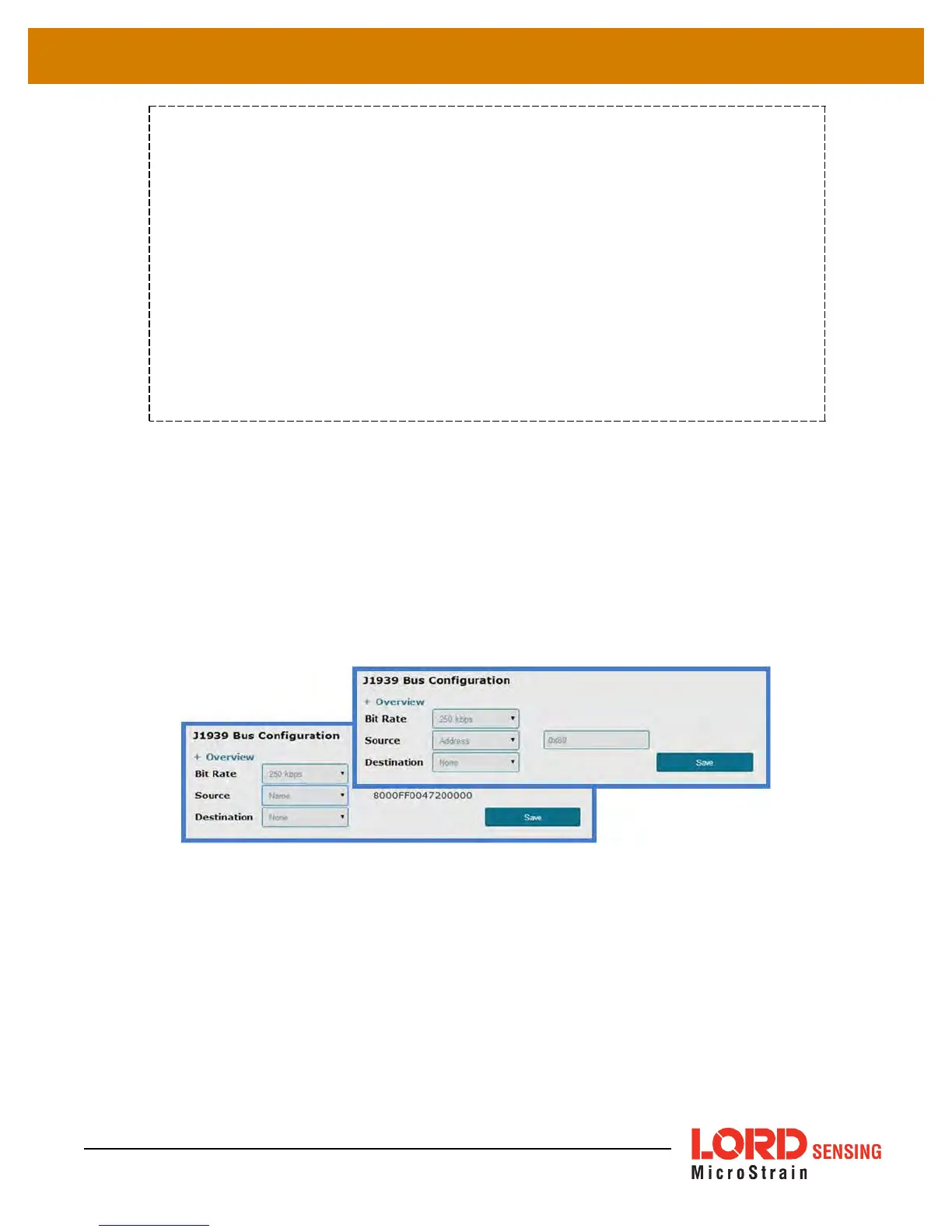
The Source setting refers to where the data is coming from, as in, how the WSDA-2000 will be
recognized and addressed on the CAN bus (
Figure 14 - Data Source Setting
).
l By setting the source to Name, the gateway will acquire an address dynamically by
requesting it in sequential order, within the dynamic address range, until no other device
contests it (
Table 5 - WSDA-2000 J1939 Values
).
l By setting the source to Address, the user can assign a static address within the gateway
address range (
Table 5 - WSDA-2000 J1939 Values
). This address is typed in the field
next to the Source field, in place of the name.
Figure 14 - Data Source Setting
23



 To Next Page