WSDA
®
-2000 User Manual
3.5 Gateway Settings
3.5.1 Access WSDA Control Panel
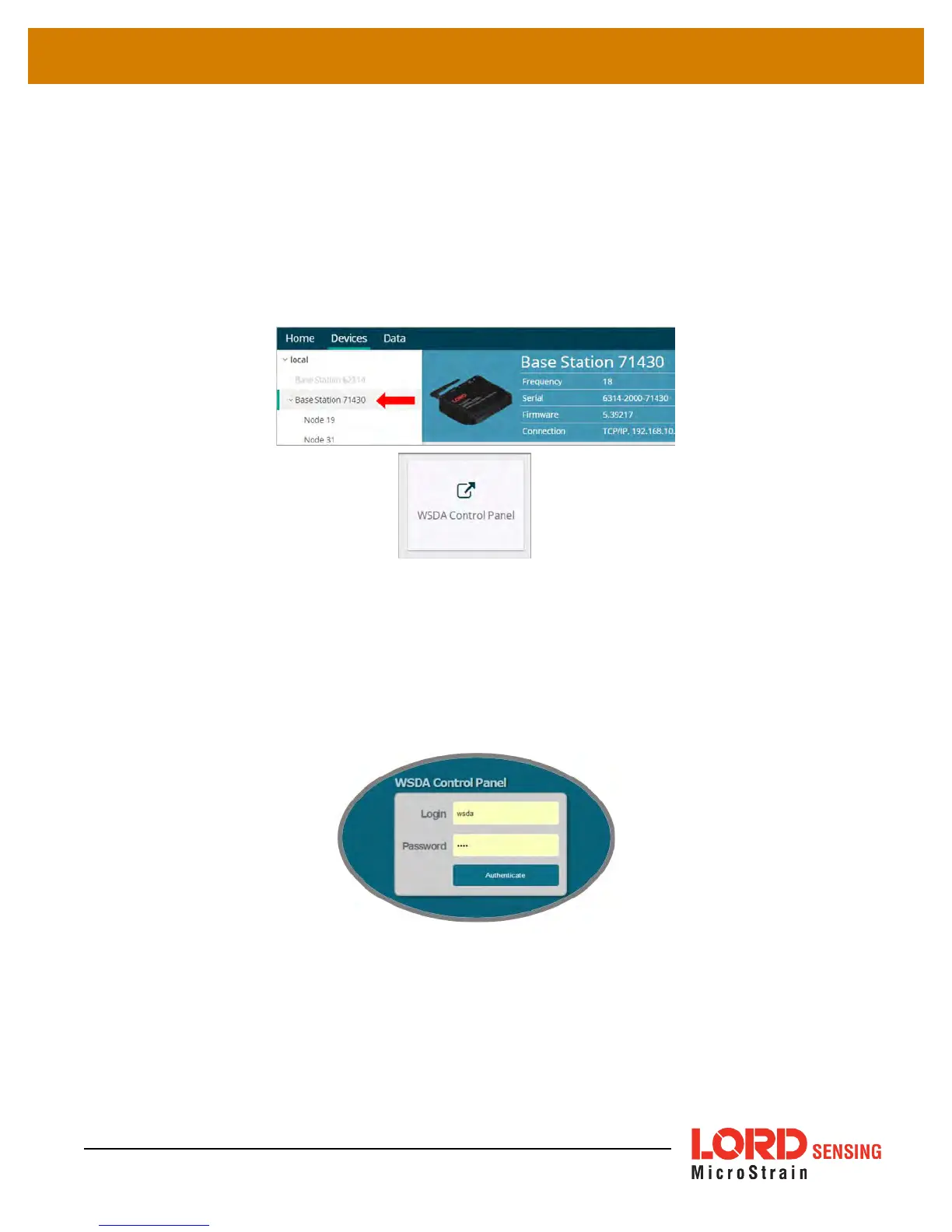
The WSDA Control Panel menu provides access to gateway network settings, time synchronization
options, CAN output configuration, and more. To view the WSDA Control Panel, from the Devices
window, highlight the base station and select the WSDA Control Panel tile.
Figure 7 - Control Panel Access
Log in to the gateway Control Panel with the default credentials:
l Login: wsda
l Password: wsda
A navigation panel on the left shows three menu categories: General, Data, and Tools.
14



 To Next Page