WSDA
®
-2000 User Manual
8.3 Using the Data Downloader
To view data using the Data Downloader, go to:http://www.microstrain.com/wireless/gateways,
select the product > Downloads > WSDA Data Downloader, run the application, and open the
window.
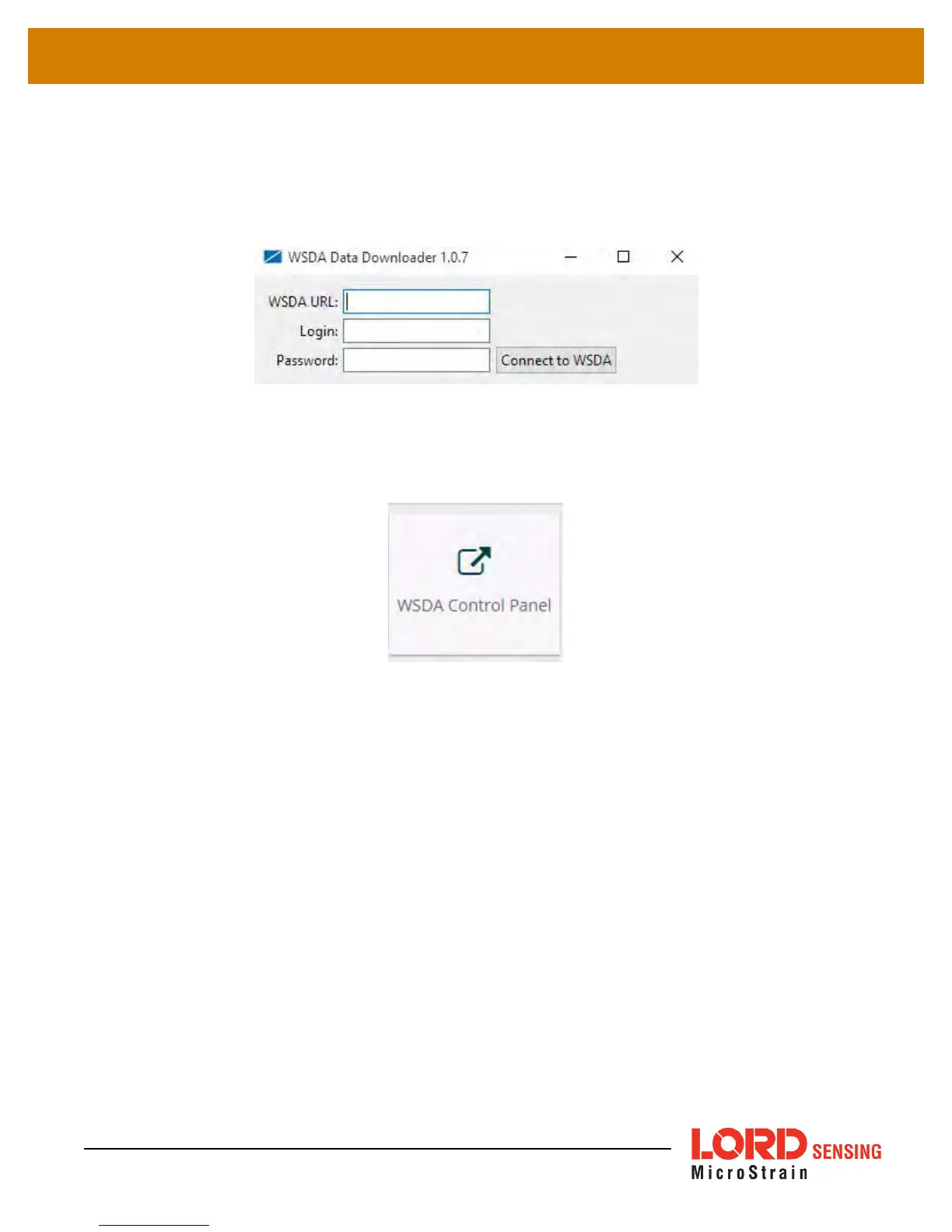
Figure 48 - Data Downloader Log-in Window
To find the WSDA URL, select the WSDAControl Panel tile from the Devices window in
SensorConnect™.
Figure 49 - Access WSDA Control Panel
64



 To Next Page