WSDA
®
-2000 User Manual
4.3.5 OperatingSystem (OS) Upgrade
Periodically, new versions of the WSDA-2000 operating system will be released to add features or
make other updates to the system. On the recommendation of LORD Sensing Technical Support,
gateways can be upgraded to the latest available operating system to take advantage of these new
features or to correct operating issues.Updates may be found on the LORD Sensing website (
see
Technical Support on page 78
).
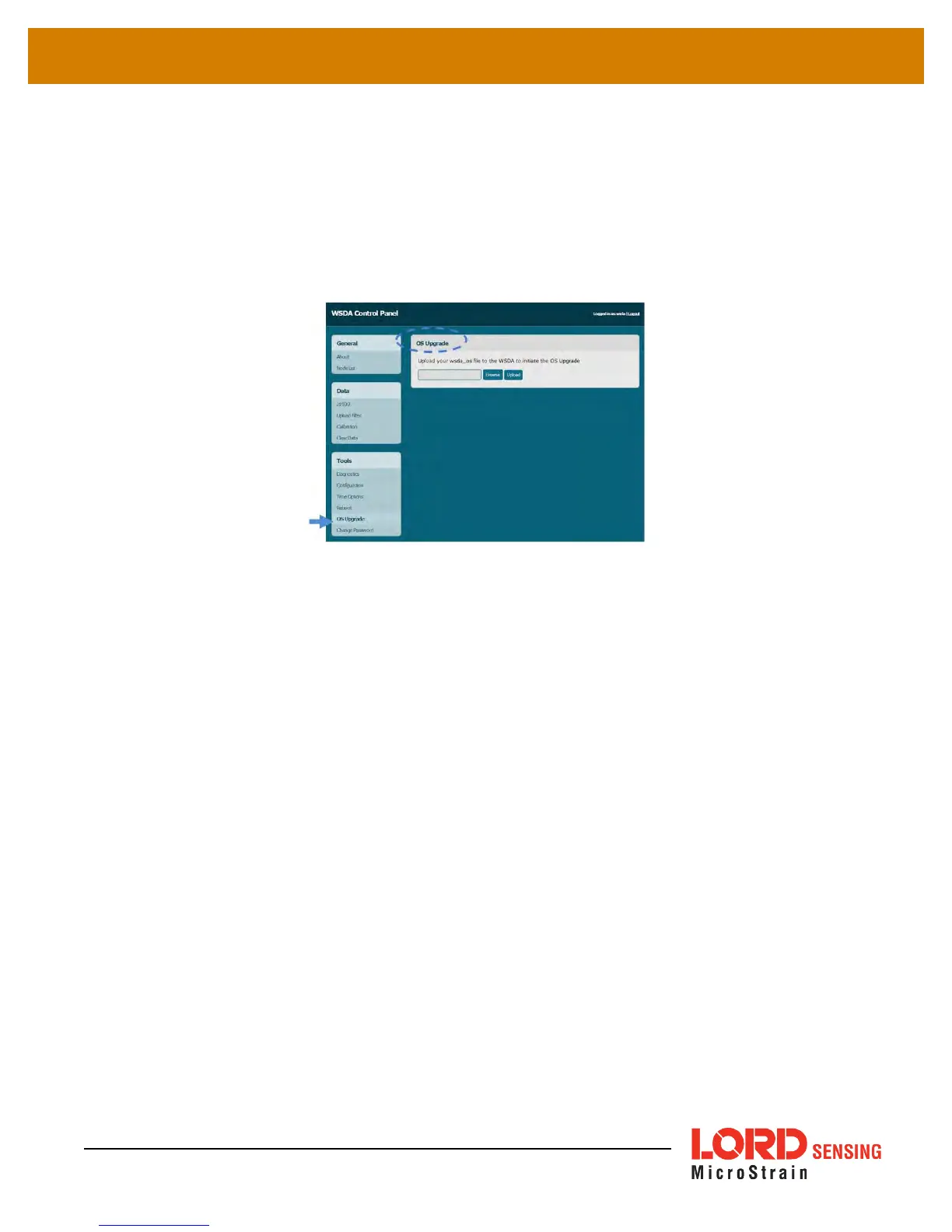
Figure 24 - OS Upgrade Menu
1. Download the upgrade file from the LORD Sensing website or LORD Sensing Technical
Support.
2. As needed, extract the contents of the zip file into a folder on the computer. Verify there is a
file with a .wsda_os extension.
3. Select the OS Upgrade button in the gateway Control Panel.
4. Select the Browse button, and navigate to the folder containing the update file provided
(example: firmware_v2.3.3.wsda_os).
5. Select the Open button, and then Upload. There are two parts to the upgrade: the upload and
the actual upgrade. Once the upload reaches 100%, the status bar will reset and begin the
upgrade process status. The entire upgrade can take fifteen to twenty minutes.
42



 To Next Page