WSDA
®
-2000 User Manual
4.3.4 Reboot
The Reboot option allows the user to restart and reinitialize the gateway without cycling power.
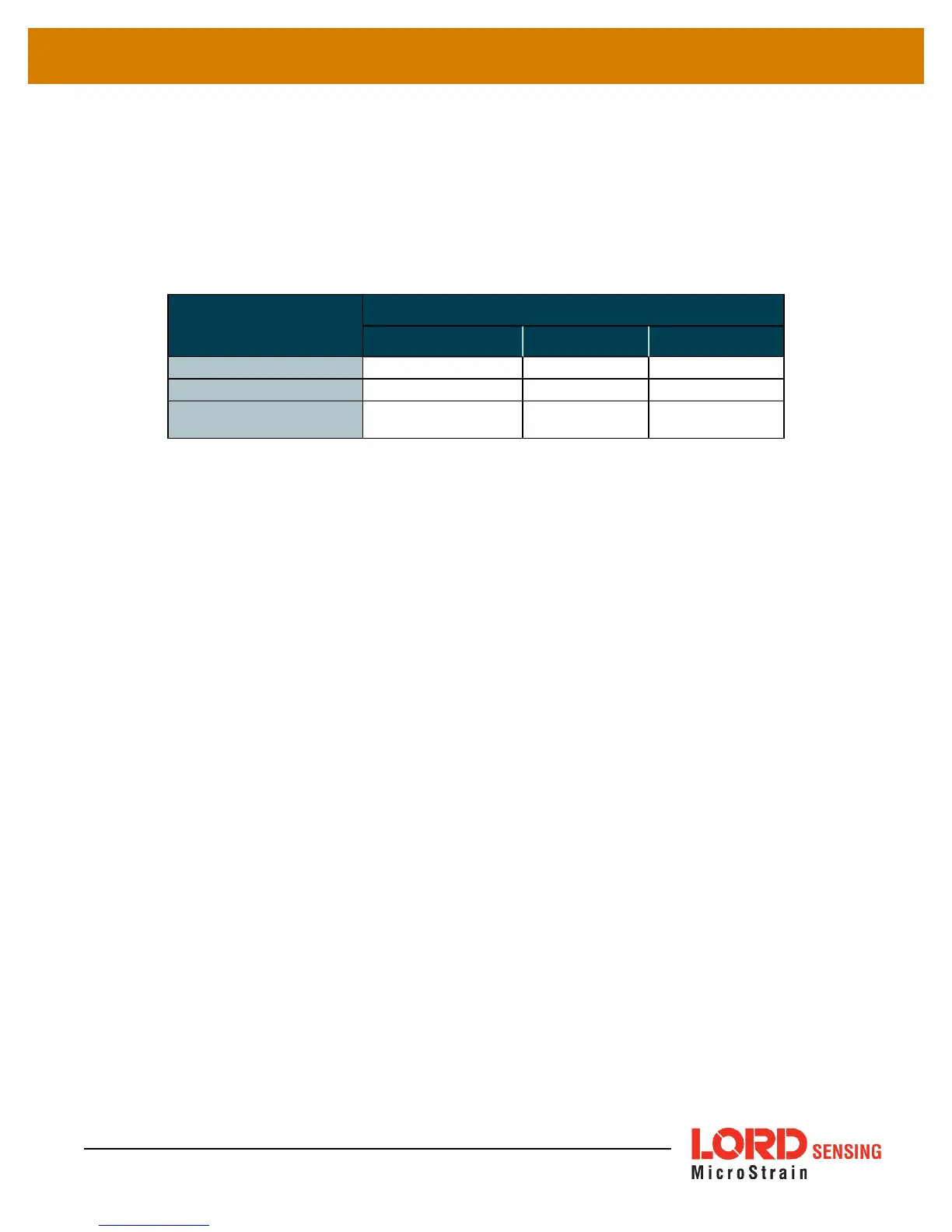
To reboot the WSDA-2000, select the Reboot button. A three stage boot-up sequence will start, as
described in
Table 10 - Reboot Indicators
. The boot-up process will take between two and three
minutes. Once booted, log in into the Control Panel as normal.
Stage
Indicator Behavior
CLOUD WSDA POWER
Initial Power On
ON red ON red ON green
Booting Up
ON red flashing blue ON green
Fully Booted
ON green and/or
flashing blue
ON green ON green
Table 10 - Reboot Indicators
41



 To Next Page