WSDA
®
-2000 User Manual
4.2.3 SensorCloud™ Upload Filter
By default, the WSDA - 2000 uploads all sensor data stored in the gateway memory to
SensorCloud™. The Upload Filter function allows the user to select the data to be uploaded.
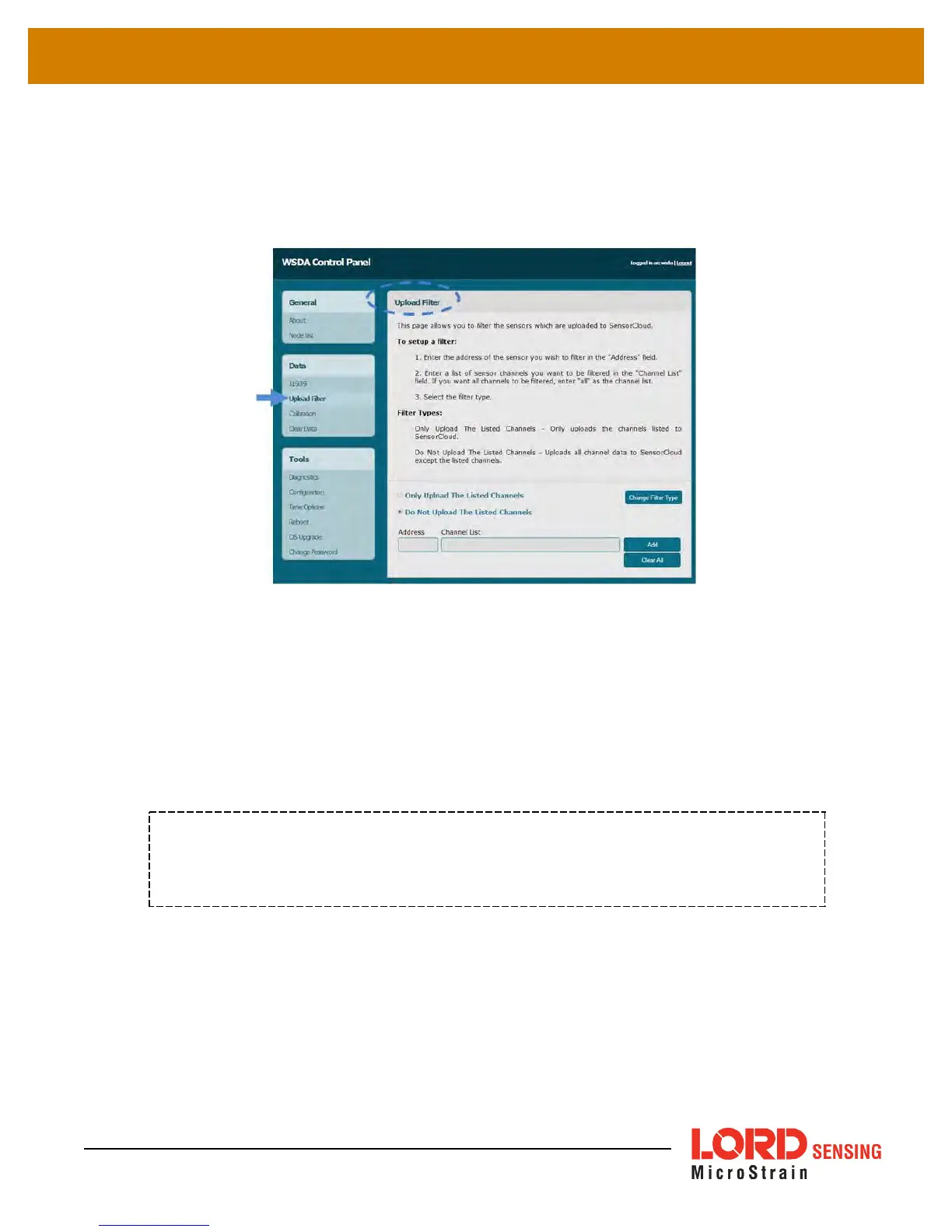
Figure 17 - Data Upload Filter
The Upload Filter menu describes how to set up a filter. Nodes and node channels can be
collectively set to be included (Only Upload the Listed Channels) or excluded (Do Not Upload the
Listed Channels) by using the Change Filter Type button. For address and channel nomenclature
see Data Options Menu on page 21
. The Upload Filter can be set before or after data upload has
been initiated. If data has already been received from the node, refer to the Node List to verify which
node and channel data has been saved. Use the Clear All button to delete all node filters.
NOTE
The Change Filter Type function affects all nodes in the filter list. When applied, it sets
all nodes in the list and cannot be used for individual nodes.
31



 To Next Page