WSDA
®
-2000 User Manual
5. Remote Connectivity
Some SensorCloud™ data plans allow remote access to the WSDA-2000 through the SensorCloud™ web
interface. This allows access to the gateway Control Panel (including data downloading) and to Live
Connect and SensorConnect for remote configuration of gateways and nodes. Data downloading from
the gateway memory is also available in this way. Access is obtained through a secure web interface,
although local installations of Live Connect and SensorConnect are required on the host computer to
access the nodes.
To begin, log in to SensorCloud™ (
see Data Access on page 1
).
Access the Control Panel Remotely
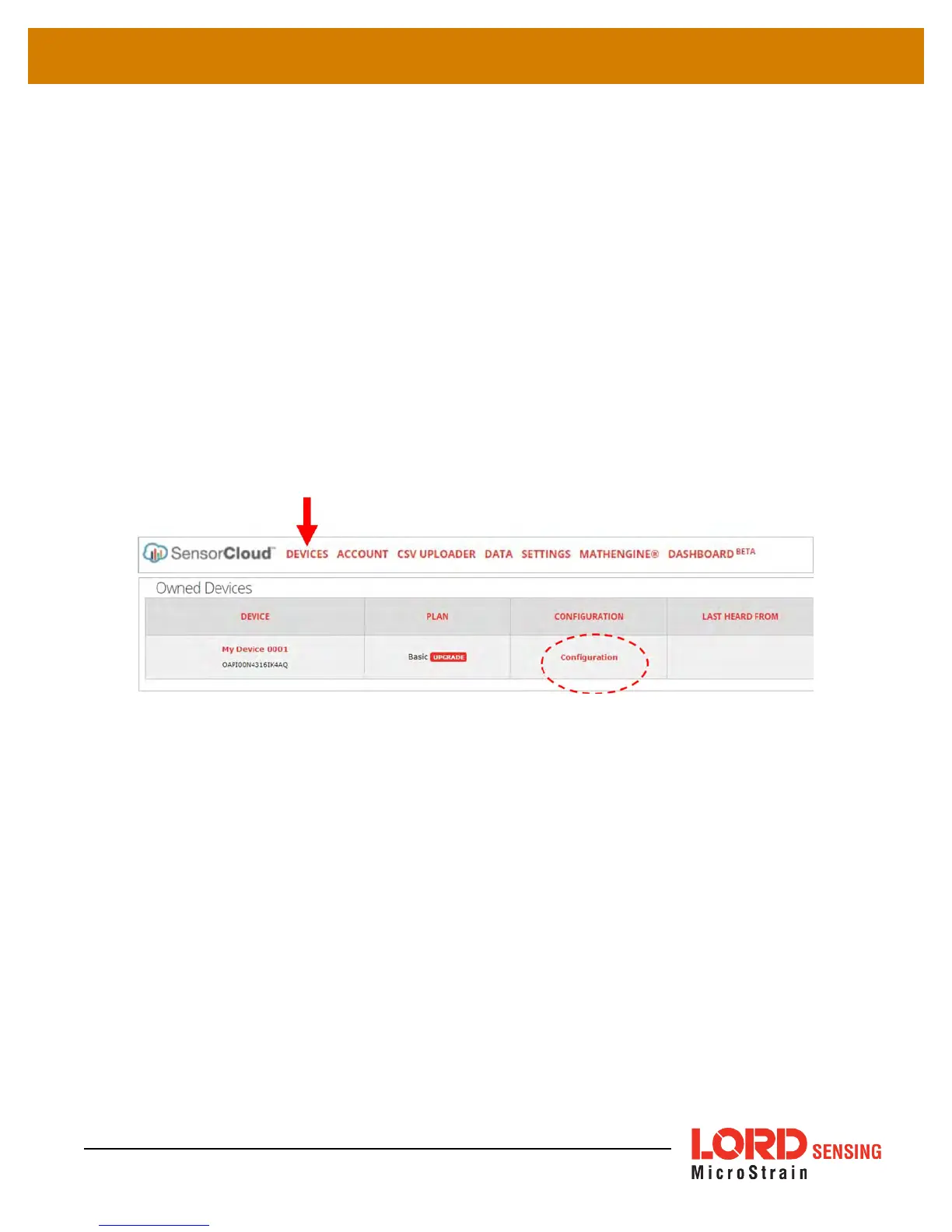
1. While in SensorCloud™ open the Devices menu, and select the device Configuration link
(
Figure 26 - Gateway Configuration
).
Figure 26 - Gateway Configuration
2. Select the Control Panel button (
5. Remote Connectivity
). If it is not present, the
SensorCloud™ account does not include the feature and must be upgraded.
3. Log in to the Control Panel when prompted. All Control Panel features are now available
(
see Gateway Menu Navigation on page 18
).
44



 To Next Page