WSDA
®
-2000 User Manual
8. Viewing Data
8.1 SensorCloud
Data acquired through SensorConnect is automatically saved on the host computer. Saved data can
be uploaded to SensorCloud. Ethernet gateways provide the option to automatically port the data to
SensorCloud during data acquisition for near real-time display and aggregation. Ethernet gateways
can also be configured to save data locally to internal memory for future upload to the host computer or
SensorCloud. Basic SensorCloud services are available to all users free of charge at:
http://www.sensorcloud.com/.
SensorCloud is based on cloud computing technology and is designed for long term collecting and
preservation of data. Features include time series and visualization graphing, automated alerts, and
data interpretation tools such as data filtering, statistical analysis, and advanced algorithm
development with the integrated MathEngine
®
interface. Leveraging the open source API,
SensorCloud can also be used to collect data from other LORD Sensing sensor products or third-party
systems. Basic SensorCloud services are available to all users free of charge at:
http://www.sensorcloud.com/.
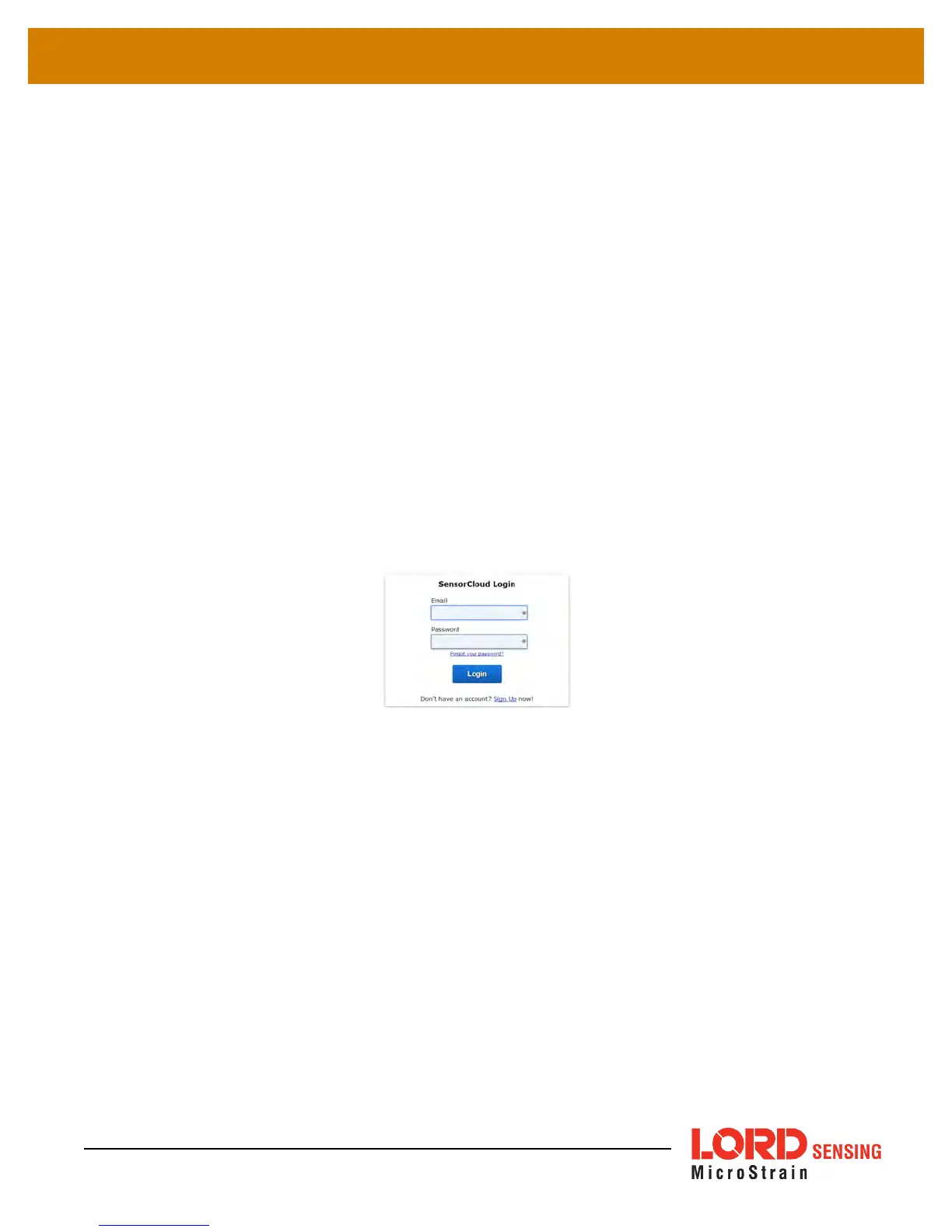
Figure 39 - SensorCloud Log-in or Register
8.1.1 Navigating Menus
The SensorCloud interface has six main views. When logging in as a registered user, the Device
view is the default. Navigate to other views by clicking the view name at the top of the page (
Figure
40 - SensorCloud Menu Views
). The Data and Settings views are only available once a device is
selected from the device list.
58



 To Next Page