Operation
38 MultiPress S Operating manual 3.0 Rev: 3.6.2009
Information on the display during a press process can be found in
Chapter 6.5‚ "Starting the program", on page 43.
6.2.2 Selection keys
Use the selection keys to select and confirm menu items.
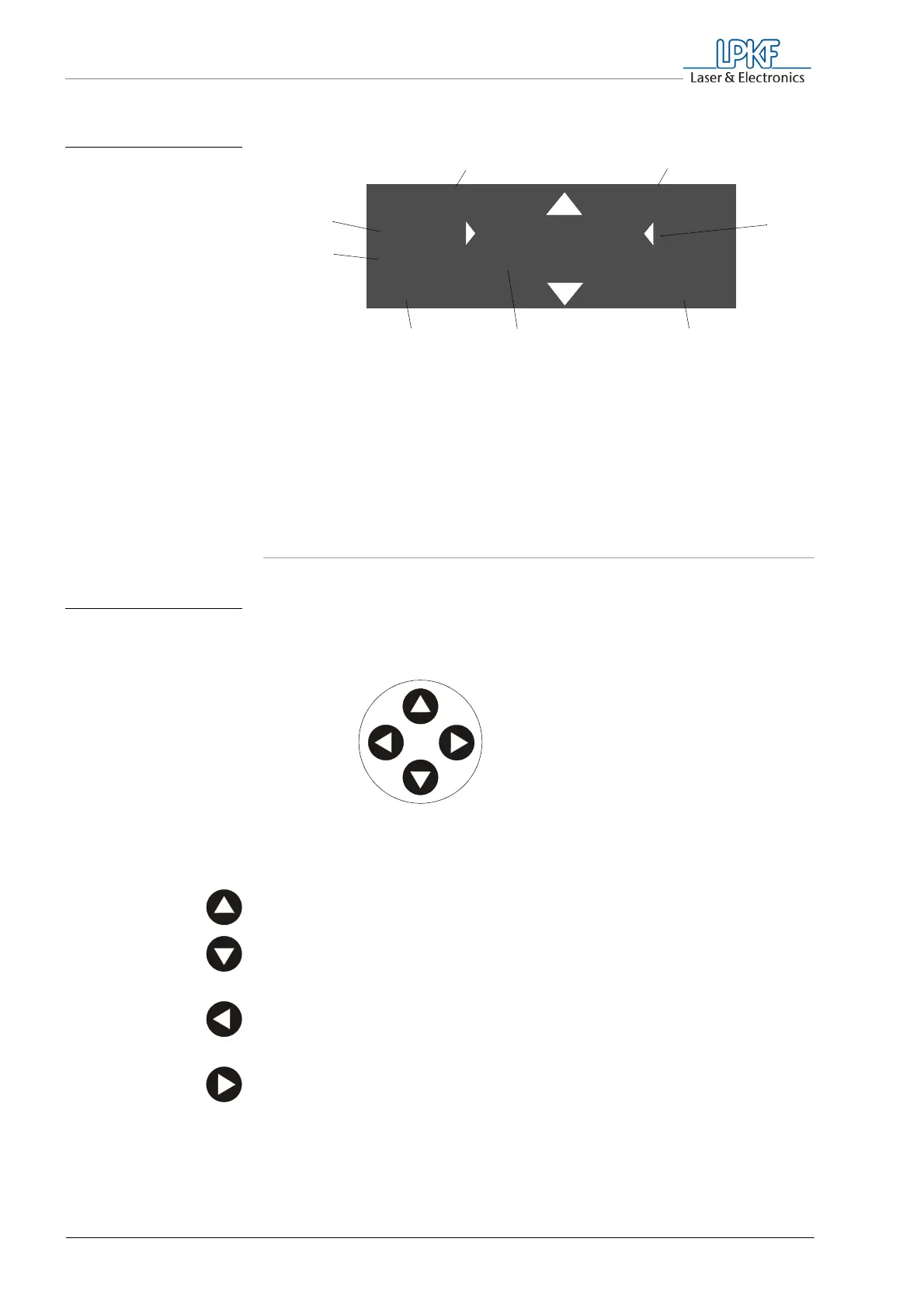
› Press the Up selection key, to move the selection one step upwards.
› Press the Down selection key, to move the selection one step
downwards.
› Press the ESC key, to return to the previous selection or to cancel a
program.
› Press the ENT key, to confirm the menu selection.
Fig. 13: Display boxes in
the machine ready
state
1 Menu box
2 Profile box
3 Selection box
4 Current temperature lower
press jaw
5 Selection list
6 Current temperature upper press jaw
7 Error description (only when error
occurs)
8 Error code (only when error occurs)
me n u e L PK F s e t
S e t u p
s t a r t ENT
2 0 ° C 2 0 ° C
12
3
456
(7)
(8)
Fig. 14: Function of the
selection keys
ESC
Down
ENT
Up
Selection key
Selection key



 To Next Page