Operation
42 MultiPress S Operating manual 3.0 Rev: 3.6.2009
6.4.2 Editing the press profile
Only the Profile 1 - Profile 6 press profiles can be edited. LPKF Set is
designed especially for the production of multilayers comprising four to
eight layers using LPKF base materials in the standard format and cannot
be changed.
The values of a press profile are changed as follows:
› Make sure that the desired profile is displayed in the profile box.
› In the Profile menu, select the entry change.
› Press the ENT key.
"change" appears in the menu box.
› Select the desired entry and press the ENT key.
For the explanation of the entries, please refer to Table 3 on page 43.
The current value is shown in the selection box.
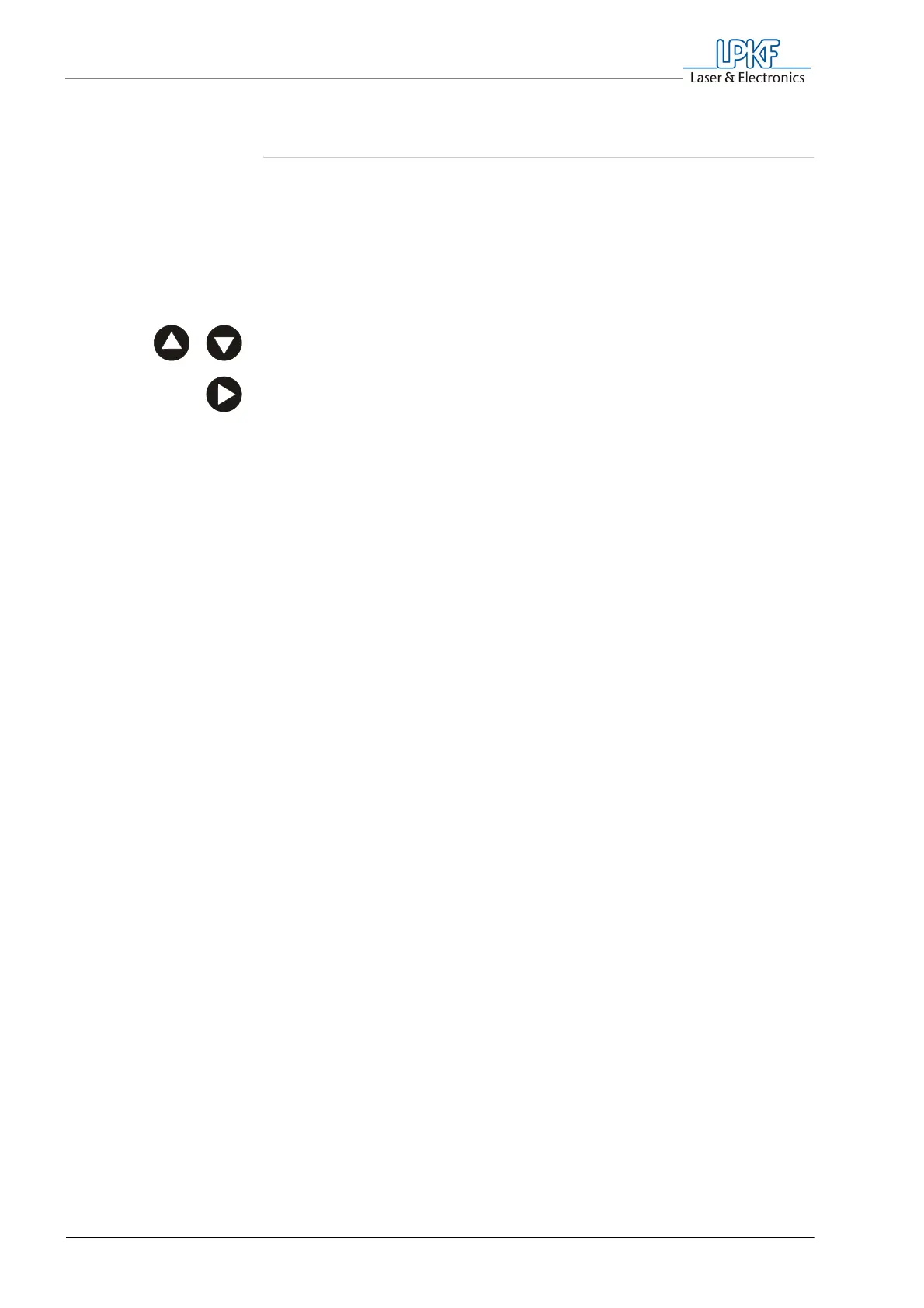
› Use the selection key, to change a digit.
› Press the ENT key, to confirm the menu selection and to switch to
the next digit.
After confirming the last digit, you are back in the Change menu.
Note: If the entered value is outside the in-factory limit, the message
"input correction" will appear, after the last digit has been confirmed,
and the allowed maximum or minimum value will be set. The
correction message will go out after 20 seconds.



 To Next Page