Operation
46 MultiPress S Operating manual 3.0 Rev: 3.6.2009
› Press the ENT key.
The press process is started with the prepressing stage. Note that
when using the MultiPress S with hand pump, the additional
operating steps for pressure build-up described below have to be
carried out.
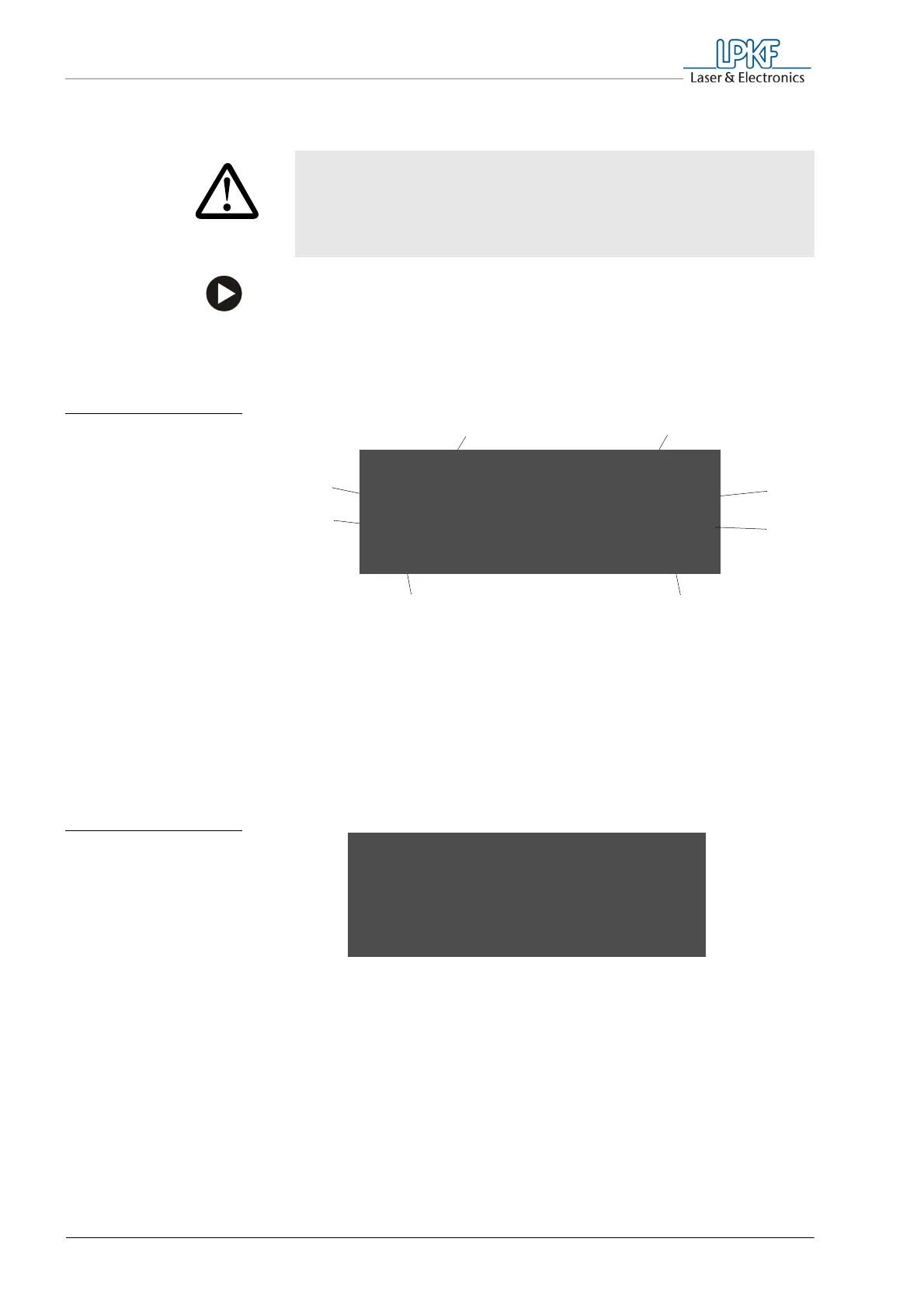
The display box shows the following values:
After the main pressing stage is complete, the cooling stage is started
automatically, and the fan is switched on. The display reports
"cool down" and shows the current temperatures at the upper and
lower press jaws.
CAUTION
Material damage!
If the press process is interrupted, this may result in air
inclusions and material distortion in the multilayer.
Interrupt the press process only in case of emergency.
Fig. 18: Display during the
pressing stages
(with automatic
hydraulic pump)
1 Pressing stage
2 Press profile used
3 Material width
4 Material height
5 Remaining time for this
stage in hours:min
6 Pressing time
7 Pressing force in N/cm² (with automatic
hydraulic pump)
or:
Target pressure in bar (with hand pump)
8 Target/actual temperature in °C
12
3
4
56
(7)
(8)
p r e p r e s s LPKF S e t
2 5 0 / 2 0 ° C 3 0 5mm
8 0 N / cm2 2 2 9mm
6 0mi n t i me = 0 0 : 5 9
Fig. 19: Display during the
cooling stage (with
automatic hydraulic
pump)
c o o l d own
8 0 N / cm2
u t emp e r a t u r e 1 7 5 ° C
l t emp e r a t u r e 1 7 5 ° C



 To Next Page