LPKF Laser & Electronics AG | V. 1.0
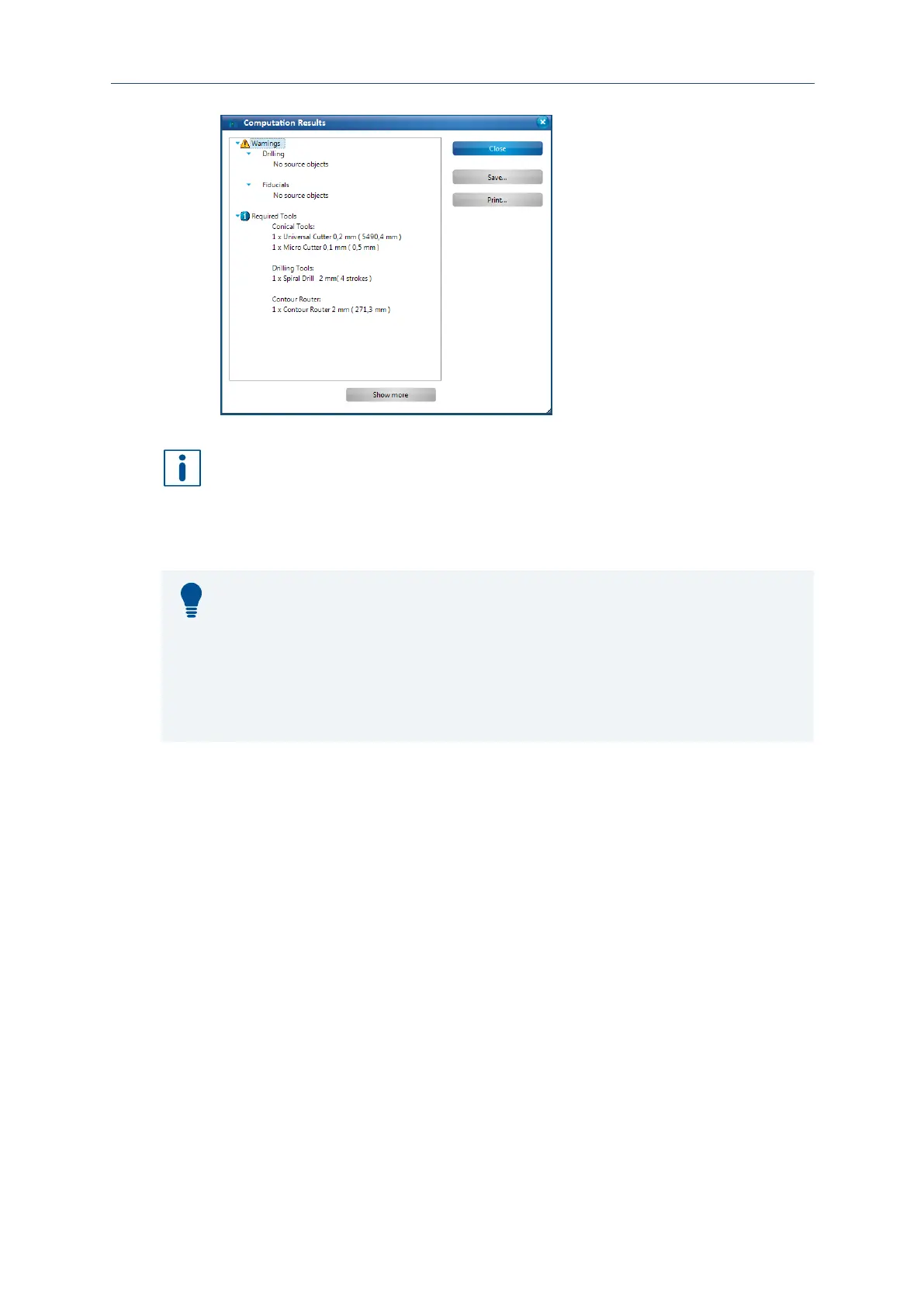
Fig. 31: Computation results
The warning message indicates that source data are missing for some
computation functions. This is not an error but a notice for the user.
Advanced information
The computation results of CircuitPro PM recommend which tools should be used for
processing the generated toolpaths. If a tool is not available, you can assign another
tool to the generated toolpath afterwards in the pane Toolpath.
Please note that using tools with different diameters can cause results that differ from
the computed data.
You can also deactivate tools that are not available in the Technology dialog using
Show details so that these are not used for toolpath generation.
6. Click on [Close].
The dialog with the computation results is closed.
The toolpaths have been generated.
Rubout areas enable to produce an especially precise insulation in defined areas. The
residual copper is partially or completely removed depending on the insulation
method.
A rubout area is created on the Top layer of the current layout around the pads of the
IC.



 To Next Page