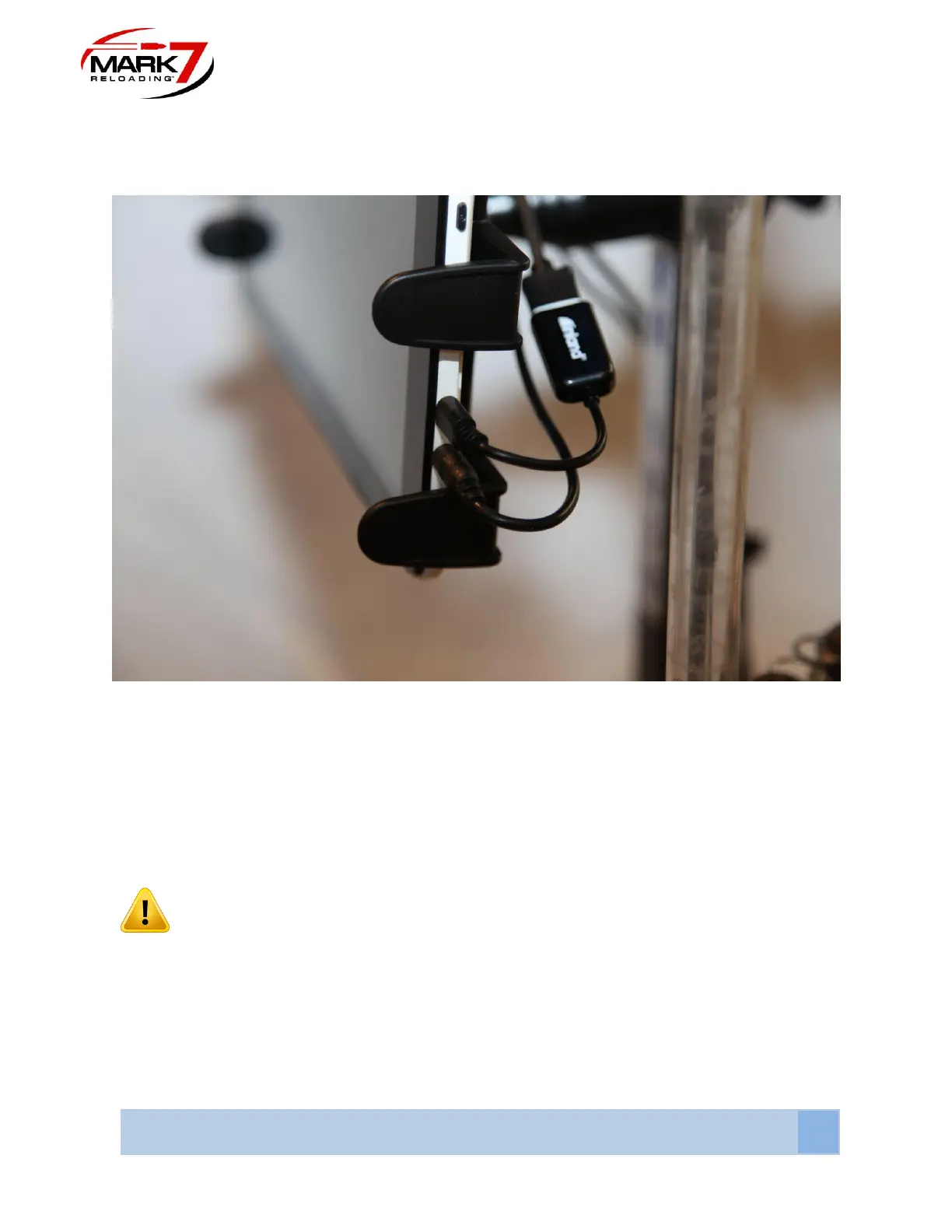
Once tablet holder is positioned, carefully pull tablet holder laterally to expand enough to
accommodate tablet as shown above. Be mindful that the arms do not cover the power or the
micro-USB inputs on the tablet.
Figure 22: Tablet Connections
Once the tablet is mounted, plug the power cable coming from the console into the tablet’s
power jack located directly below the Micro-USB. Insert Micro-USB into the input located directly
above the power jack. The Micro-USB cable is a 2-part assembly, the short adapter with the
tablet label plugs into the tablet. The long portion of the cable plugs into the console;
see section 11 or port location. The USB CONNECTION WILL ONLY WORK PLUGGED IN
THIS ORIENTATION. The Power button is located on the upper right side of the tablet.
WARNING – Ensure that the cables are coming from the tablet to the right of the unit.
They should be zip tied or otherwise gathered so that they do not interfere with the
operator’s vision of the unit and are completely out of the way of the operation of the
unit. Do not zip tie the tablet cables to Dillon case feeder or Mr. Bulletfeeder power
cords.



 To Next Page